
Apple
10 iOS 9.0.1 Upgrade Tips
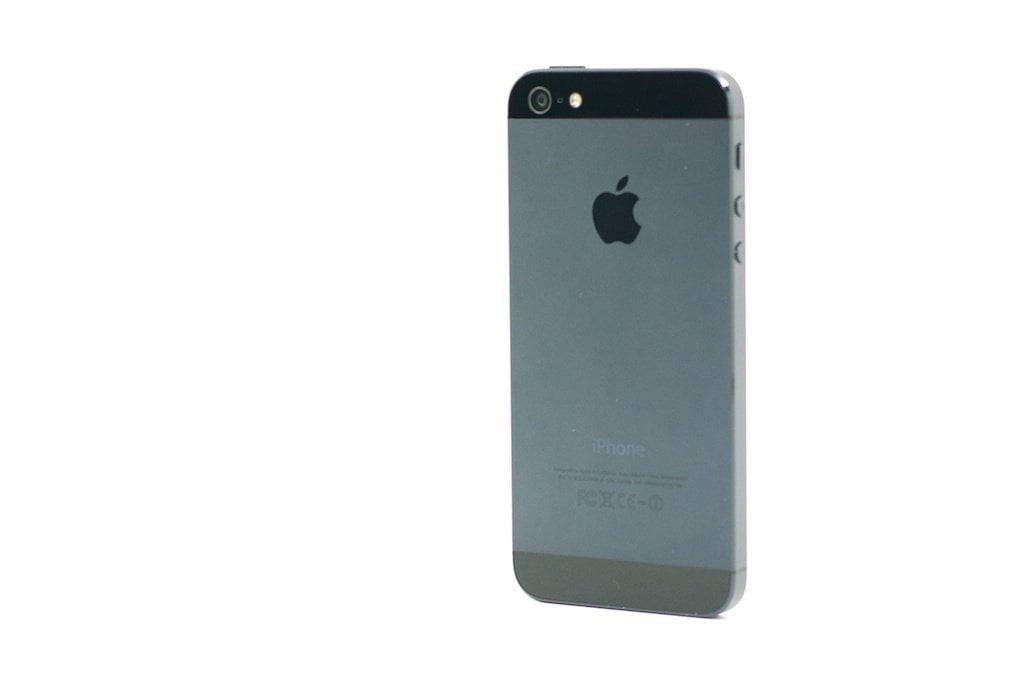
Apple’s first update for the iOS 9 update is here and iOS 9.0.1 brings bug fixes to owners of the iPhone, iPad, and iPod touch. With today’s iOS 9.0.1 release date in mind, we want to offer some upgrade tips that will help those of you making the transition to the most current version of iOS.
A week ago, Apple released its iOS 9.0 system update for iPhone, iPad and iPod touch. The iOS 9 update replaces the iOS 8 update and it brings tons of new features, enhancements and more to owners of Apple’s mobile devices.
Earlier this month, Apple also confirmed the next big iOS 9 release, an update that’s called iOS 9.1. Today, Apple released a new iOS 9 update though it’s not iOS 9.1 and its new emojis. No, it’s a small iOS 9.0.1 bug fix update for all devices capable of running iOS 9.
iOS 9.0.1 arrived on the scene today without warning. iOS updates that aren’t major upgrades tend to feature surprise release dates so today’s surprise iOS 9.0.1 release didn’t come as a surprise to us or those who are familiar with Apple’s patterns.
The iOS 9.0.1 update is small but important. It comes with several key bug fixes for iOS 9 problems including an issue that prevented some alarms from going off when scheduled. Here are the key components:
- Fixes an issue where sometimes alarms and timers could fail to play.
- Fixes an issue in Safari and Photos where pausing a video could cause the paused frame to appear distorted.
- Fixes an issue where some users with a custom APN setup via profile could lose cellular data.
With an iOS 9.0.1 release date here, we’ve been doing our best to prepare iPhone, iPad and iPod touch users for their install. Right now is a great time to prepare yourself, and your device, for the iOS 9.0.1 update.
If you’re thinking about installing the new update and its fixes, keep these iOS 9.0.1 release date tips in mind.
[slides]
