
Editorials
11 Things to Know About the Fallout 4 Vault-Tec Workshop DLC
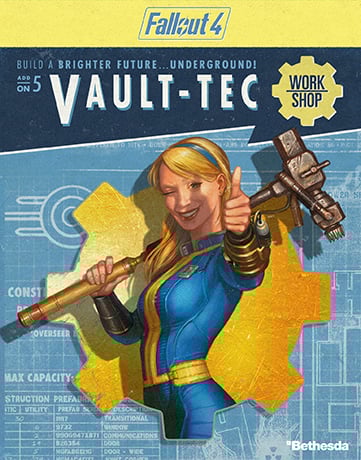
We continue our look at Bethesda’s Fallout 4 DLC with a look at the Fallout 4 Vault-Tec Workshop DLC for PS4, Xbox One and PC.
Bethesda was extremely busy at E3 2016. While Fallout 4 wasn’t the focus of the event this year, the company still managed to make some key announcements.
On stage, the company confirmed new Fallout 4 DLC for PlayStation 4, Xbox One and PS4. Three new add-ons are confirmed for 2016. The first, Contraptions Workshop, arrived on June 21st for all three platforms.
The fifth Fallout 4 DLC release, second of the final batch, is a brand new Workshop DLC. Vault-Tec Workshop is an extremely interesting expansion, particularly if you like Fallout’s vaults.

Now that the Vault-Tec Workshop release date has come and gone, we want to fill you in on the the most important things you should know about Bethesda’s fifth piece of Fallout 4 DLC.
This roundup includes details about Vault-Tec Workshop deals, ongoing Vault-Tec problems, details about the DLC’s requirements, and a whole lot more.
Here’s what Vault-Tec Workshop owners and prospective buyers need to know about the Vault-Tec Workshop DLC right now.
We will continue to update this with new details as they become available so check back for regular updates.
[slides]
