
Gaming
November Black Ops 3 Update: 15 Fixes, How to Update +More
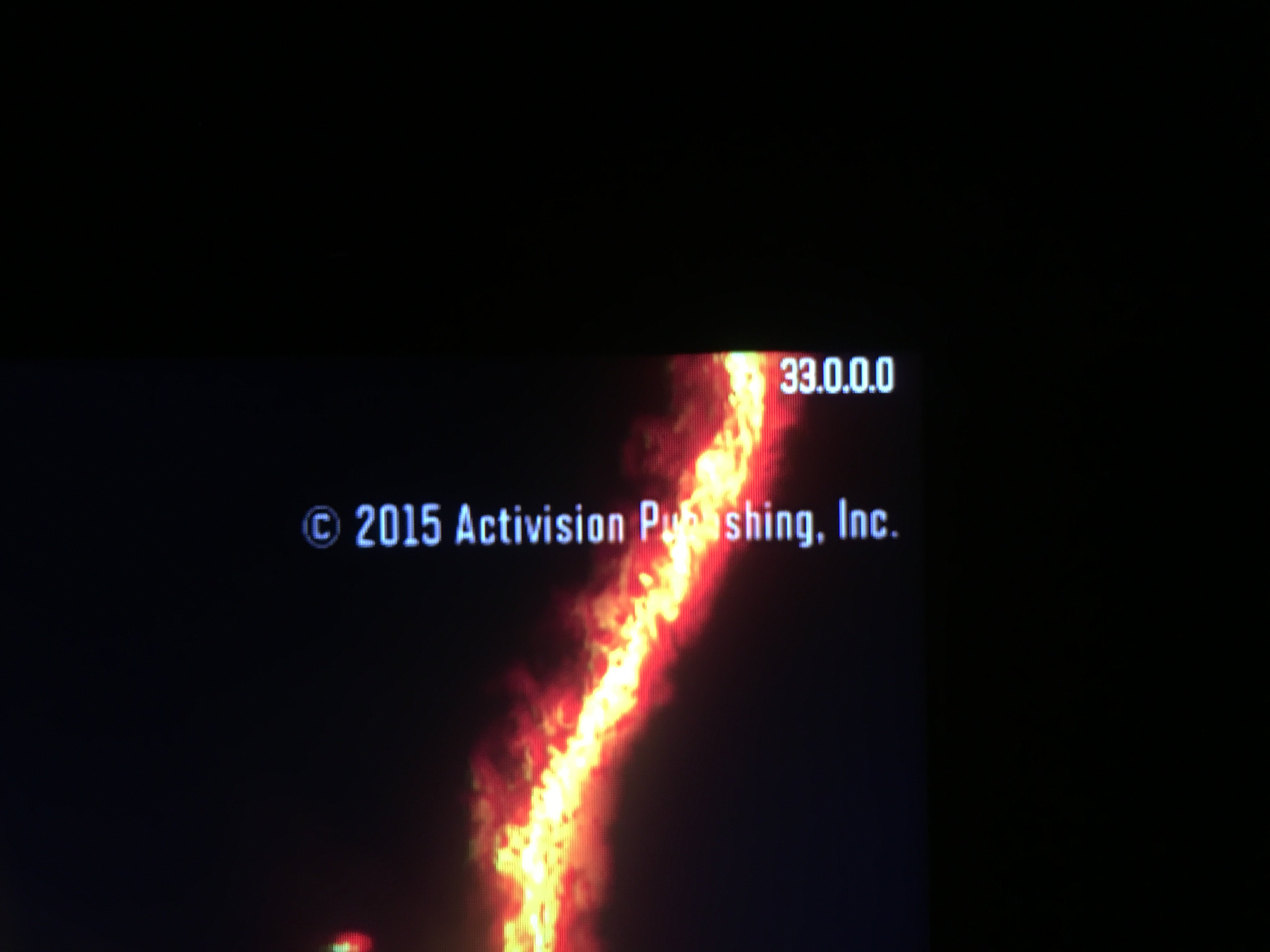
The first set of November Black Ops 3 updates are rolling out to PC, PS4 and Xbox One.
Activision and Treyarch are quickly rolling out Call of Duty: Black Ops 3 updates and patches for the game to deliver a better experience to users.
The Call of Duty: Black Ops 3 release date isn’t even a week old, but now that the game is in the hands of millions of gamers there are small balancing changes and fixes that are arriving on the major platforms.
Update: The first official Call of Duty: Black Ops 3 update is now available. It is Black Ops 1.03 and it is 896MB on the Xbox One. We are looking for patch notes. This arrives just in time for the Black Ops 3 Double XP weekend.

The November Call of Duty: Black Ops 3 update is live on Xbox One, PS4 and PC.
So far the November Call of Duty: Black Ops 3 updates are focused on multiplayer and they are not a typical game patch like you normally download from Xbox Live, PSN or Steam.
Here’s what you need to know about the November Black Ops 3 patches.
Fast Black Ops 3 Updates

There are several Call of Duty: Black Ops 3 updates available.
We’ve seen three Call of Duty: Black Ops 3 updates in the last 24 hours as Activision and Treyarch work to fix bugs and some of the Call of Duty: Black Ops 3 problems that gamers are experiencing.
David Vonderhaar, Studio Design Director at Treyarch explains this process on Twitter, and recently on a live stream. Vonderhaar explains that these hot fixes are not the same as patches or full Call of Duty: Black Ops 3 updates.
https://twitter.com/DavidVonderhaar/status/664481945443692544
As for exactly what the Call of Duty: Black Ops 3 hotfixes patch, Vonderhaar explains that there will be more details when a full Call of Duty: Black Ops 3 update arrives, telling a user, “I talked about this on #TheRace. When we actually release a patch, we will lay it out more concisely.”
15 Fixes for Call of Duty: Black Ops 3
Even though Trenot full November Call of Duty: Black Ops 3 update notes that explain everything these updates fix, we know some of the things that Treyarch fixed with the recent Call of Duty: Black Ops 3 hotfixes.

There are many fixes in the Call of Duty: Black Ops 3 updates.
The most recent Call of Duty: Black Ops 3 33.14.16 hotfix includes playlists updates for Arena and a change that will help combat teamkilling.
Earlier today the Call of Duty: Black Ops 3 33.13.16 update arrived to fix challenges not registering, map exploits and a weapon prestige bug. There are also fixes for Zombies Multiplayer lobbies and friendly EMP damage as well as other un-named bugs.
As Charlie Intel outlines, the earlier update on November 10th fixed a number of Call of Duty: Black Ops 3 problems and bugs including;
- Spawn changes in FFA and Gun Game
- Arena mode:
- Banned items that should be restricted will still be restricted, but attachments are not working. Needs a patch for that.
- Anti-Up issue has been fixed
- Issues with some challenges have been fixed
- Bad ADS views with kill counter and/or clan tags put on weapon have been fixed
- Increased the amount of score you get in Search & Destroy. Match bonus was only being displayed, but you were actually getting full amount. Full number should be showed now.
- XP earned per kill in Search and Destroy has increased from 250 to 500.
- Zombies: fixed issue where solo games were joinable
There may be some other fixes tucked into here and by the time you read this there might be another update.
How to Install Black Ops 3 Updates
These are not Call of Duty: Black Ops 3 updates that come through the PSN, Xbox Live or Steam download channel like a major patch would. This is more like a roster update and tuning update from Madden.
When you start playing Call of Duty: Black Ops 3 you should see an update as soon as you turn on the game. On the main menu, don’t start the game immediately. Instead wait a few seconds and then press a button to start. This should allow the game to find the update.

Here’s how you can install the Call of Duty: Black Ops 3 hotfixes.
If you leave Call of Duty: Black Ops 3 running on your console, you may experience a problem trying to play multiplayer matches on an older version. Last night while attempting to play with an older version I kept seeing 50 matches and 0 matches while looking for a game.
For users who run into this, issue, the best thing to try is closing the game and restarting it.
[slides postid=323439]
