
Apple
8 iPhone Privacy Settings You Need to Change
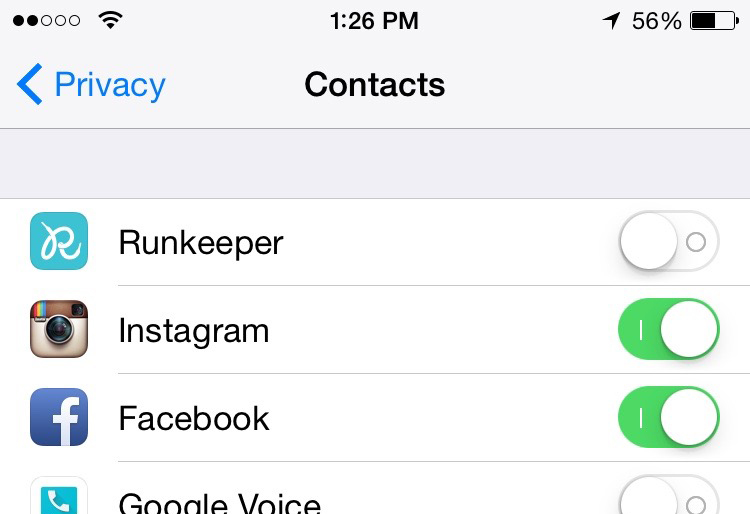
Privacy is a big concern for a lot of iPhone users. Here are eight iPhone privacy settings you need to change right now.
If you asked someone if they wanted to be tracked and have their activity monitored at all times, they will probably give you a stern “no,” yet these users are probably being tracked and monitored anyway, not necessarily without their consent, but they most likely haven’t gone into their iPhone privacy settings to change things around.
By default, many privacy settings are activated and users must opt-out in order to disable these settings.
There are a handful of “features” on the iPhone like geo-located photos (where your location is attached to photos that you snap with your iPhone), and even ad tracking, which just sounds really intrusive. Of course, Apple respects your privacy, but the same can’t be said with all sorts of apps that you install.
Even though it sounds like Apple has your best interest in mind, it’s always better to be safe than sorry, which is why there are a handful of iPhone privacy settings that you should look over and change so that your privacy is safe.
Here are eight iPhone privacy settings that you should consider changing right now.
[slides]
