
Apple
10 Things to Know About the iPhone 6s iOS 9.3.5 Update
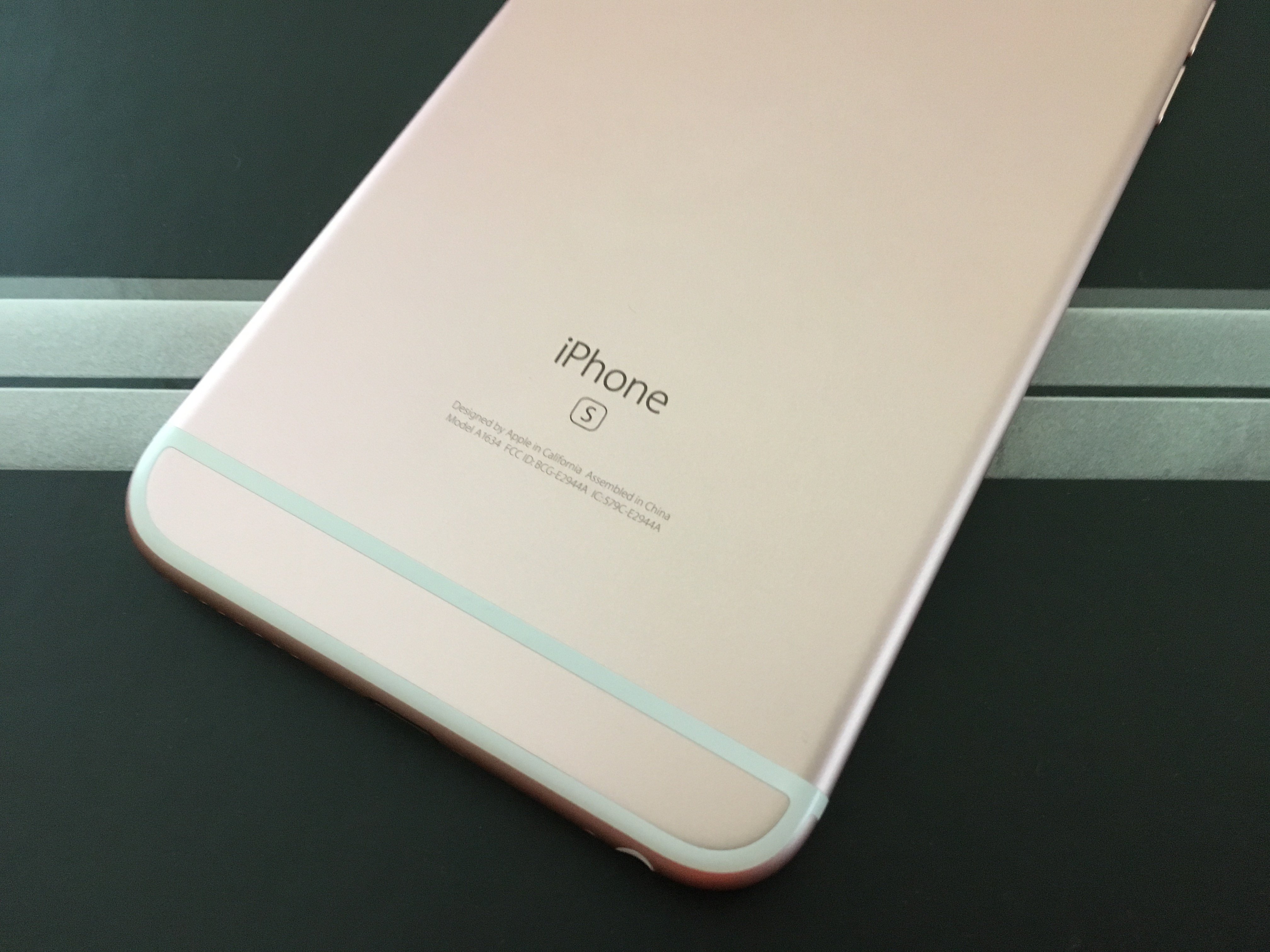
The iPhone 6s iOS 9.3.5 update is still the the most up-to-date version for Apple’s flagship and today we want to take a look at the most important things iPhone 6s owners need to know about it as we push into September.
In response to a glaring iOS 9.3 problem, Apple released an incremental iOS 9.3.1 update for the iPhone 6s and its stable of iOS 9 powered devices.
In May, just a few weeks after iOS 9.3.1 arrived, Apple replaced it with a new iOS 9.3.2 update for iPhone, iPad and iPod touch models. A few weeks later, it pulled an iOS 9.3.3 update out of beta and released it to users around the world.
Apple soon replaced iOS 9.3.3 with an iOS 9.3.4 update that brought a single security patch to the iPhone 6s. And now, just weeks after the iOS 9.3.4 release, Apple’s replaced its iPhone 6s iOS 9.3.4 with an iPhone 6s iOS 9.3.5 update.

If you already upgraded to iOS 9.3.4, iOS 9.3.5 is small and includes patches for serious exploits. If you’re coming from iOS 9.3.3 or older, the iPhone 6s iOS 9.3.5 update will be a much larger download thanks to bug fixes, patches and features.
With the smoke around the iOS 9.3.5 release finally settled, we want to take a look at the important things to know right now about the iPhone 6s iOS 9.3.5 update.
This roundup includes quick impressions of iOS 9.3.5 on iPhone 6s, a look at the current state of iOS 9.3.5 problems, the iOS 9.3.3 jailbreak, and some tips that will help you get the most out of your update should you choose to install it today.
[slides]
