
Apple
10 Things to Know About the OS X El Capitan Update
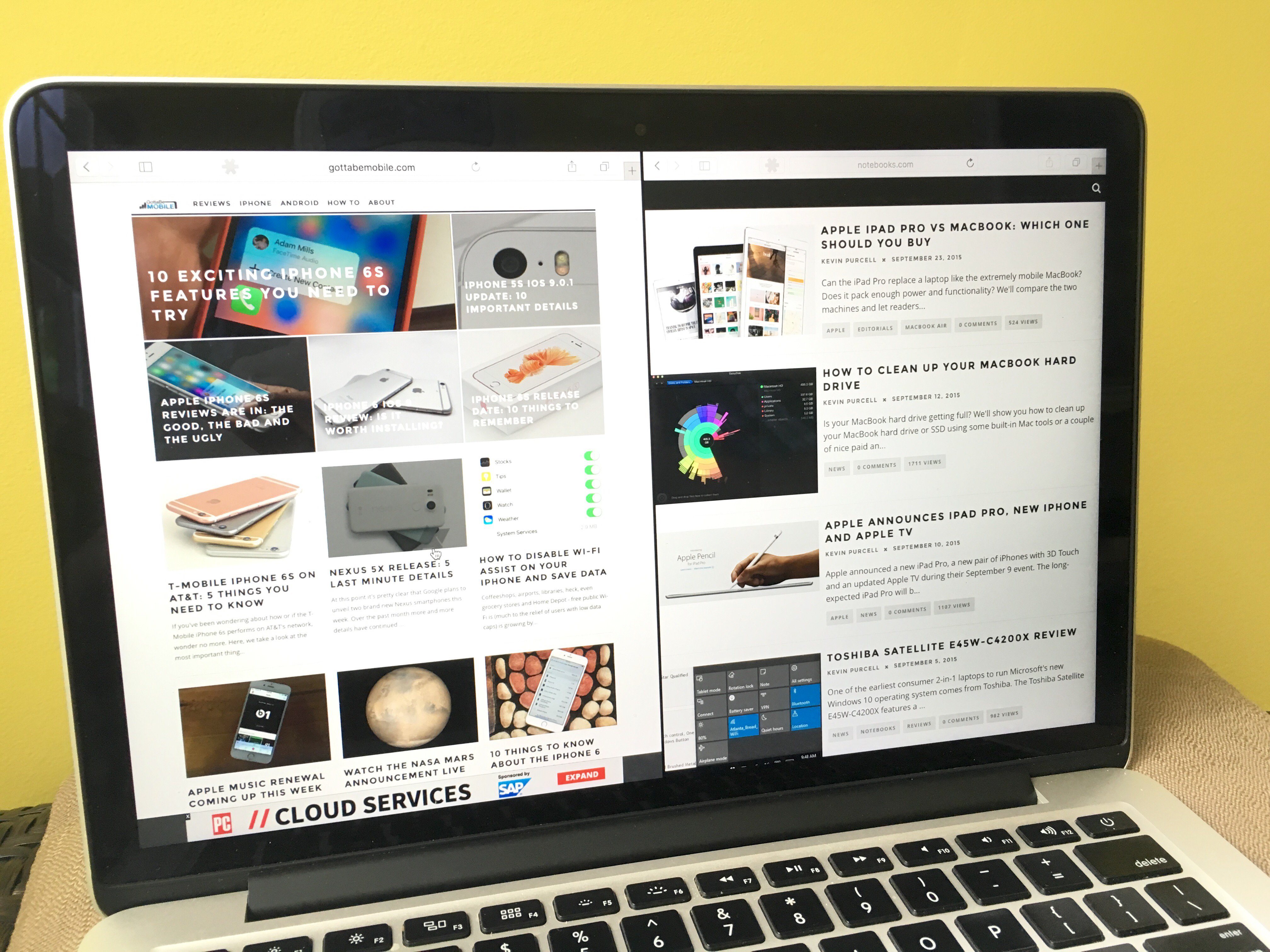
After using the OS X El Capitan update for the last week, and testing earlier versions for months, it’s time for us to share the important details that users need to know about the new OS X 10.11 release.
After months of testing the OS X El Capitan release date arrived at the end of September bring new features and improved performance to Apple notebooks and computers.
Apple is not pushing out updates as fast as the company is for iOS 9, but there are some very important things that users need to know about to get the most out of OS X El Capitan and to decide if installing OS X El Capitan is the right move today.
OS X El Capitan is compatible with many Apple computers, including some that are as old as 2007, but many users will see the best performance gains on slightly newer hardware.

What you need to know about the OS X El Capitan update and what’s next.
Some OS X El Capitan installation issues impacted the release, but they were not as widespread as some of the OS X 10.11 problems we saw in the days after the upgrade arrived on the Mac App Store.
OS X 10.11 is a free upgrade for Apple users, available through the Mac App Store as a large download. There is no way to buy a disk, but you can go to an Apple Store and use their connection to download OS X El Capitan.
Here are the details that Mac users need to know about the OS X El Capitan update and what’s coming next for Apple notebooks.
[slides]
