
Editorials
16 Fallout 4 Features That Will Help You Play Better
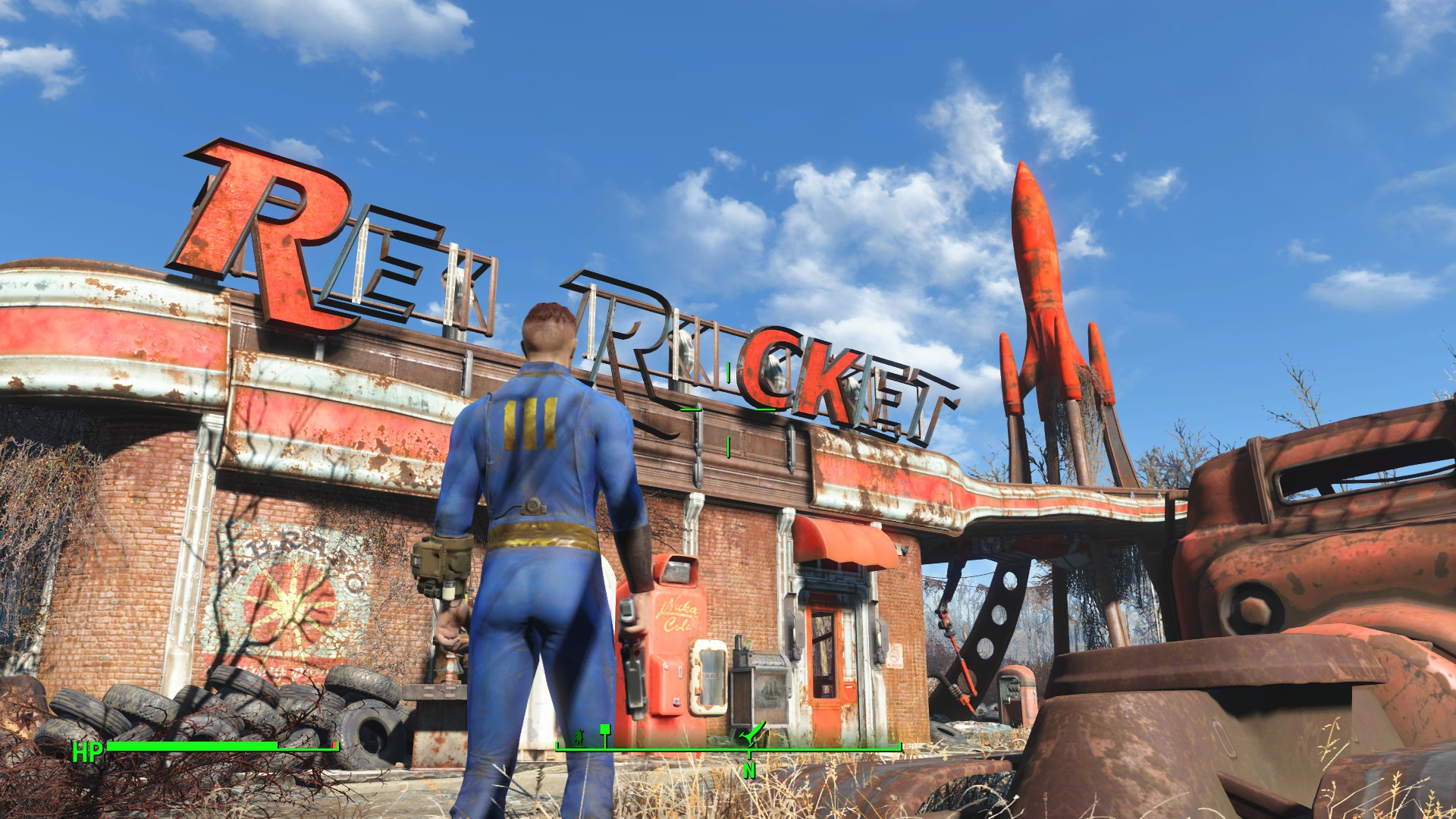
Fallout 4 is a massive game with tons of things to do but it doesn’t always do a good job of explaining some of game’s features and mechanics. Here, we want to outline a few of the Fallout 4 hidden features that will come in handy on PC, Xbox One and PS4.
Bethesda’s latest title is a big one. Literally. The wasteland the developer’s created in the latest installment in the Fallout series is filled with people to meet, quests to accomplish, enemies to kill, loot to find, and so much more. It will eat up hundreds of hours if you let it.
As you wake up in Vault 111 and progress further into the game, you’ll start to learn more about combat, crafting, and some of the smaller things that might come in handy as you ward off attackers, build settlements and improve your gear.

Bethesda does a great job explaining some of the core aspects of Fallout 4 but it does a horrible job explaining others. And sometimes, it fails to mention them at all. Maybe you enjoy that type of discovery. Maybe you don’t. Either way, you’ll probably find something of value here.
Today we want to outline some of the features that aren’t explained well or aren’t explained at all. Some of these Fallout 4 hidden features are extremely small (like the way to enlarge everything on the Pip Boy), others might drastically change the way you play the game (like how to wait). All of them will help.
[slides]
