
Apple
How to Fix Siri Problems on iPhone
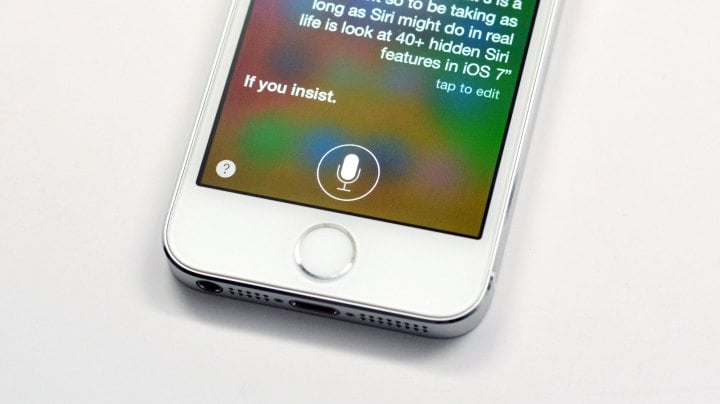
The iPhone has gotten better and better with each new iteration, but Siri somehow tends to stay the same. Here’s how to fix Siri problems on iPhone and get the virtual assistant that you deserve.
Siri has been around a while now; certainly enough time for Apple to polish it up and smooth the hard edges down. However, it still has its problems, and many users definitely know them well.
Siri can be really useful at times, especially when your hands are full or your just too lazy to perform a task on your iPhone. However, sometimes Siri just doesn’t work as intended and it can be really frustrating, especially when you’re in a hurry or just can’t be bothered with a malfunctioning virtual assistant.
Read: How To Turn On Hey Siri On Your iPhone with iOS 9
There are times when Siri may have misheard you or just plain didn’t work when you activated the feature but it didn’t recognize anything you said. Plus, there are other problems like Bluetooth and Siri not working too well together, or having an audio cable plugged in and Siri doesn’t work at all.
It’s likely you’ve come across these problems before more than once. That’s probably why you’re here right now, but the good news is that there are a few ways to fix these problems.
Here’s how to fix Siri problems on the iPhone and get back the virtual assistant that you first fell in love with so many years ago.
[slides]
