
Apple
How to Watch the Apple Event Live on iPhone, Windows & Mac
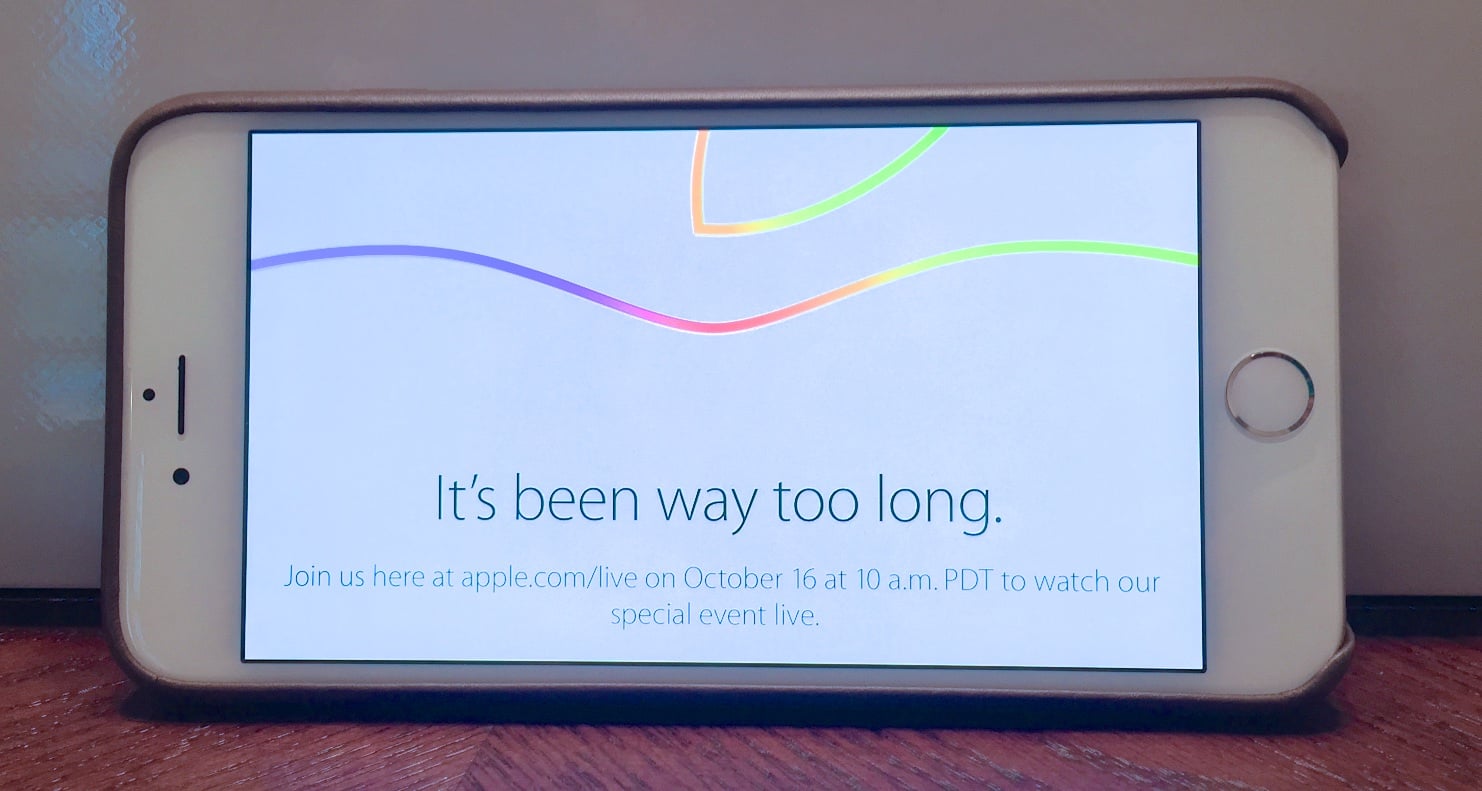
You can watch the October Apple Event live on Windows, Mac, iPhone and iPad to see Apple announce new products that we expect will include the iPad Air 2, iPad mini 3, OS X Yosemite and iOS 8.1 as well as a Retina iMac. We’ll show you how to watch the Apple event live from a variety of devices so you can see the news as it happens.
There is an official October Apple Event live stream that will show the event as it happens. There is no need to look for a YouTube stream or poor quality rebroadcast from inside the event.
The October Apple Event live stream is only officially available on Mac, iPhone, iPad and Apple TV, but we’ll show you how to watch the Apple Event live on Windows so you don’t have to wait for the full version to arrive later in the day.

Learn how to watch the Apple Event live on iPhone, Windows and Mac.
Hopefully this goes smoother than the Apple Event live stream in September which failed for many users and when it was live included translations and other languages for many users.
For users with a Windows PC and an iPhone or iPad, watching the October Apple Event live on Windows is a little more involved, but the bigger screen makes it worthwhile.
The October Apple Event starts at 10 AM Pacific / 1 PM Eastern on October 16th. There is a good chance you are watching from work or during a late lunch, so you’ll want to follow these tips to watch the Apple Event live on practically any device.
How to Watch Apple Event Live on iPhone, iPad, Mac or Apple TV
The easiest way to watch the Apple event live on the iPhone or any of these Apple devices is to go to Apple.com/live. This link takes you to the iPad Air 2 event live stream and when it starts you should be able to start watching the video.

Watch the Apple Event live on the iPhone, iPad or Mac.
On the officially supported devices this is all you need to do to watch Apple announce new products in October. The only real catch is that you need to use Safari on these devices. If you normally use Chrome or another browser make sure you visit the Apple live stream in Safari instead.
To watch the Apple Event live on Apple TV you need an Apple TV 2 or Apple TV 3 device with recent software. Go to the main screen and choose Special Events.
How to Watch Apple Event Live on Windows
Watching the October Apple event live on Windows is a little more tricky, but it is something you can still pull off. You need to install the free VLC Player and will need the Apple Event live stream link when it starts.
First you need to download VLC Player and install on your Windows computer. This will take a few minutes to set up, so you should do this before the live stream starts.

Use VLC or the VLC Plugin to watch the Apple Event live on Windows.
Click on Media -> Open Network Stream and then enter the Apple Live stream url. The URL is not available until after the event starts, but should look similar to this one from September;
https://p.events-delivery.apple.com.edgesuite.net/14pijnadfpvkjnfvpijhabdfvpijbadfv09/m3u8/atv_mvp.m3u8
Another option is to install the VLC plugin in Chrome and visit the Apple live stream page. The plugin should detect the live stream and play it in your browser.
October Apple Event Expectations
There are a few things you can count on at the October Apple Event. Apple already leaked the iPad Air 2 and iPad mini 3, so those are on the way.
The OS X Yosemite release date or at least the announcement and the iOS 8.1 release date announcement are all on the table for the event as well.
Rumors point to a new iMac Retina release coming after the event. Apple will reportedly deliver a 5k display in the new 27-inch iMac Retina.
The tag line for the October Apple Event is, “It’s been way too long.” which led us to assemble a list of overdue Apple products we would love to see Apple announce at the event, even if some of them are unlikely.
[slides postid=270601]
