
Apple
iOS 9.1 vs iOS 9: What’s New in iOS 9.1
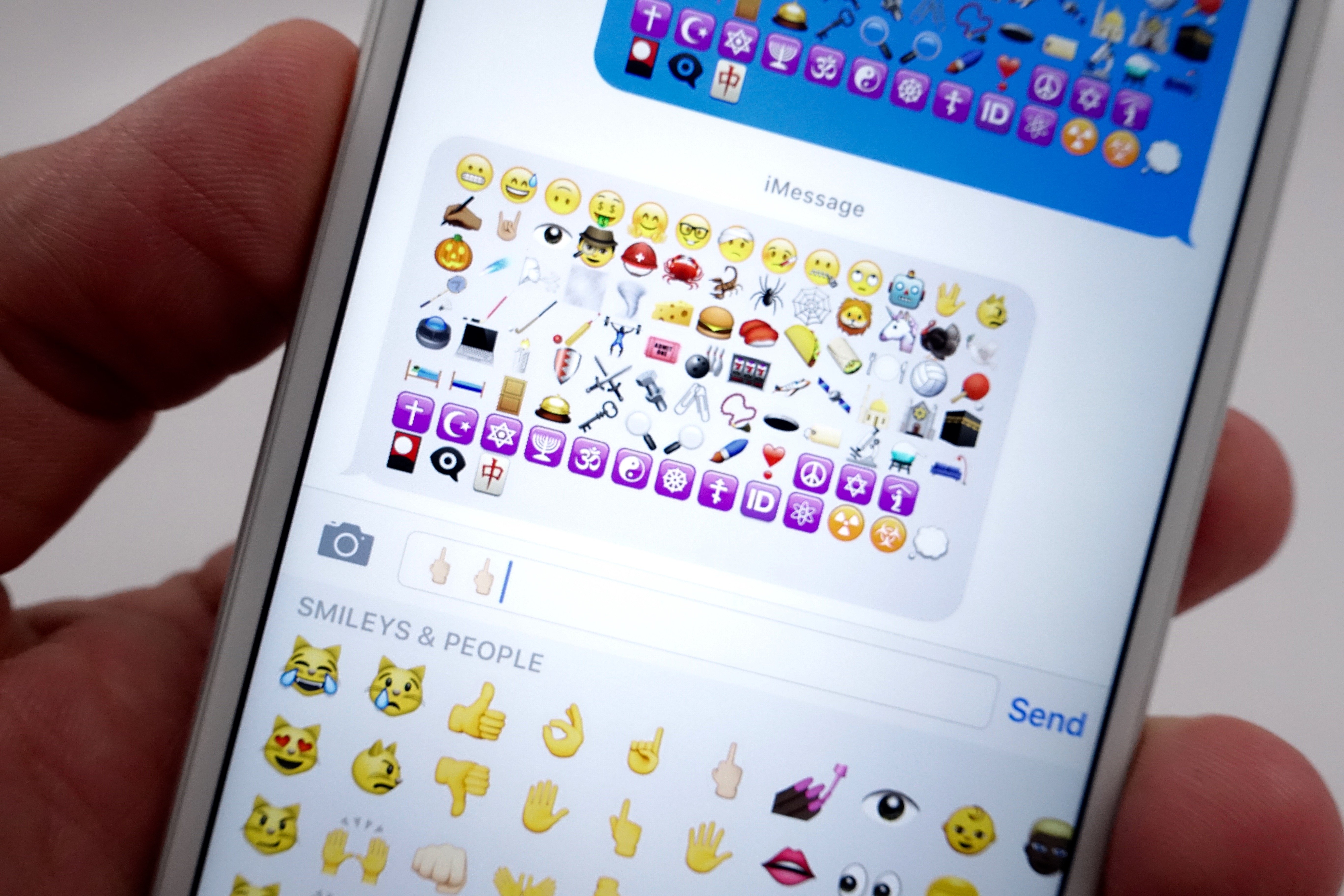
Here’s a look at what’s new in iOS 9.1 with a comparison of iOS 9.1 to iOS 9, that highlights the changes to the new upgrade and what you get on your iPhone and iPad when you install the iOS 9.1 update.
The iOS 9.1 release date is here, and users can start their iOS 9.1 downloads on iTunes or over the air.
If you are upgrading from iOS 9, iOS 9.0.1 or iOS 9.0.2 there are only a handful of major changes, but if you are upgrading from iOS 8 you are in for a bigger upgrade.

Here’s what’s new in iOS 9.1 for iPhone, iPad and iPod touch.
This look at what’s new in iOS 9.1 will help you see the changes that you will appreciate and actually use. Yes there are new iOS 9.1 emoji that will allow you to send a middle finger emoji, but that’s not all the iOS 9.1 update has to offer.
Apple does not deliver many visual changes to iOS 9.1 from iOS 9, which is expected — even in a big update like this.
If you are friends with someone who owns the iPhone 6s or iPhone 6s Plus the iOS 9.1 update is perfect because you will finally be able to see the Live Photos they take even though your iPhone or iPad doesn’t support 3D Touch.
The iOS 9.1 update is free to download and it will appear as an over the air download on your iPhone and iPad sometime in the next week or so.
Apple’s iOS 9.1 update is available to any device that runs iOS 9, which is also any device that runs iOS 8.
The images below show you what’s new in iOS 9.1 and how it compares to iOS 9. You can click on the arrows to go in order or you can click on an image to jump directly to that new iOS 9.1 feature. When there are two phones the phone with iOS 9.1 is on the left and the phone with iOS 9 is on the right.
[slides]
