
Apple
11 iPhone SE Settings to Change Now
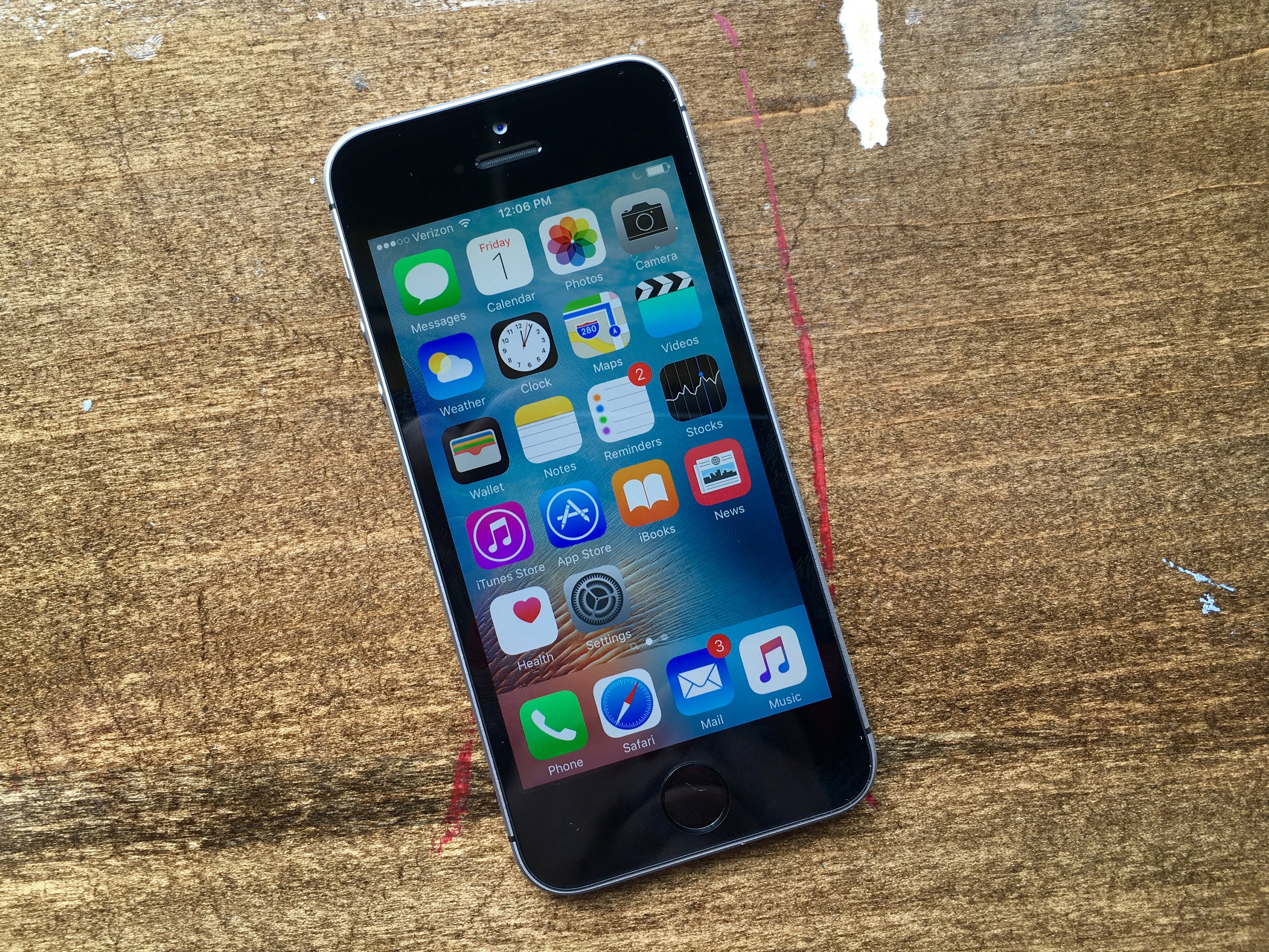
Here are the iPhone SE settings to change right now. These are the essential changes to your iPhone SE that will make your iPhone experience better.
We recommend changing these iPhone SE settings to get the most out of your phone, disable annoying options and set yourself up to use all the iPhone SE features that come with your phone.
Apple includes iOS 9.3 or iOS 9.3.1 on your iPhone SE and with it you get new features that the company just introduced this year. This will make it easier to use your iPhone at night and new options to make phone calls even when you don’t have a good signal.
If this is your first iPhone these are important changes that will help you get more out of your purchase. You don’t need to buy any extra accessories, apps or subscribe to services to use these options.

Here are the iPhone SE settings you should change.
After using the iPhone for years we’ve discovered the best iPhone settings to change to remove some of the annoying parts of the iPhone — including one that might annoy people around you.
Even if this is not your first iPhone, you can use this list of iPhone SE settings to change to optimize your iPhone and use the newest features.
Read: Best iPhone SE Cases
We recommend spending a little time using the iPhone SE settings to understand what you can control and how you can customize your phone to better fit your needs and use.
[slides]
