Buying Guides
5 Signs Your Laptop Is Due for an Upgrade
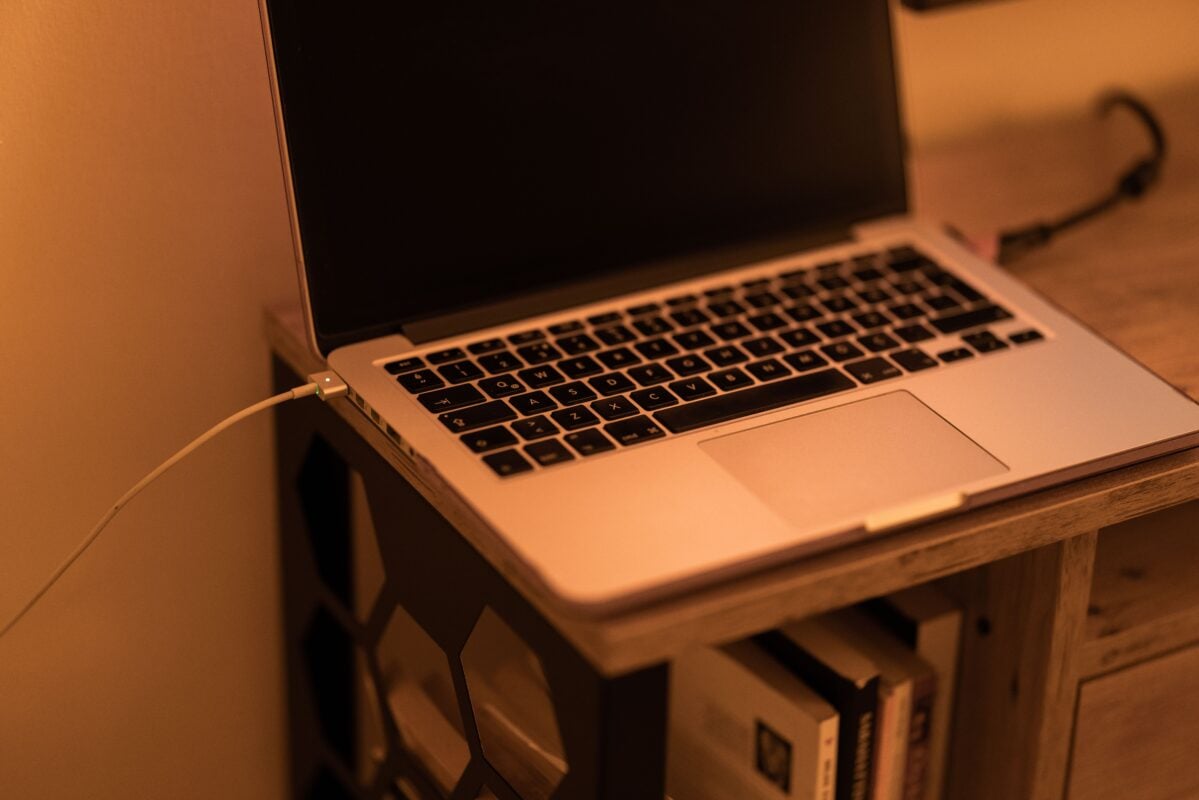
A good laptop can last for years, but eventually every computer begins to show its age. Slower performance, shorter battery life, and compatibility issues can make everyday tasks more frustrating than they need to be.
Before you rush out to buy a replacement, it’s worth understanding the warning signs that your current laptop may no longer meet your needs.
1. It Takes Forever to Start
If your laptop needs several minutes to boot or frequently freezes while opening basic applications, aging hardware may be the cause.
While upgrading storage or adding memory can sometimes improve performance, older systems eventually reach a point where replacing them makes more sense.
2. Battery Life Has Become Unreliable
Laptop batteries naturally lose capacity over time.
If you’re constantly searching for a power outlet or carrying your charger everywhere, the battery may be nearing the end of its useful life.
Check this out on Amazon: Anker 65W USB-C Laptop Charger
3. It Can’t Keep Up With Your Work
Modern software demands more from computers than ever before.
If video calls stutter, web browsers slow down with multiple tabs open, or simple tasks feel sluggish, your laptop may no longer have the performance needed for today’s applications.
4. You’re Running Out of Storage
Photos, videos, documents, and applications consume storage quickly.
If you’re constantly deleting files just to install updates, it may be time to upgrade or add external storage.
Check this out on Amazon: Samsung T9 Portable SSD
5. It No Longer Supports New Software
Older laptops eventually stop receiving operating system updates and security patches.
Running unsupported software can leave your computer vulnerable and prevent you from using the latest applications and features.
Should You Upgrade or Replace?
Not every slow laptop needs to be replaced.
Sometimes adding more memory or upgrading to a faster SSD can extend the life of an older computer.
However, if your laptop is more than five or six years old and showing several of the signs above, investing in a newer model may provide better performance, longer battery life, and improved security.
Check this out on Amazon: Crucial DDR4 Laptop Memory

The Bottom Line
Technology continues to improve every year, but that doesn’t mean you need to replace your laptop annually.
Understanding the warning signs of aging hardware can help you decide whether a simple upgrade will solve the problem or whether it’s finally time for a new computer.
Making the right decision can save money, improve productivity, and provide a better overall computing experience.