
Apple
What’s New in iOS 9.3 & iOS 9.3.5
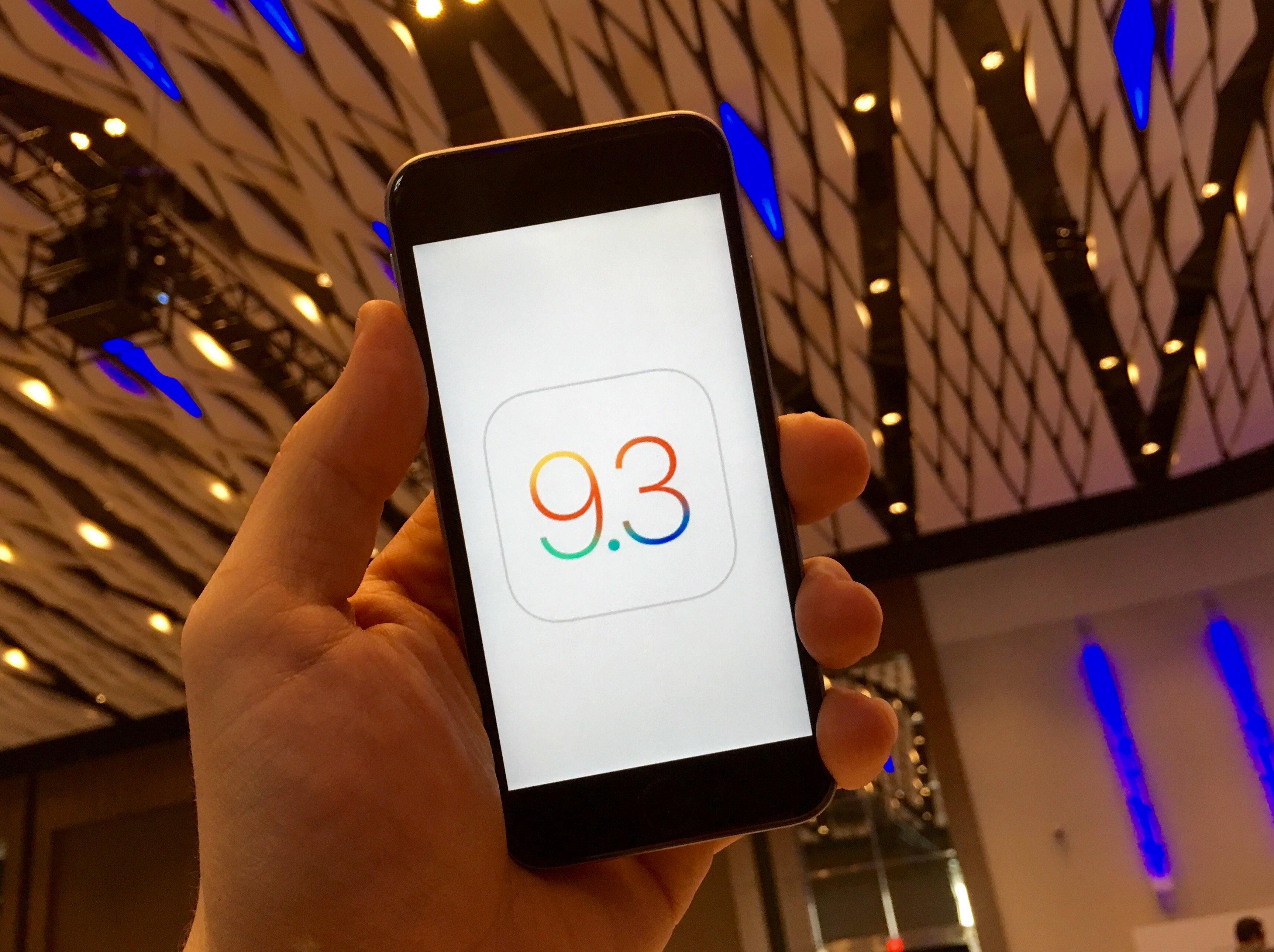
Here’s a look at what’s new in iOS 9.3 and what’s new in iOS 9.3.5, the latest update for the iPhone and iPad.
Shortly after the iOS 9.3.3 update delivered bug fixes and performance updates Apple rolled out a iOS 9.3.4 update that includes security fixes. Now Apple is pushing iOS 9.3.5 to the iPhone and iPad.
The iOS 9.3.4 update broke the jailbreak, and fixed security issues. With iOS 9.3.5 there is a fix for a security issue, which Apple fixed just 10 days after the last update. This comes just a month before we expect the iOS 10 update.
The iOS 9.3.5 update is available for all devices able to run iOS 9 as a free download. This new iOS 9.3.5 update focuses security and it is recommended that users install it.
The iOS 9.3.5 release notes include three bug fixes including one that could allow someone to access your personal data using a link sent in a text message. Lookout says that this can happen “invisibly and silently,” so the victim would not know that it is compromised.
If you compare iOS 9.3 with iOS 9.2 you’ll see that there is a new Control Center with a Night Shift shortcut and amazing new features like the night node that makes using your iPhone or iPad at night and then going to sleep easier.
Updated with how to use the most important iOS 9.3 features on iPhone and iPad and with fixes in iOS 9.3.3 update that users need to know about.
Watch the video below to see what’s new in iOS 9.3 and then keep reading for more details about each feature and about iOS 9.3.3.
Apple added several new features including support for Verizon WiFi calling, which allows users to better user Verizon services even if coverage is spotty.
Apple is officially highlighting many new features and services, which lets us get an early look at how iOS 9.3 and iOS 9.2 compare when it comes to what you can do with your iPhone or iPad.
Some of the new iOS 9.3 features are limited to specific use cases, but offer a look into how Apple may finally make it easier to share an iPad with your family.

What you need to know about the new iOS 9.3 features.
The iOS 9.3 update is coming to the iPhone, iPad and iPod Touch. If your current iPhone or iPad can run iOS 9, it will get the new update.
Use the images and descriptions below to learn about what’s new in iOS 9.3 for iPhone and iPad. You can click-through each slide or jump directly to the slide that interests you for more information.
[slides]
