How to
How to Free Up Storage Without Deleting Your Photos
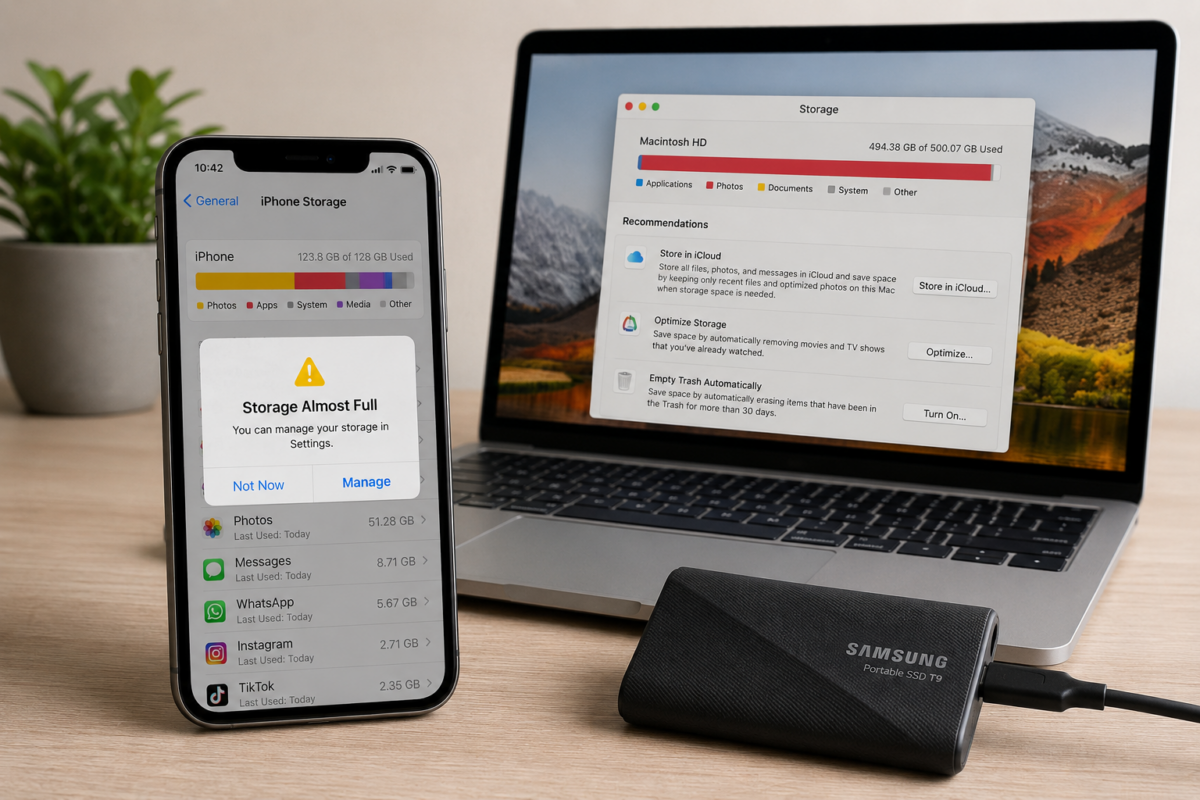
Running out of storage is one of the most common technology frustrations.
Whether you use an iPhone, Android phone, Windows PC, or Mac, low storage can slow down your device, prevent software updates, and leave you constantly deleting files just to make room for something new.
The good news is you don’t have to delete your favorite photos to free up space.
Here are some of the easiest ways to reclaim storage while keeping the memories that matter.
1. Delete Apps You No Longer Use
Most of us install apps we only use once or twice.
Take a few minutes to scroll through your installed apps and remove anything you no longer need.
If you ever change your mind, you can usually download them again later.
2. Clear Downloaded Files
Downloads are easy to forget.
Old PDFs, ZIP files, installation packages, and duplicate documents often sit untouched for months.
Cleaning out your Downloads folder can instantly recover valuable storage.
3. Move Photos to an External Drive
Instead of deleting years of family photos, move older pictures to an external SSD.
Modern portable SSDs are fast, reliable, and small enough to fit in your pocket.
Check this out on Amazon: Samsung T9 Portable SSD
4. Use Cloud Storage
Cloud storage services let you back up photos and videos while freeing up space on your device.
Many services automatically upload your photos in the background, making it easy to access them later from almost any device.
5. Empty the Trash
Deleted files don’t always disappear immediately.
Remember to empty the Trash or Recycle Bin to permanently remove files you no longer need.
It’s a simple step that’s surprisingly easy to forget.
6. Remove Duplicate Photos
It’s common to have multiple copies of the same photo after years of backups, messaging apps, and screenshots.
Most modern phones now include built-in tools that help identify duplicate images, making cleanup much easier.
7. Add More Storage Instead of Replacing Your Device
Running out of storage doesn’t always mean it’s time to buy a new phone or computer.
For many people, adding external storage is a much less expensive solution.
Check this out on Amazon: SanDisk Extreme Portable SSD
If your laptop is also starting to feel slow, it may be more than a storage problem. Read our guide 5 Signs Your Laptop Is Due for an Upgrade to learn when upgrading your computer makes more sense than adding storage.
The Bottom Line
Low storage doesn’t have to mean losing your favorite memories.
By removing unused apps, clearing old downloads, organizing duplicate photos, and using external or cloud storage, you can often recover a surprising amount of space.
A few minutes of cleanup today can help your devices run faster and give you room for the things that matter most.
Need a simple way to back up your photos before cleaning up your device?
Check this out on Amazon: Samsung BAR Plus USB Flash Drive
This article may contain affiliate links. If you purchase through these links, GottaBeMobile may earn a commission at no additional cost to you.