How to
Why Your Phone Gets Hot (And What You Can Do About It)
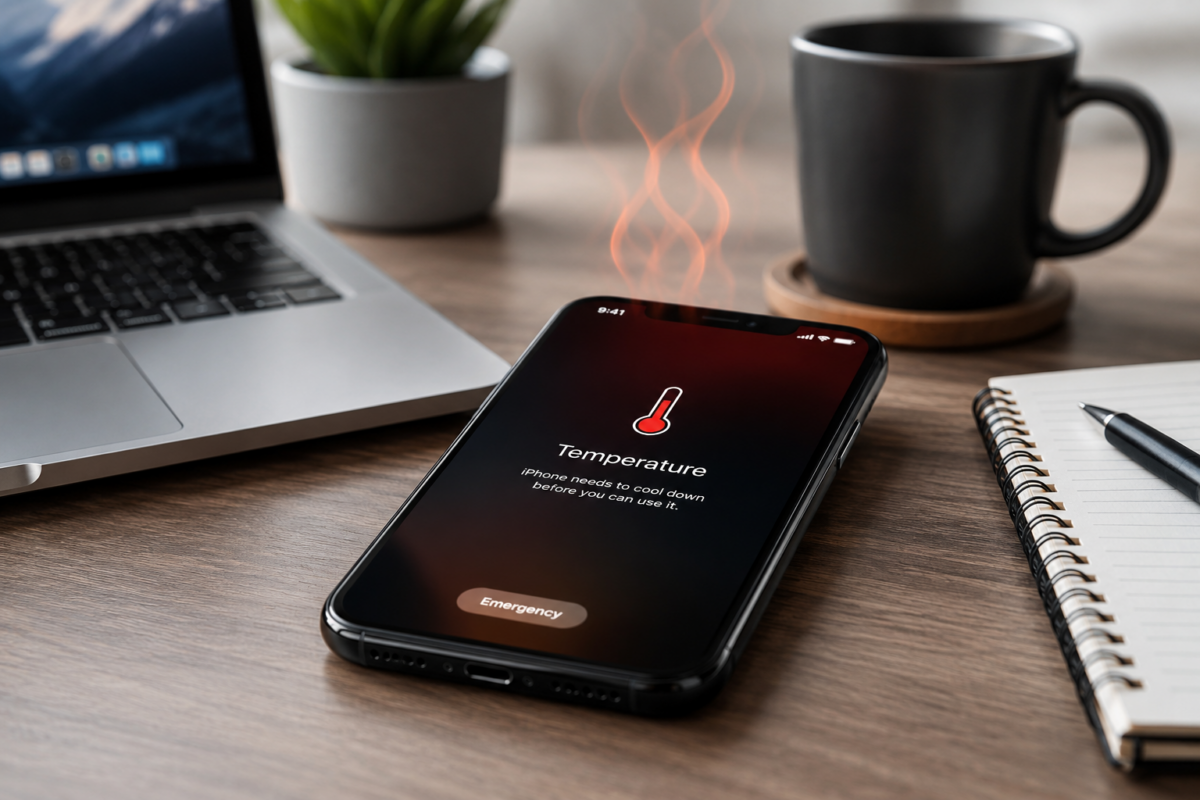
If your phone feels unusually warm while charging, gaming, or even sitting in your pocket, you’re not alone.
Modern smartphones are incredibly powerful, but all that performance generates heat. Most of the time it’s completely normal. The challenge is knowing the difference between expected warmth and a problem that needs attention.
Here are the most common reasons your phone gets hot and what you can do about it.
1. You’re Running Too Many Apps
Apps running in the background use your processor, memory, and battery. If several demanding apps are open at once, your phone has to work harder, producing more heat.
Closing apps you aren’t using and restarting your phone occasionally can help reduce unnecessary background activity.
2. Charging Generates Heat
Fast charging is convenient, but it naturally creates additional heat.
Using a high-quality charger designed for your phone can help provide safe, efficient charging.
3. Direct Sunlight
Leaving your phone on a dashboard, pool chair, or outdoor table can quickly cause temperatures to rise.
Whenever possible, keep your phone in the shade and avoid using it heavily while it’s exposed to direct sunlight.
4. Gaming and Video Recording
High-end games and recording 4K or 8K video place a heavy load on your phone’s processor.
It’s normal for your device to become warm during these activities, but allowing it to cool afterward can help maintain long-term battery health.
5. Software Updates
After installing a major operating system update, your phone may temporarily feel warmer while it finishes indexing files and optimizing apps.
This usually settles down within a few hours.
When Should You Be Concerned?
If your phone repeatedly displays an overheating warning, shuts itself off unexpectedly, or becomes too hot to comfortably hold, stop using it until it cools down.
Persistent overheating could indicate a failing battery, a hardware problem, or an app that’s malfunctioning.
The Bottom Line
A warm phone isn’t always a problem. Charging, gaming, streaming, and software updates all generate heat as part of normal operation.
If your phone regularly overheats, however, it’s worth checking for software updates, reducing background activity, using a quality charger, and avoiding direct sunlight.
A few simple habits can help keep your device running cooler and extend its lifespan.
Helpful Products
Need a few accessories to help keep your phone running at its best?
Check it out on Amazon: Anker 45W USB-C Charger
Check it out on Amazon: Anker USB-C Charging Cable
Check it out on Amazon: ESR MagSafe Phone Stand
Check it out on Amazon: Anker 10,000mAh Power Bank
This article may contain affiliate links. If you purchase through these links, GottaBeMobile may earn a commission at no additional cost to you.