
Apple
9 Things to Do Before Installing iOS 12.5.6
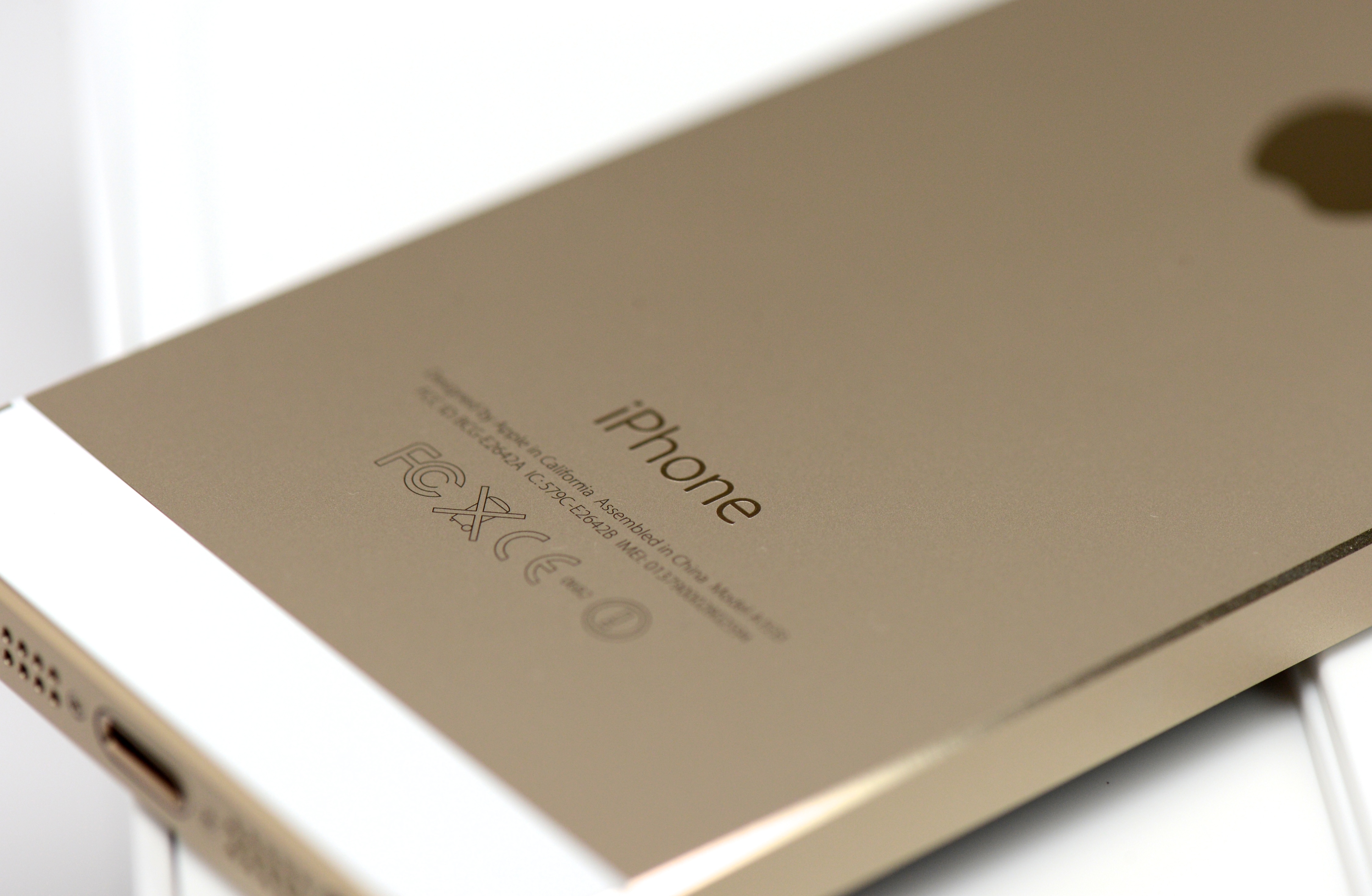
There are some steps you should take before you install Apple’s iOS 12.5.6 update on your iPhone, an iPad, or iPad touch.
iOS 12.5.6 is a small point release for devices left behind on iOS 12. The software, while small, is important. It has a vital security patch on board.
If you’re running iOS 12.5.5 and moving your device up to iOS 12.5.6, you get the shortest list of changes and the smallest download size.
If you’re running an older version of iOS, your iOS 12.5.6 update and download may be larger thanks to the updates you skipped. Changes from updates you skipped are baked into your upgrade.
It’s impossible to predict how your device will react to the move to iOS 12.5.6. While some of you might see a performance boost, many others will run into bugs and performance issues that could have a big impact on your day-to-day use.
A little prep work can go a long way toward preventing problems and headaches and that’s why we recommend spending sometime preparing yourself and your device ahead of your upgrade.
If iOS 12.5.6 starts causing problems, note that you can downgrade your device’s software back to iOS 12.5.5. Apple’s currently signing on the previous version of iOS 12.
Apple isn’t signing on anything older than iOS 12.5.5. So if you’re running software older than that, and you’re thinking about making the move to iOS 12.5.6, proceed with caution. Once you move to iOS 12.5.6, there’s no getting back.
We’ve put together plan that takes you through some of the things we do before we install iOS software. These tips will come in handy as you transition your device from whatever version of iOS it’s currently running to iOS 12.5.6.
[slides]
