
Apple
7 Things to Know About the iPhone 8 iOS 13.7 Update
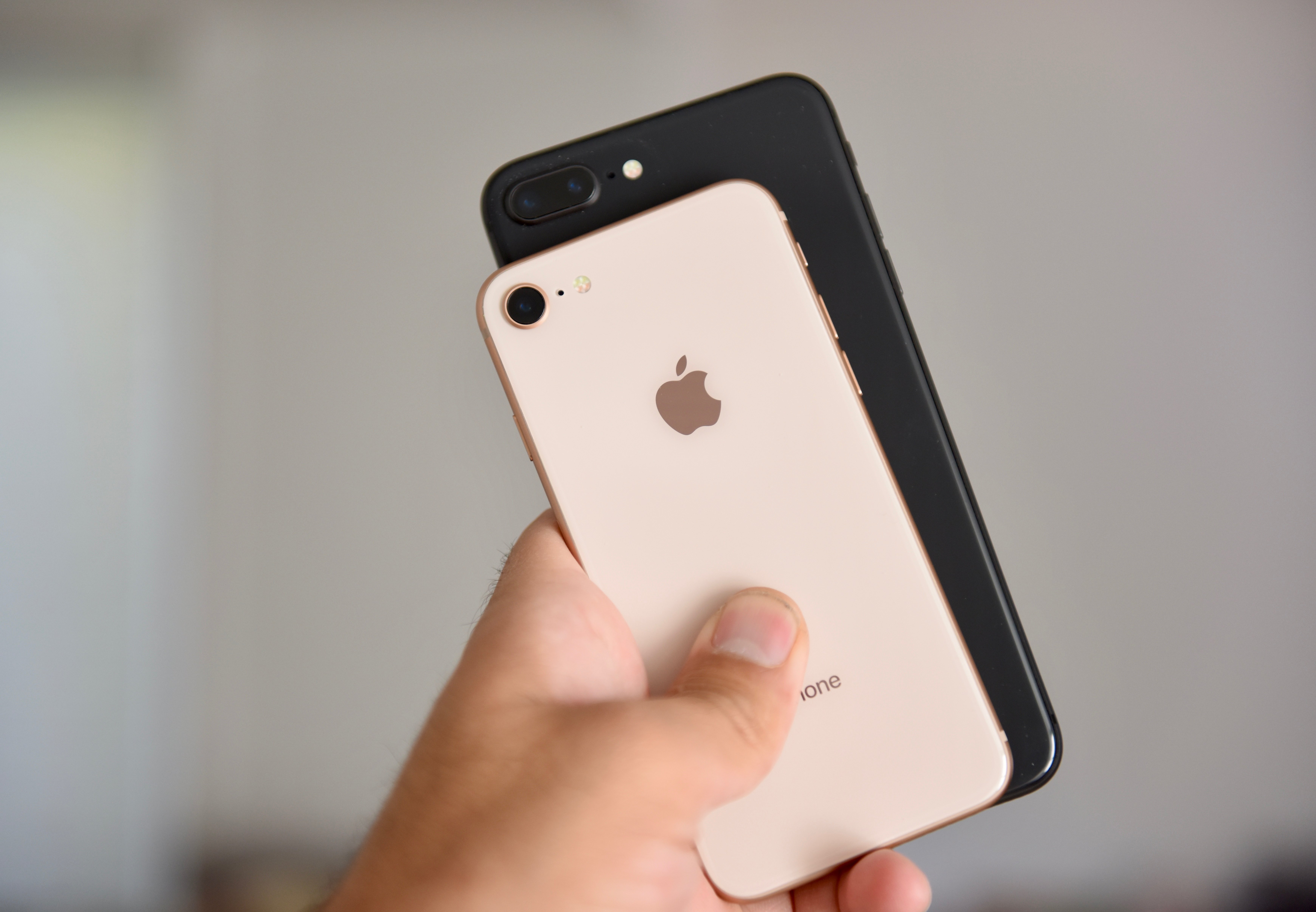
Apple’s iOS 13.7 update could have a significant impact on your iPhone 8 or iPhone 8 Plus’ performance.
Apple continues to roll out iOS 13 updates and the newest version of the operating system brings new features and bug fixes to the iPhone 8 and iPhone 8 Plus.
The iOS 13.7 update could have a positive impact on your phone’s overall performance. Some users are noticing better battery life, faster speeds, and increased stability.
While a lot of iPhone 8 and iPhone 8 Plus users should make the move from older versions of iOS 13 to iOS 13.7 today, others might want to wait.
We’re hearing about an assortment of problems as we push further away from the update’s release.
Try Starz or HBO Free with Amazon Channels
iOS 13.7 requires a fairly small download if your device is currently running iOS 13.6.1. If you’re running an older version of iOS, say iOS 13.5, your iOS 13.7 update will be more substantial because the features and fixes from the updates you skipped are baked in.
With that in mind, we want to walk iPhone 8 and iPhone 8 Plus users through the most important things to know, right now, about the iPhone 8’s iOS 13.7 update.
It’ll guide you through the current problems with the operating system, fixes for those issues, your downgrade options, and a whole lot more.
We’ve been using the iPhone 8’s iOS 13.7 update for several days and here’s what we’ve learned thus far.
[slides]
