
Editorials
8 Ghost Recon Wildlands Problems & Fixes
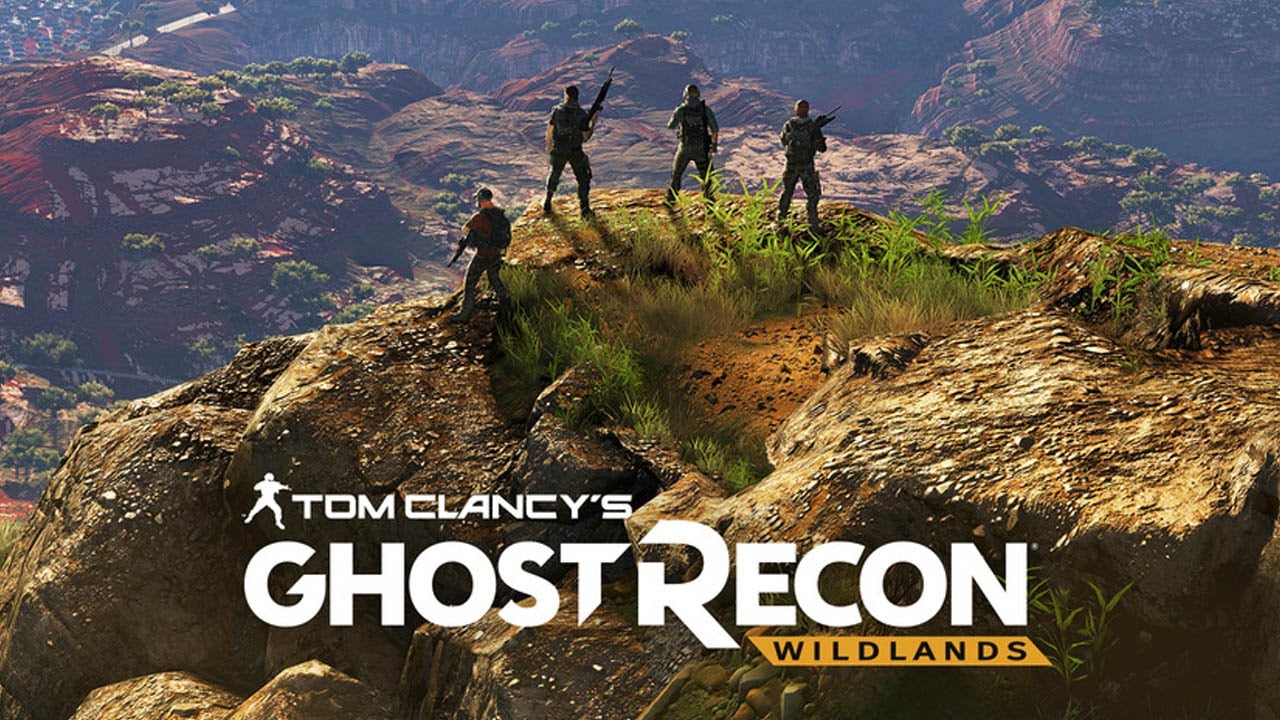
Online problems can ruin a massive online role-playing game like Tom Clancy’s Ghost Recon Wildlands. Ghost Recon Wildlands problems were a huge deal in the days and weeks after the game’s March launch. Today, Ghost Recon Wildlands has a large group of users that play. Many of the serious bugs are gone, but dedicated players deal with some other problems daily.
Some report that they have a hard time getting their friends into Wildlands’ different missions without them being dropped. That’s a huge problem, enjoying the game’s story with other people is a big part of its appeal. Wildlands is the largest open-world game Ubisoft has ever made. Unfortunately, some users report Ghost Recon Wildlands has issues rendering that stunning world. Plants and wildlife sometimes appear out of nowhere because Xbox One and PS4 have a hard time loading them. Wildlands has saving problems and missing missions even today.

Ubisoft engineers continue to release updates that address any Ghost Recon Wildlands problems gamers have. Also, gamers that really enjoy the title are sharing workarounds and tips to get other players through the worst of the game’s issues. Here are the Ghost Recon Wildlands problems we know about so far. When possible, we’ve included any fixes that Ubisoft or the game’s community have come up with.
Ghost Recon Wildlands Problems
- Add-On DLC Activation Delay on PS4
- No Voices on PC
- Some Missions Are Missing
- Missing Credits
- Progress Gone After Switching Profiles
- El Gato or DJ Perico Missing from Region
- Missing Story Intel
- Slow Driving on Xbox One
Ghost Recon Wildlands Problems: Add-On DLC Activation Delay on PS4 (Updated)
Ubisoft’s servers were swamped with users all trying to claim the content included with their season pass and versions of the game at launch. Now that launch is over, PS4 users can claim their add-on DLC without delay.
Ghost Recon Wildlands Problems: No Voices on PC (Updated)
PC gamers should hear non-playable characters talking in the game now. Ubisoft fixed this issue with a recent patch.
Ghost Recon Wildlands Problems: Some Missions are Missing
Some players still say that Ghost Recon Wildlands won’t show them their next mission in its mission map. Ubisoft is aware of the problem but doesn’t have a fix yet. Instead, the company says that you should get yourself killed by enemy fire. Next, you should close the game and open it again.
Xbox One, PS4 and PC gamers report having this issue.
Ghost Recon Wildlands Problems: Missing Credits
If you’re missing the credits you purchased through Ghost Recon Wildlands, Ubisoft recommends contacting their customer support as soon as possible here.

Ghost Recon Wildlands Problems: Progress Gone After Switch Characters on Xbox One
One bug can wipe out all progress in Ghost Recon Wildlands. Don’t switch between profiles on the game’s home screen on Xbox One. Those that did report losing their entire game save. Ubisoft says it will fix this issue with Ghost Recon Wildlands in an upcoming update. There’s no way to recover your save if it gets lost, it seems.
Ghost Recon Wildlands Problems: El Gato or DJ Perico Missing from Region
Ghost Recon Wildlands problems don’t get more serious than missing NPCs needed to finish objectives. Players working to free some regions from cartel control could find EL Gato or DJ Perico missing. It’s a huge problem since they are a requirement for freeing their regions.
Ubisoft says it’s working on a fix. It doesn’t have a timetable for that fix though. The company’s workaround requires you to go to a rallying point, quit the mission. Then try loading the mission again.
Ghost Recon Wildlands Problems: Missing Story Intel
There are some missing Intel in Ghost Recon Wildlands, Ubisoft says. The company recommends joining another player in co-operative mode and starting Missing Story Intel together. The mission should show up for you both correctly.
Ghost Recon Wildlands: Slow Driving on Xbox One
Xbox One owners using the Xbox Elite Controller should download the Xbox Accessories app from the Xbox Store to fix a slow driving problem that sometimes surfaces in Ghost Recon Wildlands. After installing the app, adjust the analog curve for triggers to go full speed.
Read: Ghost Recon Wildlands 6 Things to Know & See
Good luck with these Ghost Recon Wildlands problems. Gotta Be Mobile will continue adding to this list of problems and fixes. In the meantime, it’s a good idea to file a report with Ubisoft Support if you’re consistently running into an issue not listed in the Known Problems FAQ.
