
Android
10 Things to Do Before Installing Galaxy J Android Pie
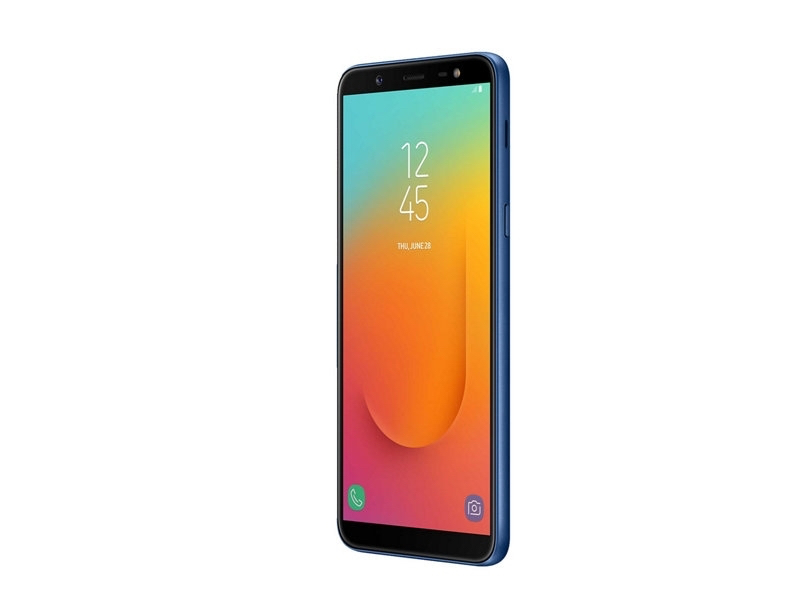
The Samsung Galaxy J Android Pie update is rolling out which means Galaxy J8 and Galaxy J6 users should start preparing for the upgrade.
After a bit of a wait, Samsung’s rolling the Android Pie upgrade out to a couple of models in the Galaxy J series. The company is starting with the Galaxy J8 and Galaxy J6, but we expect the update to reach other devices in the near future as the roll out picks up speed.
While it might be tempting to install the Android Pie update the second it arrives for your phone, you should only do so if you’re prepared. There are some steps you’ll absolutely want to take before you move your device from Android Oreo to Android Pie.
The Galaxy J Android Pie update is a huge release with a ton of changes including Samsung’s new One UI. The One UI brings many visible changes to your device’s operating system so it’s important to get familiar with it before you jump in. You’ll also want to be prepared for issues.
As we push away from the update’s release we’re hearing about the bugs and performance issues plaguing Samsung’s version of Android Pie. Some of these issues have carried over from Oreo, others are brand new. It’s difficult to predict how the upgrade will impact your device so it’s important to prepare.
In this guide we’ll walk you through the steps we usually take before we install new Android software on our Galaxy phones. If you spend 30 minutes or so preparing, you should be in great shape.
[slides]
