
Apple
7 Things to Know About the MacBook Pro macOS Catalina Update
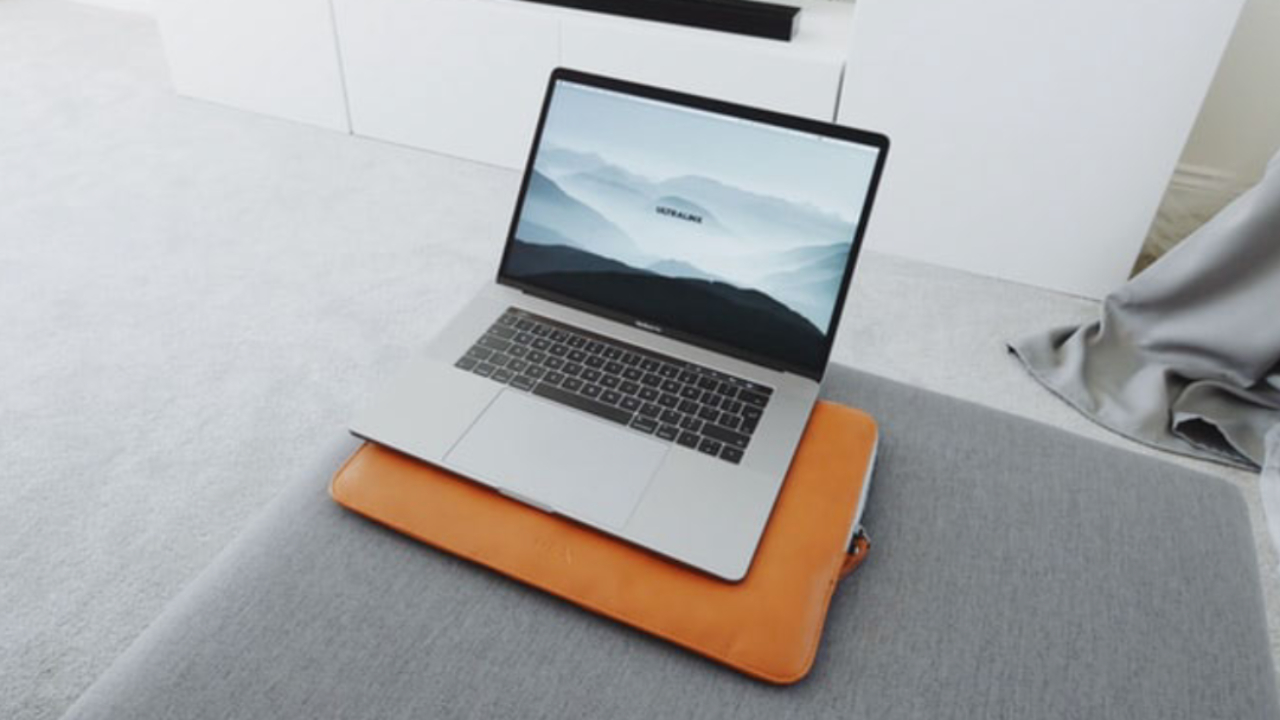
The macOS Catalina update is available for the MacBook Pro, and it can dramatically change the performance and capabilities of your device.
Apple started rolling out the update this week and users are installing macOS 10.15 and testing out the myriad of new features.
This is a massive update that lets you use your iPad as a display for your Mac and use your Apple Pencil with it, turns your Apple Watch into an authentication tool and delivers many other features to your MacBook Pro.
As more users upgrade to macOS 10.15 and many more users start to see the notification and emails from Apple telling them to upgrade, this is a look at what is happening with the new macOS.
While users are loving the new features, there are also a growing number of complaints about performance, bugs, and compatibility.
If you decide to upgrade, strap in for a large download and a lengthy install. You can use your computer while you download, but when you click install, you can expect to watch the progress bar for a while.
This guide walks you through our experience with macOS Catalina so far on the MacBook Pro. From using the computer for web browsing to editing and uploading videos, we’ve put macOS 10.15 to the test on a MacBook Pro to help you understand how it handles. This is what we’ve discovered.
[slides]
