
Apple
5 Things to Know About the iPadOS 13.3 Update
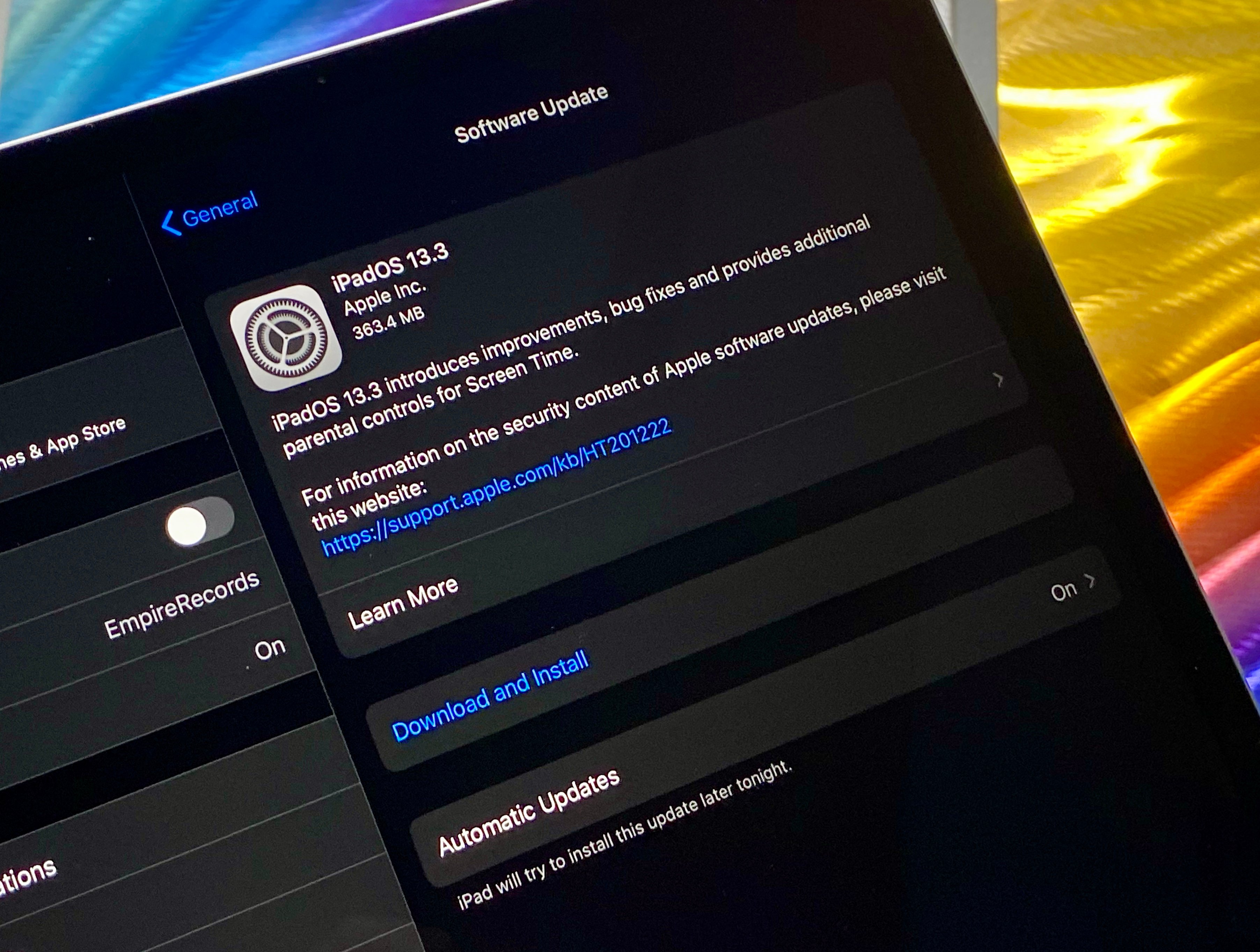
The beta is over and Apple’s iPadOS 13.3 update is now available for the iPad, iPad Pro, iPad Air, and iPad mini
iPadOS 13.3 serves as the company’s third milestone upgrade or iPadOS and it brings a collection of new features, fixes, patches, and enhancements to the iPad.
If your iPad is currently running on iPadOS 13.2.3 you’ll see the smallest download size and the shortest list of changes.
If your tablet is currently running iPadOS 13.2.2 or an older version of iPadOS, your iPadOS 13.3 update will be more substantial because the features from the updates you missed are included in your version of iPadOS 13.3.
With that in mind, we want to guide you through the most important things to know, right now, about the iPadOS 13.3 update.
This guide goes over the iPadOS 13.3 update’s performance, the current state of iPadOS 13.3 problems, places to look for feedback about iPadOS 13.3’s performance, the iPadOS 13 jailbreak, and more.
We’ll start with our quick impressions of iPadOS 13.3’s performance.
iPadOS 13.3 Reviews
If you’re currently running iPadOS 13.2.2 you’re looking at a 300+MB download. The iPadOS 13.3 update is around 363MB download for older iPad Pro models.
If you’re on iPadOS 13.2.3, the iPadOS 13.3 installation should take less than 10 minutes to complete. It took about seven minutes to install on one of our iPad Pros.
For more on the iPadOS 13.3 download and installation, take a look at our guide.

We’ve been using the iPadOS 13.3 update on the iPad Pro for several days and here’s what we’ve discovered thus far:
Connectivity
- Battery life is currently stable.
- Wi-Fi connectivity is fast and reliable.
- Bluetooth is working normally.
- GPS and cellular data are both stable right now.
Apps
- Third-party apps like Netflix, Dark Sky, Twitter, Slack, Asana, Gmail, Chrome, and Spotify are working normally.
- First party apps like Safari, Podcasts, and Calendar are stable.
Speed
- iPadOS 13.3 feels as fast as iPadOS 13.2.3.
If you’re dealing with performance issues on iPadOS 13.2.3 or an older version of iPadOS 13, you might want to install iPadOS 13.3 update on your iPad right now.
If you need help making a decision, take a look at our list of reasons to, and not to, install iPadOS 13.3 on your iPad today.
iPadOS 13.3 Problems
The iPadOS 13.3 update fixes several bugs, but the update has some issues of its own.
The current list of iPadOS 13.3 problems includes installation issues, Wi-Fi issues, Bluetooth issues, Exchange problems, weird battery drain, issues with first and third-party apps, issues with Face ID, UI lag, and more.
If you encounter a problem on your tablet, take a look at our list of fixes for the most common software issues. We’ve also released tips that will help you improve performance and tips that should help you improve battery life.
If you can’t handle the iPadOS 13.3 update’s performance on your iPad note that you can no longer downgrade back to iPadOS 13.2.3 in an attempt to improve its performance.
That said, if you’re really struggling on iPadOS 13.3, you can try moving your tablet to Apple’s iPadOS 13.3.1 beta though beta software typically isn’t an ideal daily driver.
iPadOS 13.3 Update: What’s New
iPadOS 13.3 comes with a nice mix of features, enhancements, and bug fixes for your iPad. Here’s the update’s full change log:
Screen Time
- New parental controls provide more communication limits over who their children can call, FaceTime, or Message
- Contact list for children lets parents manage the contacts that appear on their children’s devices
Apple News
- New layout for Apple News+ stories from The Wall Street Journal and other leading newspapers
- Easily like or dislike stories with a tap
Stocks
- Stories from Apple News are now available in Canada in English and French
- Continue reading with links to related stories or more stories from the same publication
- “Breaking” and “Developing” labels for Top Stories
Bug Fixes & Improvements
- Enables the creation of a new video clip when trimming a video in Photos
- Adds support for NFC, USB, and Lightning FIDO2-compliant security keys in Safari
- Fixes issues in Mail that may prevent downloading new messages
- Addresses an issue that prevented deleting messages in Gmail accounts
- Resolves issues that could cause incorrect characters to display in messages and duplication of sent messages in Exchange accounts
- Fixes an issue where the cursor may not move after long pressing on the space bar
- Addresses an issue that may cause screenshots to appear blurry when sent via Messages
- Resolves an issue where cropping or using Markup on screenshots may not save to Photos
- Fixes an issue where Voice Memos recordings may not be able to be shared with other audio apps
- Resolves an issue where the Cellular Data setting may incorrectly show as off
- Fixes an issue that prevented turning off Dark Mode when Smart Invert was enabled
iPadOS 13.3 also brings new security patches to the iPad and you can read about those on Apple’s security website.
iPadOS 13.3 Jailbreak
Jailbreak developers have released an iPadOS 13 jailbreak tool and you can learn more about it right here.
What’s Next
Apple’s confirmed a new version of iPadOS 13.
The iPadOS 13.3.1 update is confirmed and it’s currently in beta testing ahead of an unknown release date for iPad, iPad Air, iPad mini, and iPad Pro.
The update is a small point release (which means it probably won’t carry new features) and we expect it to fix bugs impacting Apple’s new Screen Time features.
Given the severity of the issue, look for the iPadOS 13.3.1 update to roll out sooner rather than later.
[slides postid=468877]
