Apple
Here’s How Long the iPadOS 15.6.1 Update Takes
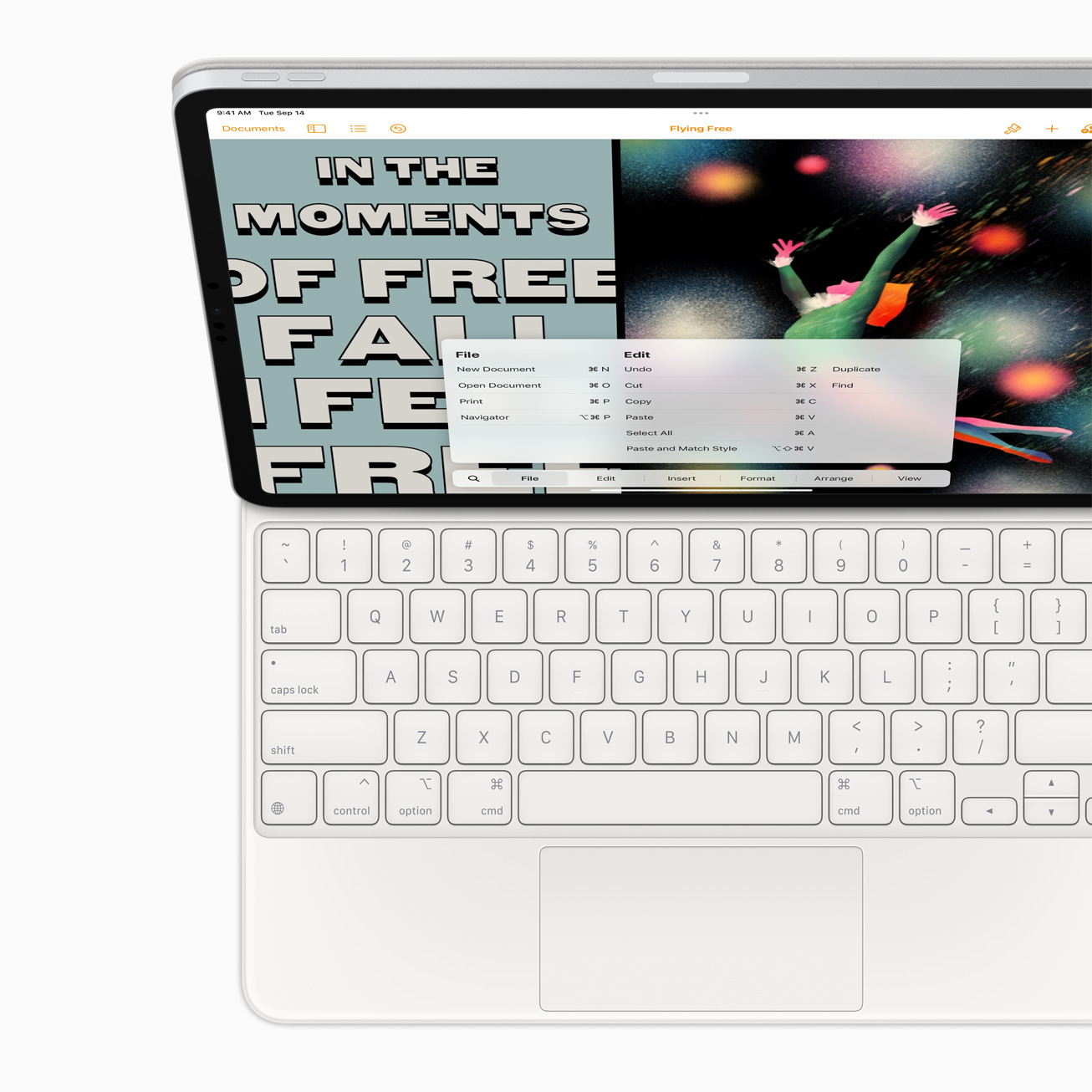
Apple’s iPadOS 15.6.1 update is a small point upgrade but it could take quite a bit of time to install on your iPad, iPad Pro, iPad Air, or iPad mini.
iPadOS 15.6.1 is available to download provided you have a compatible iPad. The software is compatible with iPad mini 4 and later, iPad Air 2 and later, iPad fifth-generation and later, and all iPad Pro models.
Apple’s new iPadOS 15 software brings a pair of important security patches with it. These patches will help protect your tablet from harm.
If you’re moving from iPadOS 15.6 to iPadOS 15.6.1, you will see the smallest download size. If you’re upgrading from an older version of iPadOS, your iPadOS 15.6.1 download may be larger. That’s because the changes from the update(s) you skipped are baked into the software.
While some of you might want to refrain from downloading iPadOS 15.6.1 right now, most iPad users should install the software today or at some point in the near future.
If you do decide to install iPadOS 15.6.1 on your iPad, you’ll want to set aside some time to get the new software properly installed on your device.
Moving your tablet from one version of iPadOS to another can cause problems so you’ll want to make sure you have time to monitor the download, the installation, and your device’s performance after the installation finishes up.
We can’t tell you exactly how long the process will take because it will vary. That said, we can help you approximate how much time you should set aside if you choose to install iPadOS 15.6.1 on your iPad.
If you’ve prepared for the move and your tablet is on a fast Wi-Fi connection, it could take 15 minutes or less to complete.
| Task | Time |
|---|---|
| Sync (Optional) | 5-45 Minutes |
| Backup and Transfer (Optional) | 1-30 Minutes |
| iPadOS 15.6.1 Download | 5 Minutes to 1 Hour |
| iPadOS 15.6.1 Installation | 7 Minutes to 15 Minutes |
| Total iPadOS 15.6.1 Update Time | 12 Minutes to 1 Hour+ |
Pre-Installation
Before you initiate the iPadOS 15.6.1 download, make sure you’re ready.
If you don’t know how to prepare for a software update, please take a look at our pre-installation guide. It’ll take you through the most important steps to take before you start the download.
Most of you should be able to get through these steps in 30 minutes or less, but there’s a chance you’ll need more time. In some cases, a lot more.
You don’t need to follow every single step in our guide, but at the very least you’ll want to make sure your iPad’s data is backed up properly.
iPadOS 15.6.1 Download
Once you’re ready, you’ll want to start the iPadOS 15.6.1 download.

The exact size of the iPadOS 15.6.1 download will, again, depend on your version of the iPad and the version of iPadOS your tablet is currently running.
If you’re running iPadOS 15.6, your download should be several hundred megabytes. If you’re running an older version of iPadOS, the download could be bigger.
If you’re connected to a speedy Wi-Fi network, the iPadOS 15.6.1 download should finish up in 10 minutes or less. If your connection is slower, it will obviously take longer.
iPadOS 15.6.1 Installation
Once your iPad is done pulling iPadOS 15.6.1 from Apple’s servers, the installation process will begin. This may take longer than the download.
The iPadOS 15.6.1 installation could take around 10 minutes or so to complete. It took about eight minutes to install it on an older iPad Pro model.
Note that your iPad might reboot itself a few times during the installation process. This is perfectly normal and isn’t a cause for concern.
Post-Installation
After the iPadOS 15.6.1 installation process finishes, you might need to spend time logging into your iCloud account, signing into your device’s various apps and services, and/or setting up Apple Pay.
We recommend spending some time checking your important data (photos, videos, music, etc) to make sure everything is where it should be.
After that, you should test your core applications and services to ensure they’re working normally. If you notice an issue with an app, try downloading the latest version. Developers are rolling out iPadOS 15 support updates and they should help stabilize performance.
You’ll also want to poke around iPadOS 15.6.1 for bugs and performance issues. If you notice something take a look at our list of fixes for the most common problems.
[slides postid=490676]