
AirPods
How to Charge Apple Watch & AirPods with iPhone 15
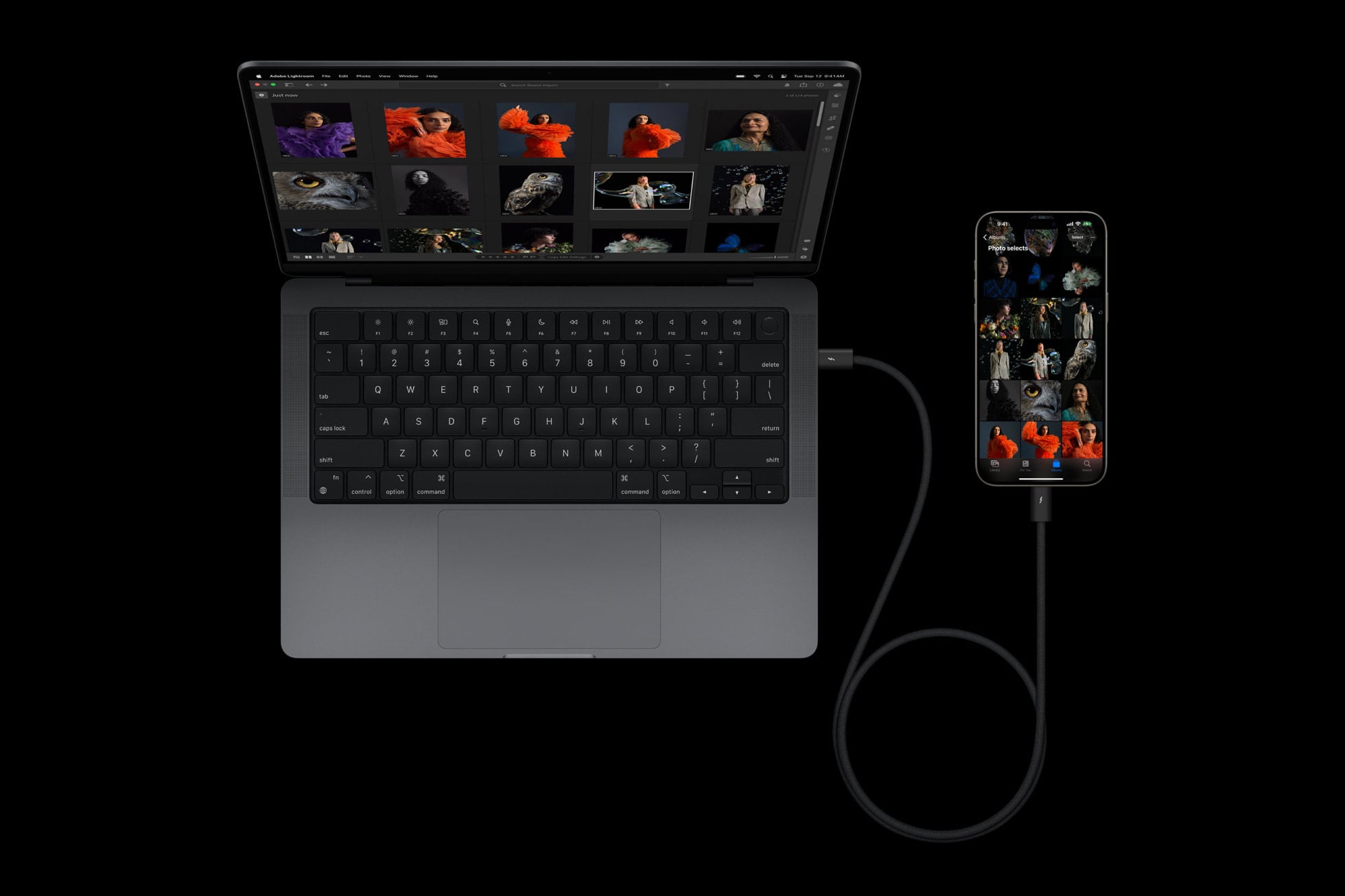
Your new iPhone 15 has a bunch of cool features on board including a way to charge other devices like Apple Watch or a pair of AirPods or even another iPhone.
The iPhone 15 series has ditched Apple’s Lightning port with a new USB-C port. The change had long been rumored for the 2023 iPhone’s and it’s one of the rumors that came to fruition in September.
The move to USB-C allows the iPhone 15, iPhone 15 Plus, iPhone 15 Pro, and iPhone 15 Pro Max to charge an array of other devices.
This is useful if the battery life of your AirPods, Apple Watch, or another device is about to die and you need a quick charge to extend the battery.
Fortunately, charging another device with an iPhone 15 is extremely easy provided you have a device with a USB-C connector or a USB-C to Lightning cord.
How to Charge Devices with iPhone 15
Apple says you can use your iPhone 15 to charge your AirPods, Apple Watch, or another small device that supports USB Power Delivery at up to 4.5 watts. It doesn’t mention that you can charge larger devices like another iPhone.
Now keep in mind, the charge is limited to 4.5W which is enough power for smaller devices like a Watch or a pair of AirPods, but not much for larger devices like an iPhone. You can expect much slower charging speeds for large devices.

If the device you want to charge with your iPhone 15 has a USB-C connector, you’ll want to connect it directly to your iPhone with a USB-C cable. As luck would have it, your new iPhone 15 comes with one.
If the device you’re trying to charge uses Apple’s older Lightning standard, you’ll need a USB-C to Lightning cable in order to connect them. If you don’t have one, you can buy one from sites like Amazon. They’re cheap.
If you’ve got an Apple Watch that needs charging, you’ll need to connect a Magnetic Fast Charger to USB-C Cable directly to your iPhone. These can be a little expensive but you should be able to find a deal if you shop around.
You can also connect a Magnetic Charging Cable to your iPhone using a USB-C to USB Adapter.
[slides postid=501274]
