
Accessories
Best MicroSD Cards for the Galaxy S9
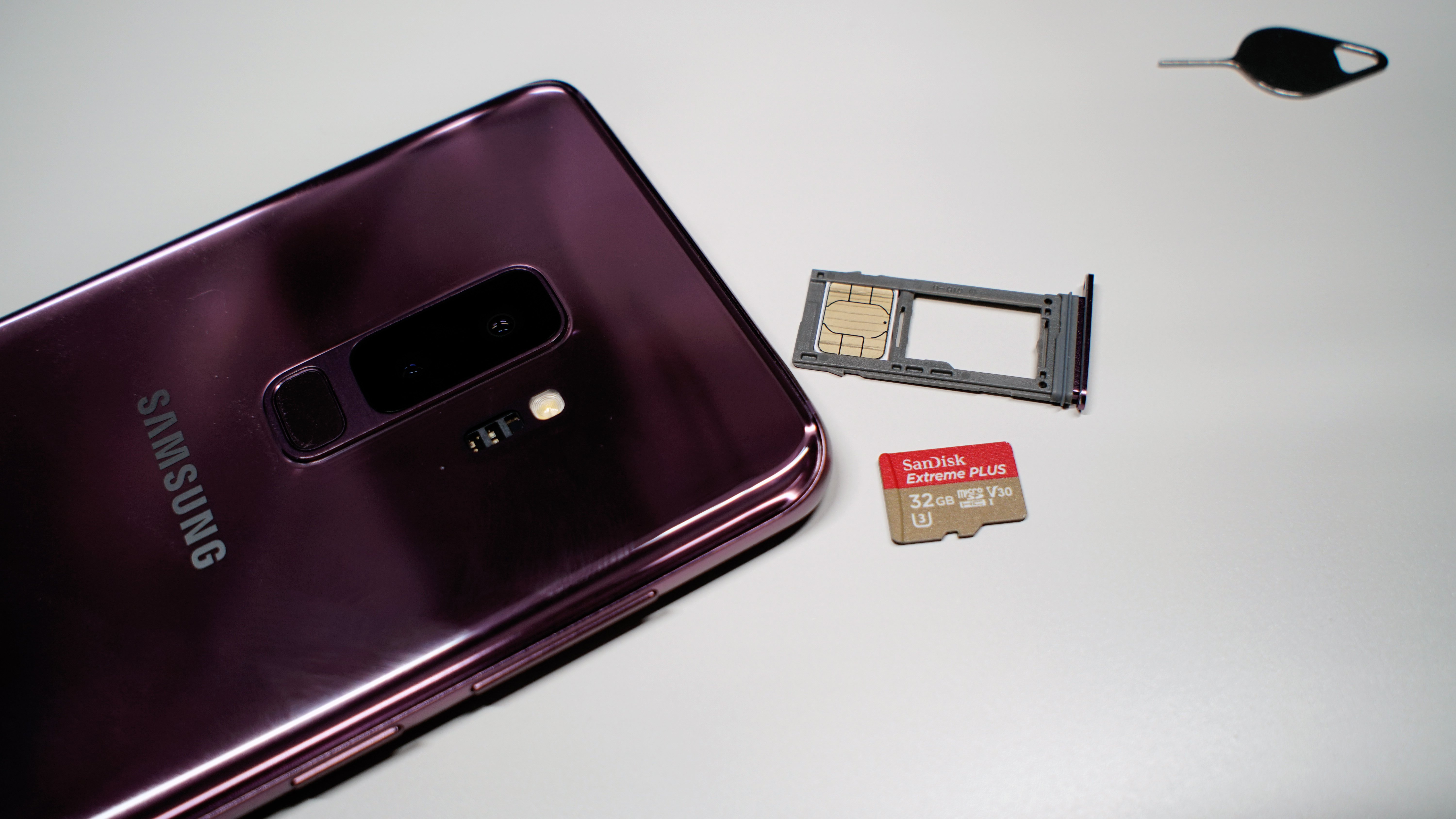
Installing a microSD card is the easiest way to add more storage to the Galaxy S9. This is everything you need to know about microSD storage sizes and speeds. Then, we’ll recommend some of the best microSD cards for the Galaxy S9. We also have a quick video that shows you how to install your SD card.
Some cost under $20 and will give you a little extra storage, while others cost a lot more but deliver improved performance along with tons of space. In fact, you can get over 400GB on Samsung’s Galaxy S9 if you really need it.
Read: 20 Best Galaxy S9 Cases
With 64GB of space built-in, most Galaxy S9 owners won’t need a microSD card. However, if you have a lot of movies and music, or plan on shooting tons of 4K or slow-mo video, a microSD is highly recommended. Some cost upwards of $150 and deliver class-leading speeds or over 300GB of storage. Get one today from our round-up below.
Improving performance is one of the main reasons to buy a microSD card. They help apps run smooth, games open quicker and even improve 4k video recording or playback. Along with the obvious increase in storage limits.
Most retail stores like Verizon, AT&T or even Best Buy are extremely overpriced. Buy a cheaper one from our roundup below, or find a store like Best Buy that will price match. When you do, use the SIM slot removal tool that comes in the box to remove the SIM tray, then install the SD card. Slide the tray back in and you’ve instantly added another 64GB, 128GB, or 256GB of space in seconds.
In closing, the recommended size for most owners is 64GB. As that gives you a decent storage upgrade without costing too much money. Or, pay a little more to get tons of space and even better performance. Choose one from our slideshow below.
[slides]
