
Apple
watchOS 10.5 Issues Include Problems With Gym Equipment
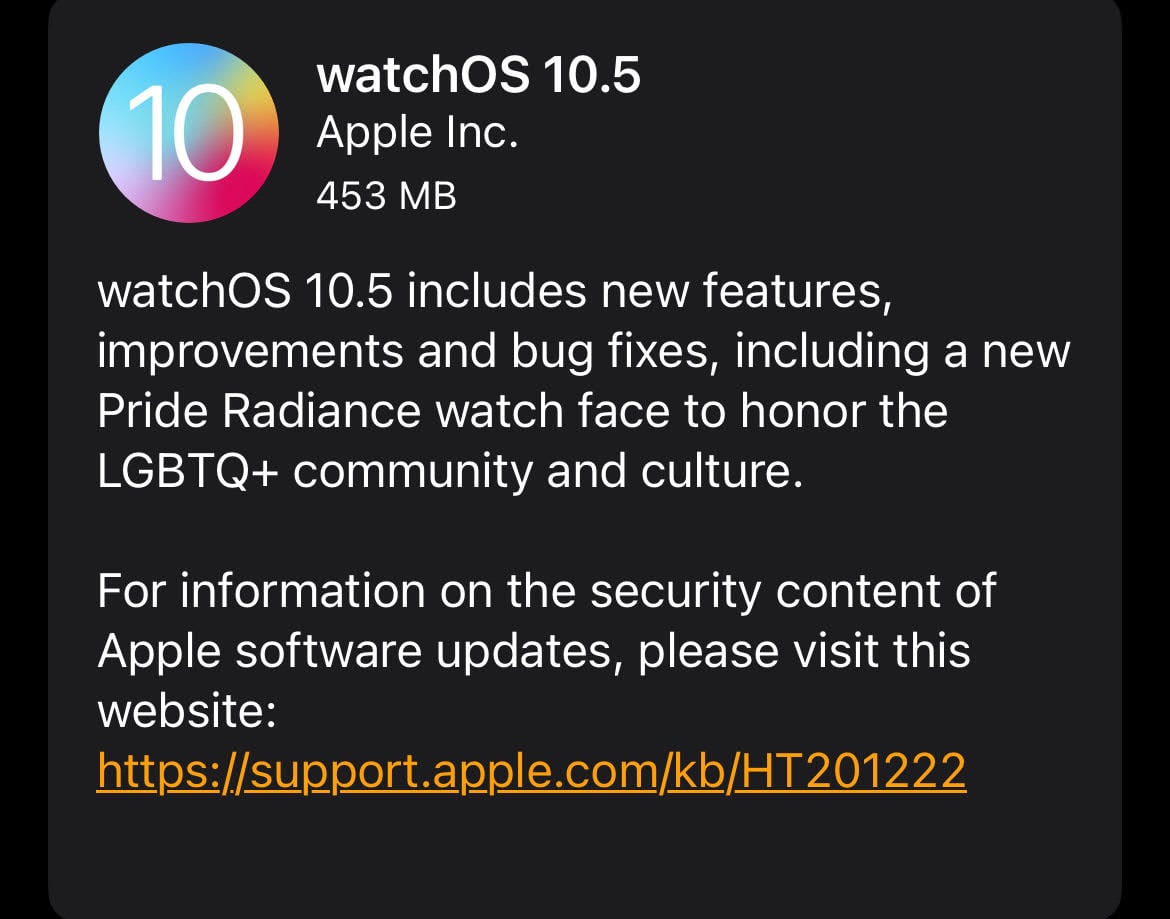
Apple Watch users have run into an assortment of watchOS 10.5-related issues in the days since the milestone upgrade’s release.

Last week, Apple finally pushed its watchOS 10.5 update to Apple Watch. The software brought new features and under-the-hood improvements to compatible Watch models.
According to Apple Watch users on social media and Apple’s discussion forums, the software also brought problems with it.
We’ve seen an uptick in the number of complaints about watchOS 10.5 problems as more Apple Watch users have downloaded and used the software. And we expect the list to grow as we push deeper into May and into June.
Here are some of the watchOS 10.5 issues Apple Watch owners have run into thus far:
- Several reports about issues with treadmills
- Issues adding credit cards to Apple Watch
- Erratic behavior including rapidly switching apps
- Bug where the Watch keeps initiating the setup process
- Installation issues
- Issues with workout distances
- Missing watch faces
- Payment problems
- Ghost touches
- Dictation issues
- Abnormal battery drain
We’ve been using watchOS 10.5 on an Apple Watch 4 and Apple Watch 7 since release and we haven’t run into any major problems with the software.
We’ve successfully paired our Watches to a Peloton bike. The complaints we’ve seen thus far about gym equipment are mostly from Matrix treadmill users.
Those having issues connecting their Apple Watch with gym equipment should get in touch with Apple or the equipment’s manufacturer to a) report the issue and b) see if there is a workaround.

Apple Watch users who haven’t transitioned to watchOS 10.5 yet should dig into feedback before upgrading as there’s no way to downgrade back to older watchOS software should issues emerge.
We don’t know when Apple will release its next batch of bugs fixes though we do expect the company to put a new watchOS 10.6 update into beta testing in the near future.
watchOS 10.6 will likely arrive in July alongside milestone upgrades for iPhone, iPad, Mac, and other hardware.
Users who can’t wait until the summer will need to find a manual fix for their issue(s) or get in touch with Apple support.
In many cases, restarting the Apple Watch and/or iPhone will fix an issue. This can also iron out performance issues like UI lag. Users can also try performing a hard reset and see if that alleviates bugs and performance issues.
