
Apple
8 Things to Know About the iPhone 5 iOS 10.3.4 Update
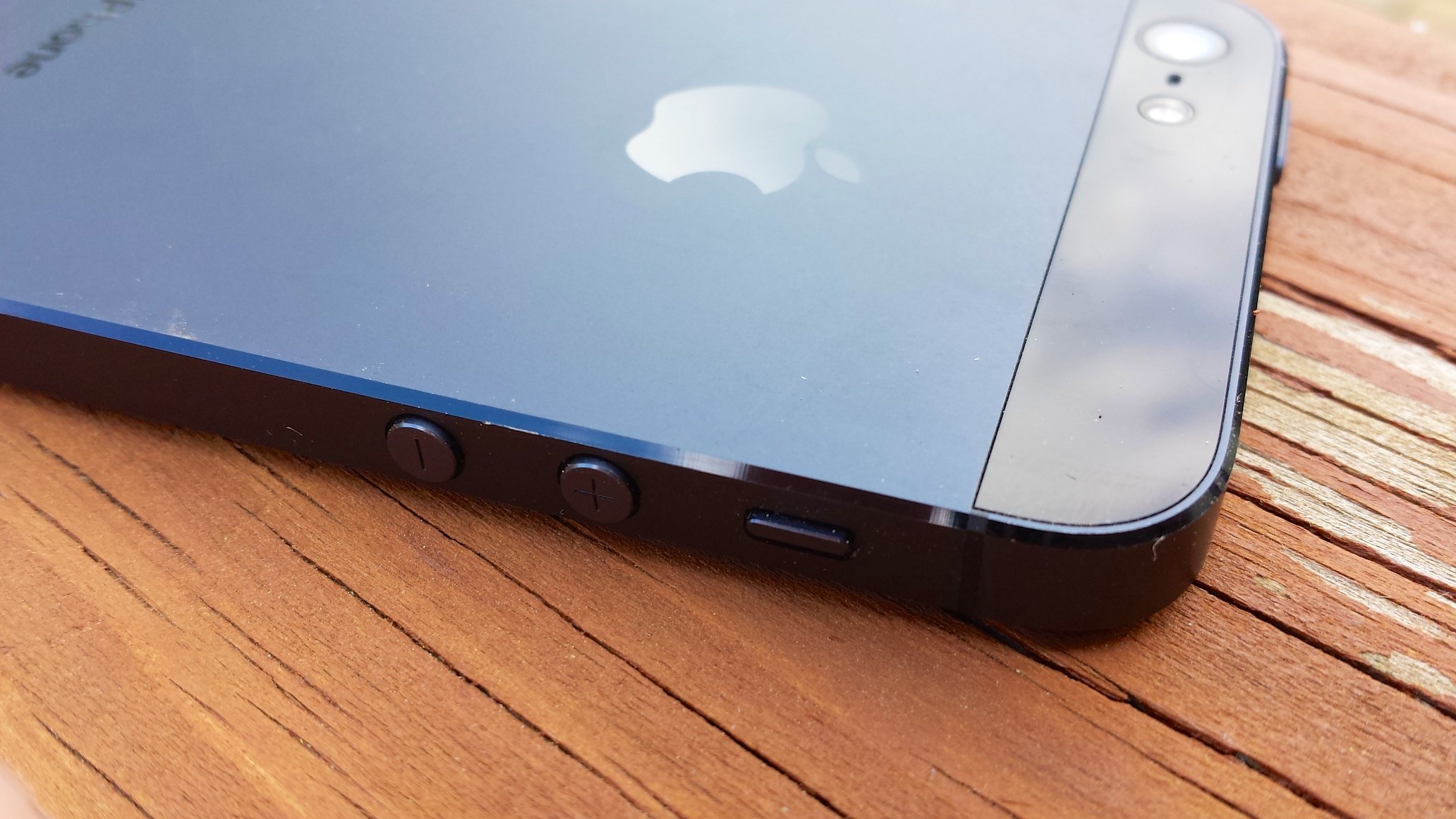
The iPhone 5 iOS 10.3.4 update is small upgrade, but even tiny iOS updates can have an enormous impact on a device’s overall performance.
The iPhone 5 won’t get iOS 11, iOS 12, iOS 13, or any future iOS updates and that puts an enormous spotlight on the device’s iOS 10.3.4 update.
iOS updates for older devices can have a dramatic effect on performance. Sometimes the effect is positive. Sometimes, unfortunately, it’s negative.
Apple’s released a surprise iOS 10.3.4 update for the iPhone 5 and it comes with a key bug fix. It’s an important upgrade for those still hanging onto the iPhone 5, but those of you thinking about downloading the firmware should be extremely careful. Once you download iOS 10.3.4 on your phone you can’t go back to anything older than iOS 10.3.3.
That said, most iPhone 5 users will want to download iOS 10.3.4 because key functions like the App Store and iCloud will stop working on November 3rd. This due to a time rollover issue.
If you’re making the move to iOS 10.3.4 from the iPhone 5’s iOS 10.3.3 update, you won’t need to clear out a ton of space on your device.
If for some reason you’re coming to iOS 10.3.4 from something older than iOS 10.3.3, you can expect your update to be massive (several hundred MB or more) thanks to the features and fixes from iOS 10.3 and any other iOS updates you missed along the way.
This roundup will take you through our impressions of the iPhone 5 iOS 10.3.4 update’s performance. It will also guide you through the iOS 10.3.4 problems plaguing iPhone 5 users, fixes for iOS 10 problems, everything you need to know about the iOS 10 downgrade, and some information about the iOS 10.3.3 jailbreak.
[slides]
