
Android
4 Reasons Not to Install Galaxy S9 Pie & 12 Reasons You Should
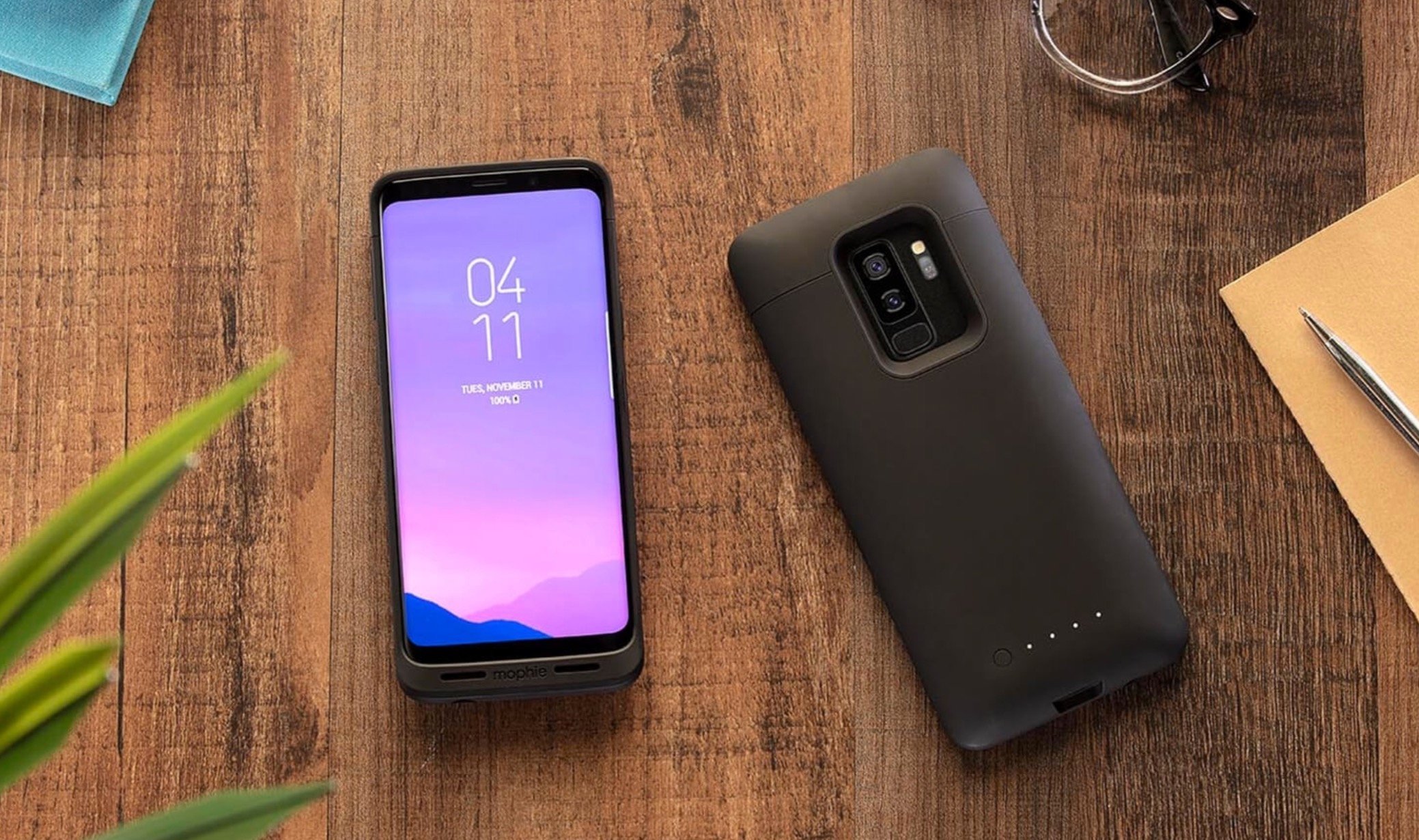
The Samsung Galaxy S9 Android Pie update could have a huge impact on your device’s performance. Some Galaxy S9 owners should install the software the second it arrives, but others might want to hold out for a few hours, a few days, or longer.
Samsung promised to roll the Galaxy S9 Android Pie update out in January, but the company started the roll out a little early in late December.
The roll out initially hit those participating in the Galaxy S9 Android Pie beta, but it has since moved on to devices and regions that weren’t part of the beta program.
The Galaxy S9 Android Pie update is rolling out in France, Germany, Italy, India, the Netherlands, Poland, Spain, South Korea, Switzerland, Turkey, the United Arab Emirates (UAE), the United States, and many other countries around the world.
In the U.S. the update is available for Verizon’s Galaxy S9 and S9+, Sprint’s Galaxy S9 and S9+, AT&T’s Galaxy S9 and S9+, T-Mobile’s Galaxy S9 and Galaxy S9+, U.S. Cellular’s Galaxy S9 models, devices on Comcast’s Xfinity network, and unlocked versions of the Galaxy S9.
If you’ve followed the Galaxy S9 Android Pie update’s path to the official release you know that it comes with a long list of changes for the flagship devices.
The most obvious change on board Android Pie is the new One UI, a new user interface that brings wholesale changes to the look and feel of Samsung’s skin.
Other features on board include a Night Mode, a floating keyboard, new emojis, improvements to Always on Display, features from the Galaxy Note 9, Samsung DeX enhancements, and a whole lot more.
The Samsung Galaxy S9’s Android Pie update is a fairly large download. The update should be around 1.5-2GB for most Galaxy S9 and Galaxy S9+ models. It’ll be smaller for those of you jumping from the Pie beta to official software.
Android Pie is a big jump from Android Oreo and it could have a tremendous impact on your phone’s performance. While some of you might see improvements, others will run into issues.
Samsung Galaxy S9 Pie problems are popping up and they include issues with Bixby, abnormal battery drain, issues with Bluetooth and GPS, problems with apps, user interface lag, installation problems, and more.
Samsung is rolling out bug fix updates to address these issues, but the change log and timing varies region-to-region, carrier-to-carrier.
There are plenty of reasons to install the Android Pie update when it arrives for your Galaxy S9 or Galaxy S9+. That said, there are some reasons why you might want to hold off and wait.
This guide will take Galaxy S9 and Galaxy S9+ users through the best reasons to, and not to, install Android 9.0 Pie today.
[slides]
