
Apple
8 Things to Know About the iPhone 6s iOS 11.4.1 Update
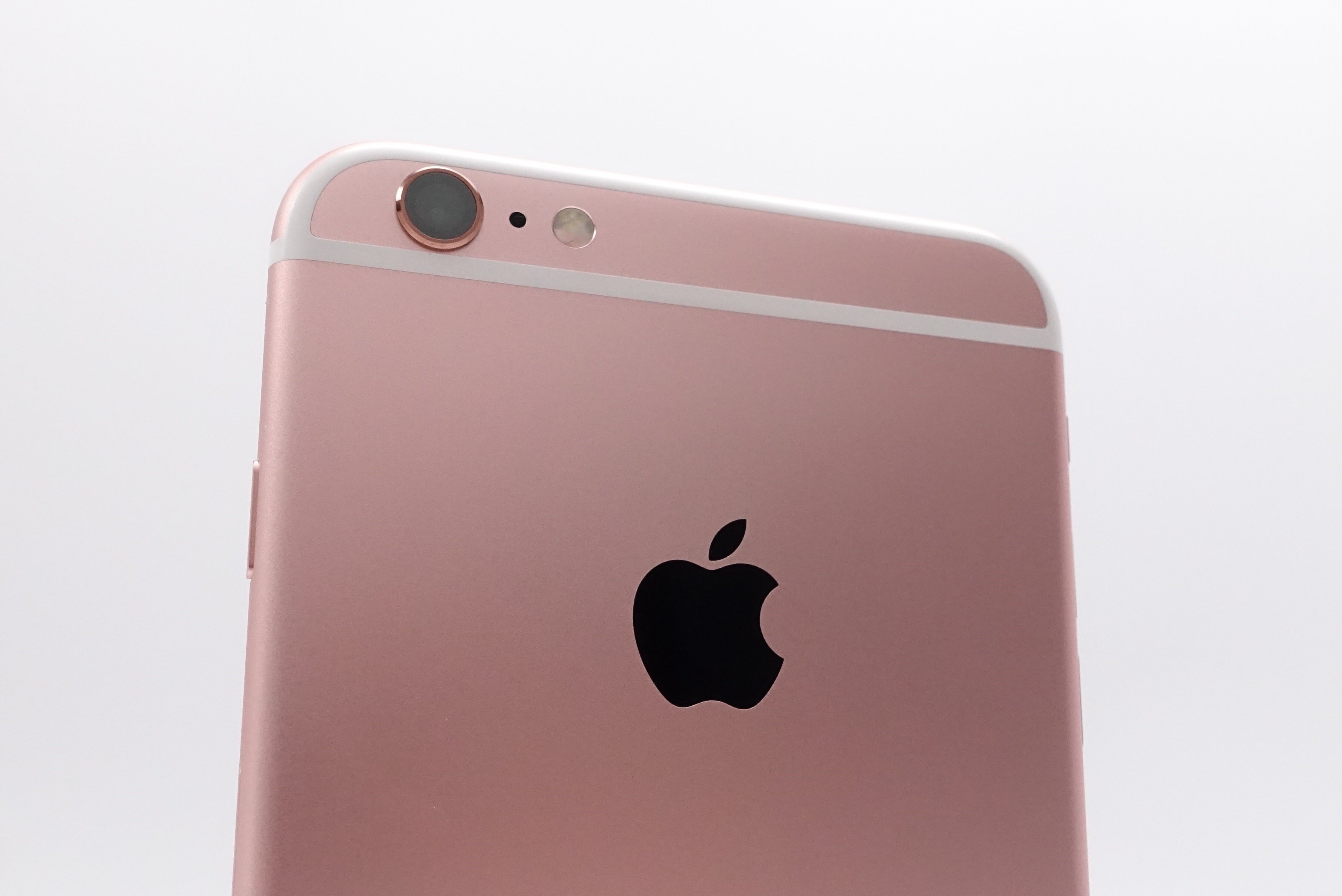
Apple’s new iOS 11.4.1 update is treating our iPhone 6s models well, but some users are reporting problems with the latest version of iOS 11.
The iPhone 6s iOS 11.4.1 update comes with a few notable changes including a new security feature, key bug fixes, and important security patches. If you’re dealing with issues and/or want to protect your phone, you should consider downloading iOS 11.4.1 on your iPhone 6s or iPhone 6s Plus right now.
The iOS 11.4.1 update could improve your device’s performance. There’s also a chance it’ll have a negative effect. The iOS 11.4.1 update is causing a variety of problems for iPhone 6s and iPhone 6s Plus users.
Some of these problems are minor bugs, but we’re also hearing about weird battery drain, lag, issues with first and third-party apps, and UI lag.
There’s no telling what you might encounter during the install or after you get iOS 11.4.1 on board so you need to approach the update with caution.
If you’re upgrading from iOS 11.4, you get the shortest list of changes. If you’re coming from an older version of iOS 11 or Apple’s iOS 10 operating system, your iOS 11.4.1 update will be much larger thanks to the features and fixes from iOS 11 updates you missed.
Our walkthrough will take you through everything you need to know about the download and installation. It addresses iPhone 6s iOS 11.4.1 problems, iOS 11.4.1’s changes, and what you can expect from Apple moving forward.
It also includes fixes for iPhone 6s iOS 11.4.1 problems, iPhone 6s iOS 11.4 downgrade info, and some information about the iOS 11 jailbreak.
Before we get into all of that we want to give you some quick impressions of the iOS 11.4.1 update’s performance on our iPhone 6s.
[slides]
