
Apple
7 Things to Know About the iPhone 7 iOS 11.4.1 Update
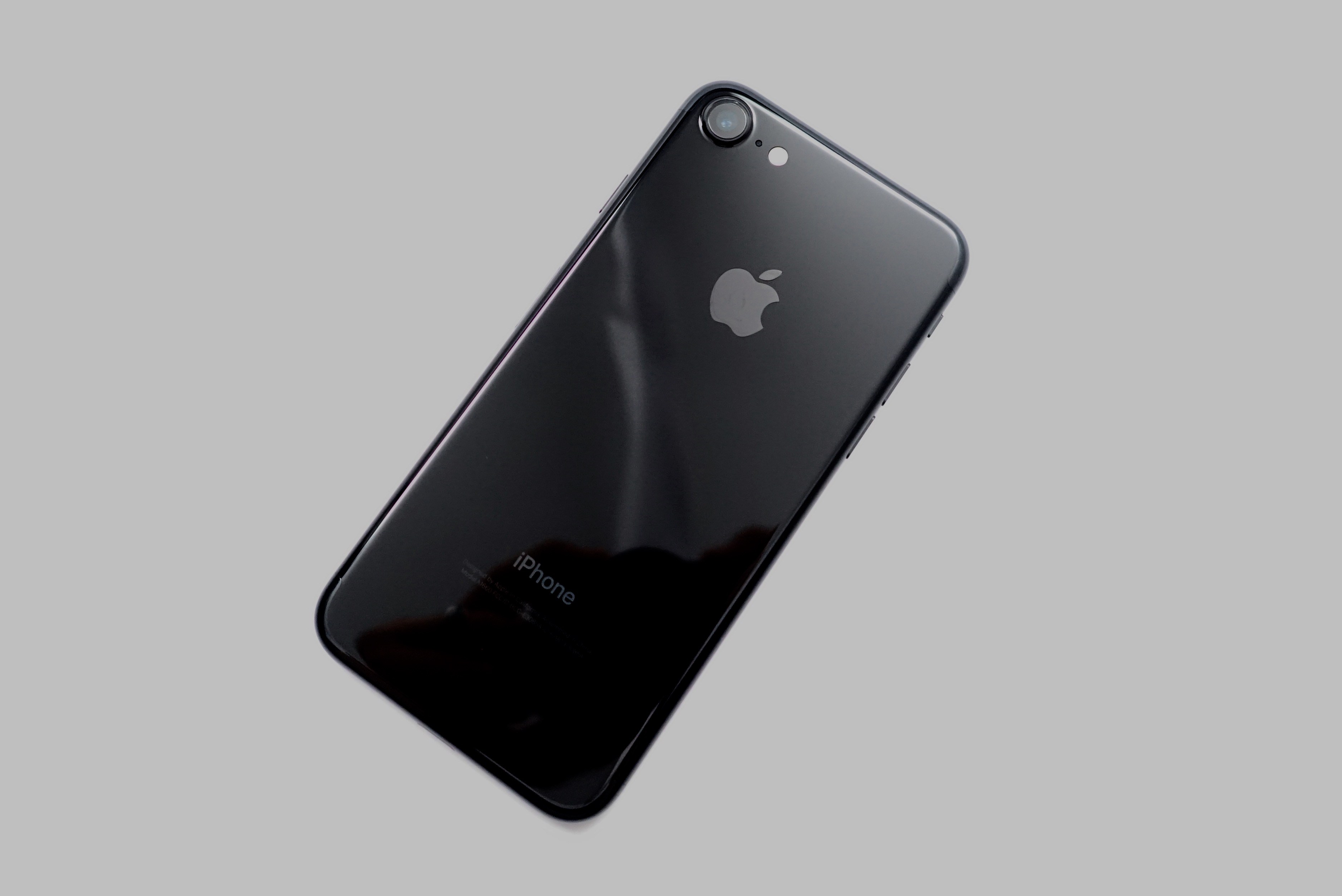
The iPhone 7 iOS 11.4.1 update is a point release, but it could have a significant impact on your device’s performance.
Apple’s latest iOS 11 update is much smaller than iOS 11.4 and comes with important bug fixes, security patches, and a new security feature. While iOS 11.4.1’s intentions are good, the update is causing problems for some iPhone 7 and iPhone 7 Plus owners.
iPhone 7 users who adopted the software update are complaining about UI lag, battery drain, and issues with various first and third-party applications.
It’s difficult to predict exactly how iOS 11.4.1 will perform on your iPhone 7 or iPhone 7 Plus so you’ll need to be extremely careful if you choose to download it on your device.
If you’re coming from Apple’s iOS 11.4 update, your iOS 11.4.1 download is a few hundred megabytes. It should take you 10 minutes or less to get it up and running.
If you skipped iOS 11.4 or any previous version(s) of iOS 11, your iOS 11.4.1 download will be much bigger and your installation will take longer.
This guide will take you through steps iPhone 7 should take prior to downloading the iOS 11.4.1 update. Our walkthrough also goes over a few other things iPhone 7 and iPhone 7 Plus users should know about bugs and performance issues, the iOS 11 jailbreak situation, and the iOS 11.4 downgrade.
Before we get to all that, we want to provide you with some feedback about the iPhone 7 iOS 11.4.1 update’s performance. If you’re currently on the fence about iOS 11.4.1, our impressions could help get you to one side of the fence or the other.
[slides]
