
Apple
5 Things to Know About the macOS Monterey 12.1 Update
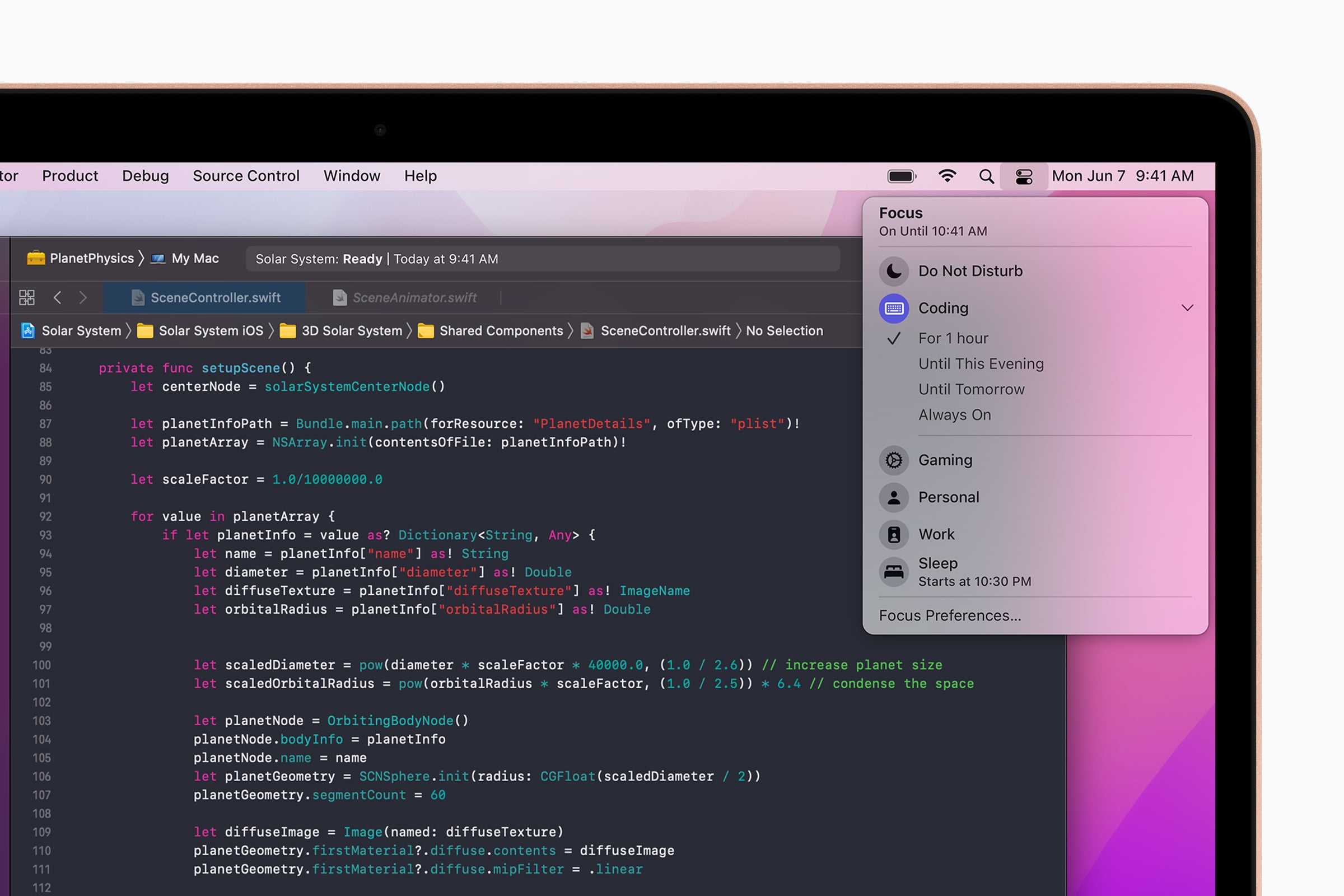
Apple’s released its macOS Monterey 12.1 update and it brings important changes to Mac users.
macOS Monterey 12.1 is a milestone release which means it carries new features, bug fixes, enhancements, and security patches on board. It’s the first milestone upgrade for macOS Monterey.
With that in mind, we want to take you through everything there you need to know about the macOS Monterey 12.1 update and its release for Mac.
In this guide we’ll take you through the macOS Monterey 12.1 update’s performance, the current list of macOS Monterey 12.1 problems, the best places to find feedback about macOS Monterey 12.1 problems, and more.
- macOS Monterey 12.1 Review
- macOS Monterey 12.1 Problems
- macOS Monterey 12.1: What’s New
- macOS Monterey Downgrade
- Next macOS Update
We’ll start out with some quick impressions of macOS Monterey 12.1 update’s performance on Mac.
macOS Monterey 12.1 Review
If your Mac is currently running macOS Monterey 12.0.1, you’re still going to see a fairly large download. For instance it’s a 2.36GB download for MacBook Pro (2017) users
The exact size of the macOS Monterey 12.1 download varies based on your Mac model and the version of macOS it’s currently running.
If your Mac is running macOS Monterey 12.0.1, the installation should take less than 15 minutes to complete. It took around 13 minutes on a MacBook Pro (2017).
For more on the macOS Monterey 12.1 download and installation, take a look at our guide.

We’ve been using the macOS Monterey 12.1 update on a MacBook Pro (2017) for several days now and here’s what we’ve learned about its performance thus far:
Connectivity
- Battery life is currently stable.
- Wi-Fi connectivity is fast and reliable.
- Bluetooth is working normally.
App Performance
- Third-party apps including Twitter, Slack, Asana, Gmail, Chrome, and Spotify are working fine at the moment.
- First party apps like Safari and Podcasts are also stable.
Speed
- macOS Monterey 12.1 feels as fast as macOS Monterey 12.0.1 did.
If your Mac is struggling on macOS Monterey 12.0.1, macOS Monterey 12.0, or an older version of macOS, you might want to install macOS Monterey 12.1 on your Mac today.
If you need help making a decision, check out our reasons to, and not to, install the macOS Monterey 12.1 update.
macOS Monterey 12.1 Problems
The macOS Monterey 12.1 update is causing problems for some Mac users.
We’re hearing about installation issues, UI lag, issues with first and third-party apps, abnormal battery drain, Wi-Fi problems, lockups, freezes, and crashes.
If you download macOS Monterey 12.1 and you run into bugs or performance issues, here are a few resources that could help.
Before you get in touch with Apple support, have a look at our list of fixes for the most common macOS Monterey problems. We’ve also released a guide that shows you how to fix macOS Monterey battery life problems.
If you can’t find what you’re looking for in our guides, head over to Apple’s discussion forums. If they can’t help you, you might want to get in contact with Apple Support via Twitter or with customer support via Apple’s website.
If you still can’t fix your issue(s), you might want to schedule an appointment to see a Genius at your local Apple Store if it’s open.
macOS Monterey 12.1 Update: What’s New
Apple’s milestone updates (x.x) typically bring a fairly long list of changes and that’s what you’ll get after you download the macOS Monterey 12.1 update.
Here’s the full macOS Monterey 12.1 change log:
SharePlay
- SharePlay is a new way to share synchronized experiences in FaceTime with content from the Apple TV app, Apple Music, and other supported apps
- Shared controls give everyone the ability to pause, play, rewind or fast forward
- Smart volume automatically lowers the audio of a movie, TV show or song when you or your friends speak
- Screen sharing lets everyone on a FaceTime call look at photos, browse the web, or help each other out
Apple Music Voice Plan
- Apple Music Voice Plan is a new subscription tier that gives you access to all songs, playlists, and stations in Apple Music using Siri
- Just Ask Siri suggests music based on your listening history and likes or dislikes
- Play it Again lets you access a list of your recently played music
Photos
- Memories has been redesigned with a new interactive interface, new animation and transition styles, and multiple image collages
- New Memory types include additional international holidays, child-focused memories, trends over time, and improved pet memories
Messages
- Communication safety setting gives parents the ability to enable warnings for children when they receive or send photos that contain nudity
- Safety warnings contain helpful resources for children when they receive photos that contain nudity
Siri and Search
- Expanded guidance in Siri, Spotlight and Safari Search to help children and parents stay safe online and get help with unsafe situations
Apple ID
- Digital Legacy allows you to designate people as Legacy Contacts so they can access your iCloud account and personal information in the event of your death
TV App
- Store tab lets you browse, buy, and rent movies and TV Shows all in one place
Enhancements
- Hide My Email is available in the Mail app for iCloud+ subscribers to create unique, random email addresses
- Stocks allows you to view the currency for a ticker and see year-to-date performance when viewing charts
- Reminders and Notes now allow you to delete or rename tags
Bug Fixes
- Fixes an issue where Desktop and Screen Saver may appear blank after selecting photos from the Photos library
- Fixes an issue where the Trackpad could become unresponsive to taps or clicks
- Fixes an issue where external displays may not charge some MacBook Pro and MacBook Air computers when connected using Thunderbolt or USB-C
- Fixes an issue where HDR video playback on YouTube.com could cause 2021 MacBook Pro computers to panic
- Fixes an issue where menu bar extras may be obscured by the camera housing on 2021 MacBook Pro computers
- Fixes an issue where MagSafe may stop charging on 2021 16-inch MacBook Pro computers when lid is closed and system is shut down
Unfortunately, one feature that was promised before the end of the year, Universal Control, isn’t on board macOS Monterey 12.1. On its macOS Monterey website, the company says it expects Universal Control to roll out sometime in the spring of 2022.
Apple says macOS Monterey 12.1 also includes security updates for Mac. You can read about those over on the company’s security site.
Microsoft’s discovered a ‘Powerdir’ vulnerability lurking in macOS though it says Apple patched up the issue in macOS Monterey 12.1.
The company says Powerdir allows “an attacker to bypass the operating system’s Transparency, Consent, and Control (TCC) technology, thereby gaining unauthorized access to a user’s protected data.”
You Can Downgrade from macOS Monterey 12.1
If you run into problems on macOS Monterey 12.1, you can downgrade your Mac’s software back to an older version if you think that could help.
There is no time frame for this to expire so if you decide you need to move your Mac back to older software, it’s fairly easy to do if you are prepared. Here’s our guide to downgrade and it will help you understand the process and make the move.
What’s Next
Apple’s confirmed a new version of macOS Monterey.
macOS Monterey 12.2 is official and it’s currently in beta testing ahead of an unknown release date. We expect it to arrive in the near future.
This firmware is another milestone upgrade which means it should carry a mix of new features, bug fixes, enhancements, and security patches.
For more on macOS Monterey 12.2 and the beta, check out our guide.
[slides postid=491251]
