
Apple
iOS 16 Beta Problems: 5 Things You Need to Know
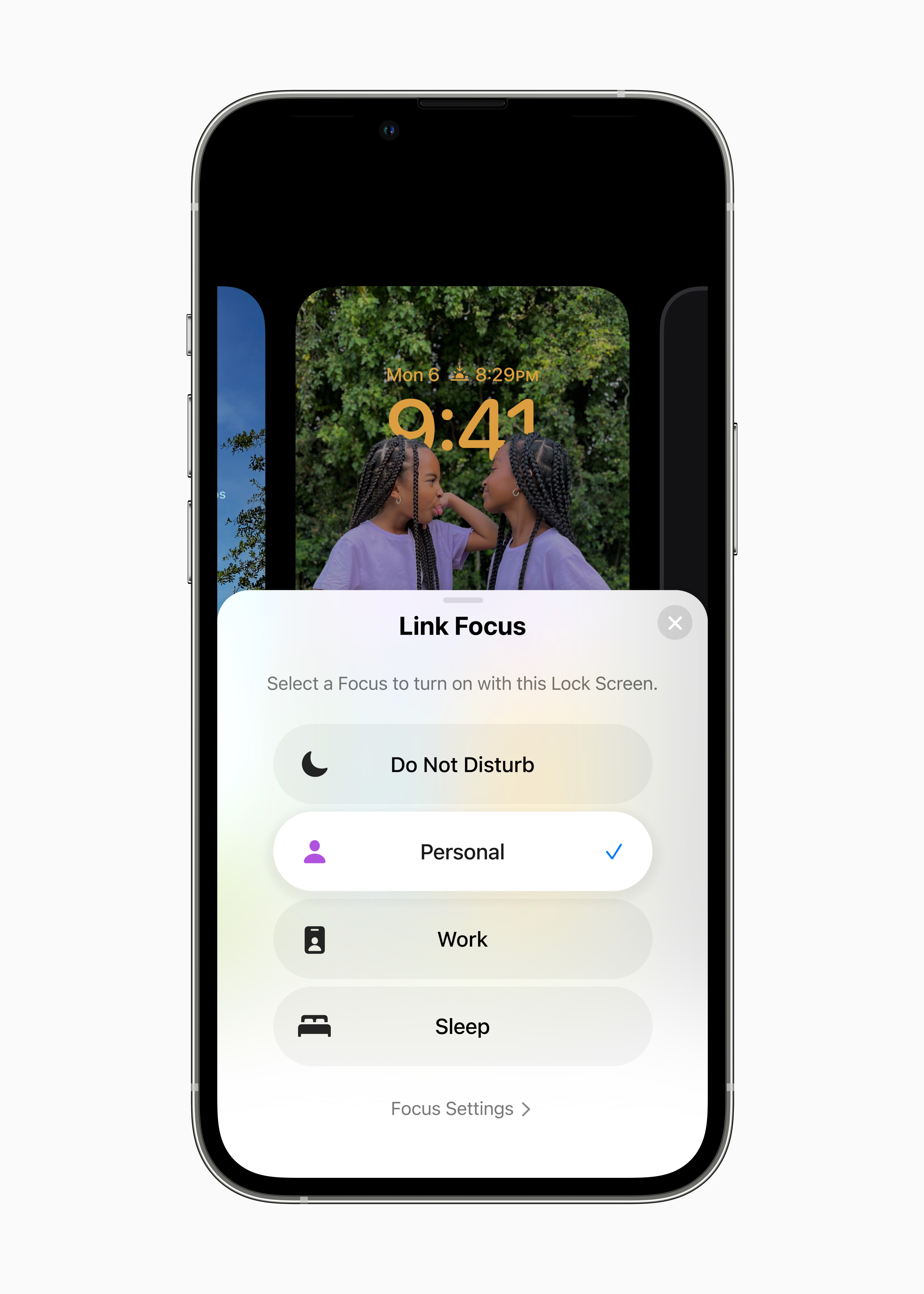
The iOS 16 beta is causing problems for some iPhone owners. Some of these issues are minor, others are far more problematic.
Apple’s iOS 16 beta is live for developers and those enrolled in Apple’s Beta Software Program. A developer account requires a yearly fee, but the Beta Software Program is free.
As we push through the summer we continue to get feedback from iPhone users who have moved their iPhones off of iOS 15. Some of that feedback is good, some of it’s bad.
The iOS 16 beta has its fair share of problems. This doesn’t come as much of a surprise given that it’s unfinished software and Apple’s pre-release software is always plagued by bugs and performance issues.
If you’re thinking about trying the iOS 16 beta, you need to understand what you’re getting into before you signup and download the software. And those of you using the beta need to know where to find fixes and ongoing feedback about the beta’s performance.
- iOS 16 Beta Problems
- iOS 16 Beta Upgrade Feedback
- How to Fix iOS 16 Beta Problems
- iOS 16 Beta Downgrade
- What’s Next for iOS 16 Beta
In this guide we’ll take you through the current state of iOS 16 beta problems. We’ll also provide you with a list of resources that might come in handy if you decide to download the beta and you run into bugs or other issues.
iOS 16 Beta Problems
Apple’s iOS 16 beta change log highlights a number of issues and testers are reporting additional problems with the firmware.
We’re hearing about abnormal battery drain, installation and download problems, problems with Messages, Face ID problems, Wi-Fi issues, Bluetooth problems, crashes, lag, and problems with first and third-party applications.
Apple will fix some of the problems plaguing the iOS 16 beta, but others will probably linger throughout the beta testing process.
You can’t predict what you’ll encounter during your time on the iOS 16 beta and that’s why we recommend doing some prep work before you install the software on your iPhone.
We’ve put together a pre-installation checklist and it will help you get everything in order before you install the iOS 16 beta on your iPhone.
Where to Find Feedback
If you’re currently using the iOS 16 beta or thinking about downloading it, make sure you keep an eye on feedback from those using it. This feedback will give you a look at the most prominent issues.
If you’re using an older iPhone or you’re having a good experience on an older version of iOS 15, you’ll want to dig into feedback before you jump to the beta.
If your iPhone is currently on iOS 15.6 or an older version of iOS, there’s no way back to your current version of iOS once you install the iOS 16 beta on your phone.
There are a few places to check for iOS 16 beta feedback. You can check YouTube for information about your device. We’re starting to see feedback about bugs, performance issues, and the overall speed of the beta.
Apple’s official discussion forums are another resource to bookmark. We also recommend monitoring feedback from the MacRumors forums. You’ll also want to check Facebook and Twitter.
How to Fix iOS 16 Beta Problems
Some iOS 16 beta issues will require a fix from Apple. Others you may be able to fix on your own.

We’ve put together a list of fixes for the most common iOS problems. It’s a good starting point if you encounter problems with Wi-Fi, Bluetooth, or issues with cellular data.
If you’re dealing with performance issues (lag, lockups, etc), take a look at our list of tips to potentially improve performance on your iPhone.
If you’re noticing abnormal battery drain, check out our guide to fixing bad iOS battery life. It should help you improve it in minutes.
If you don’t find what you’re looking for in our guides, we recommend getting in touch with the community on Apple’s discussion forums or with Apple via its customer support account on Twitter.
You Can Downgrade from iOS 16 Beta
If you can’t stand the iOS 16 beta’s performance on your iPhone, you can drop back down to iOS 15.
Apple is currently signing on iOS 15.6.1. The company has stopped signing on iOS 15.6 and older versions of iOS which means you can’t drop your iPhone back to anything older than the current version of iOS 15.
If you want to move your iPhone back to stable iOS software, we’ve released a downgrade guide that will take you through the entire process.
What’s Next
The final version of iOS 16 will arrive on September 12th ahead of the iPhone 14 release date. For more about the iOS 16 release date, check out our guide.
[slides postid=490676]
