
Apple
12 New macOS Sierra Features Worth Upgrading For
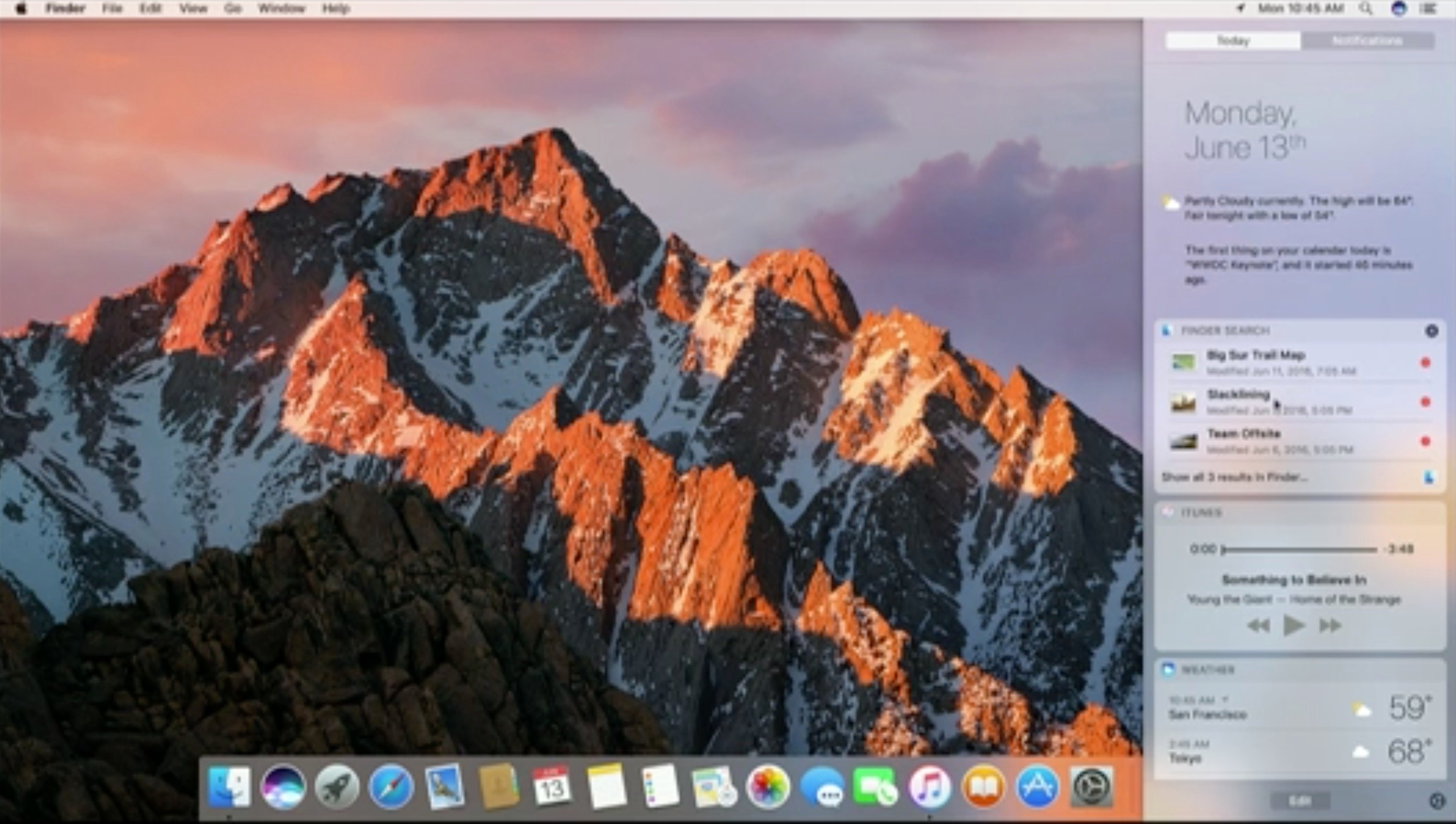
You can upgrade to macOS Sierra on your Mac computer, leaving OS X 10.11 behind. This is a walkthrough of what’s new in macOS Sierra and the more recent macOS Sierra 10.12.5 update.
Apple made a major change with macOS Sierra last year and continues to add features and fixes to your Mac with macOS Sierra 10.12.6.
Here is a list of reasons to install macOS Sierra and reasons not to, which can help you decide if these features are worthwhile.
Many of the new macOS Sierra features deliver on user convenience with faster login, an easier way to clean up your storage and sync your files to iCloud so that you always have the most important files with you.

Learn what’s new in mac OS Sierra and how macOS 10.12 vs OS X El Capitan stacks up.
One of the most prominent new macOS 10.12 features is Siri for Mac. Just like on your iPhone and iPad, you can now use Siri to complete many tasks and there are new integrations. With macOS Sierra 10.12.4 you can now use a night mode on your Mac. In macOS Sierra 10.12.5 Apple fixes a major headphone problem, delivers an enhanced Mac App Store and offers an easier way to install the Windows 10 Creators Update with Boot Camp.
There iPhone, iPad and Apple Watch users will see the biggest benefits of upgrading with new connectivity options that make things as simple as copy and paste better. Buying items on the web is also simplified with Apple Pay for the web.
The macOS update is compatible with many devices, but not every model that runs OS X El Capitan can handle the upgrade. You’ll need a late 2009 or newer MacBook or iMac and a 2010 or later MacBook Air, MacBook Pro, Mac mini or Mac Pro to use this software.
This is a look at what’s new in macOS Sierra and how it compares to OS X El Capitan in key areas.
[slides]
