
Apple
What’s New in OS X 10.11.3
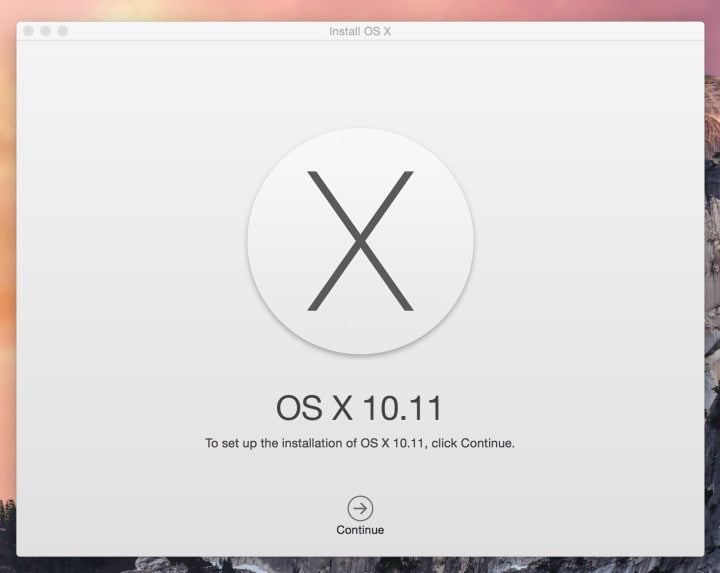
The OS X 10.11.3 update is now available for Mac users to download, and it is one that many users who own a 4K display or who use a Mac in an enterprise setting will want to install in short order.
This is a small OS X update, but it does fix two important OS X El Capitan problems and includes security fixes that bring better protection to your MacBook.
It lays the groundwork for OS X 10.11.4, which is currently in testing for developers and users who are part of the preview program.
Here’s what’s new in OS X 10.11.3 and what you need to know about this small update that can fix annoying OS X El Capitan problems.

What’s new in OS X 10.11.3, the latest update to OS X El Capitan.
The biggest change that the average user will see from the OS X 10.11.3 update is a fix for some Mac computers not going to sleep when connected to a 4K display. This is an issue that we ran into with the Mac Pro and a 4K monitor.
Over the past several weeks the computer would stay awake all night, unless we forced it to go to sleep. Unplugging the 4K monitor solved the issue for a short time. We will pay attention to how the Mac Pro handles the 4K monitor when we wait for it to go to sleep after installing the new OS X El Capitan update.
Enterprise users may see their IT department push users to install the OS X El Capitan or this update now that this upgrade fixes an issue with enterprise content, “Third-party .pkg file receipts stored in /var/db/receipts are now retained when upgrading from OS X Yosemite.”

Apple also says that this update includes security updates, but the listing that the company directs to does not include any specific security fixes for OS X 10.11.3.
Users can start the OS X 10.11.3 download from the Mac App Store. Users must connect to the Internet to download the file, which was 661MB on the MacBook Pro Retina. The actual size may vary from device to device.
After downloading the free OS X El Capitan update, the computer will restart to install the bug fixes. In total, the process may take roughly 30 minutes.
Before you upgrade to OS X 10.11.3, you should make sure you are prepared for the update. You can see reasons to install OS X El Capitan and reasons to wait below. These are very important if you are upgrading from OS X Yosemite, but also worth looking at before installing a small update like this.
[slides postid=316390]
