
Android
3 Reasons Not to Install Galaxy Note 5 Nougat & 8 Reasons You Should
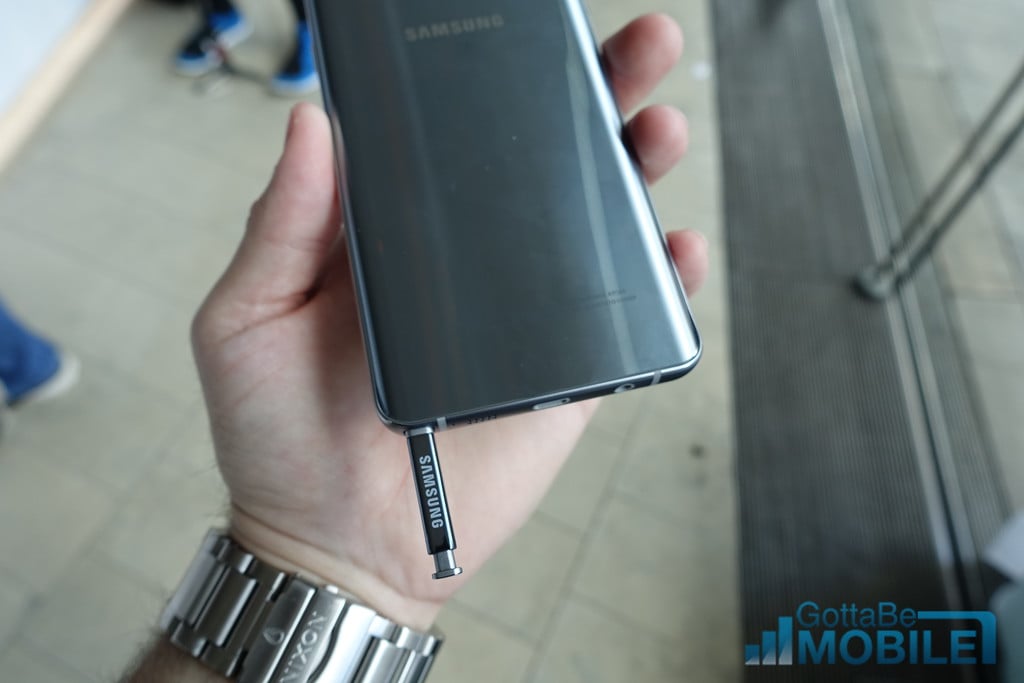
Samsung continues to roll out Galaxy Note 5 Nougat updates to devices around the world and today we want to give you some reasons to, and not to, install Android Nougat when it arrives for your Galaxy Note 5.
When Android Nougat finally arrives for your Galaxy Note 5, you’ll be tempted to install it immediately.
The Samsung Galaxy Note 5 Android Nougat update is packed with exciting features, tweaks and improvements and new additions like Device Maintenance and the blue light filter could have a major impact on your day-to-day use.
The Galaxy Note 5 Nougat update’s also brought some extremely frustrating problems to the popular smartphone. Some Galaxy Note 5 users are running into severe battery drain, GPS issues, and other performance problems.
Samsung and its carrier partners are addressing these Galaxy Note 5 Nougat problems with new Nougat builds though some of these new Nougat updates have delivered problems of their own.
While some of you will be perfectly fine installing Android Nougat or a Nougat bug fix update on the Galaxy Note 5 right away, others might want to wait an hour, a day, or maybe even longer before installing the new software.
To help you make a decision, allow us to take you through some reasons to install, or avoid, the Android 7.0 Nougat update or a bug fixer on your Samsung Galaxy Note 5.
[slides]
