
Apple
7 Things to Know About the iPhone SE iOS 13.7 Update
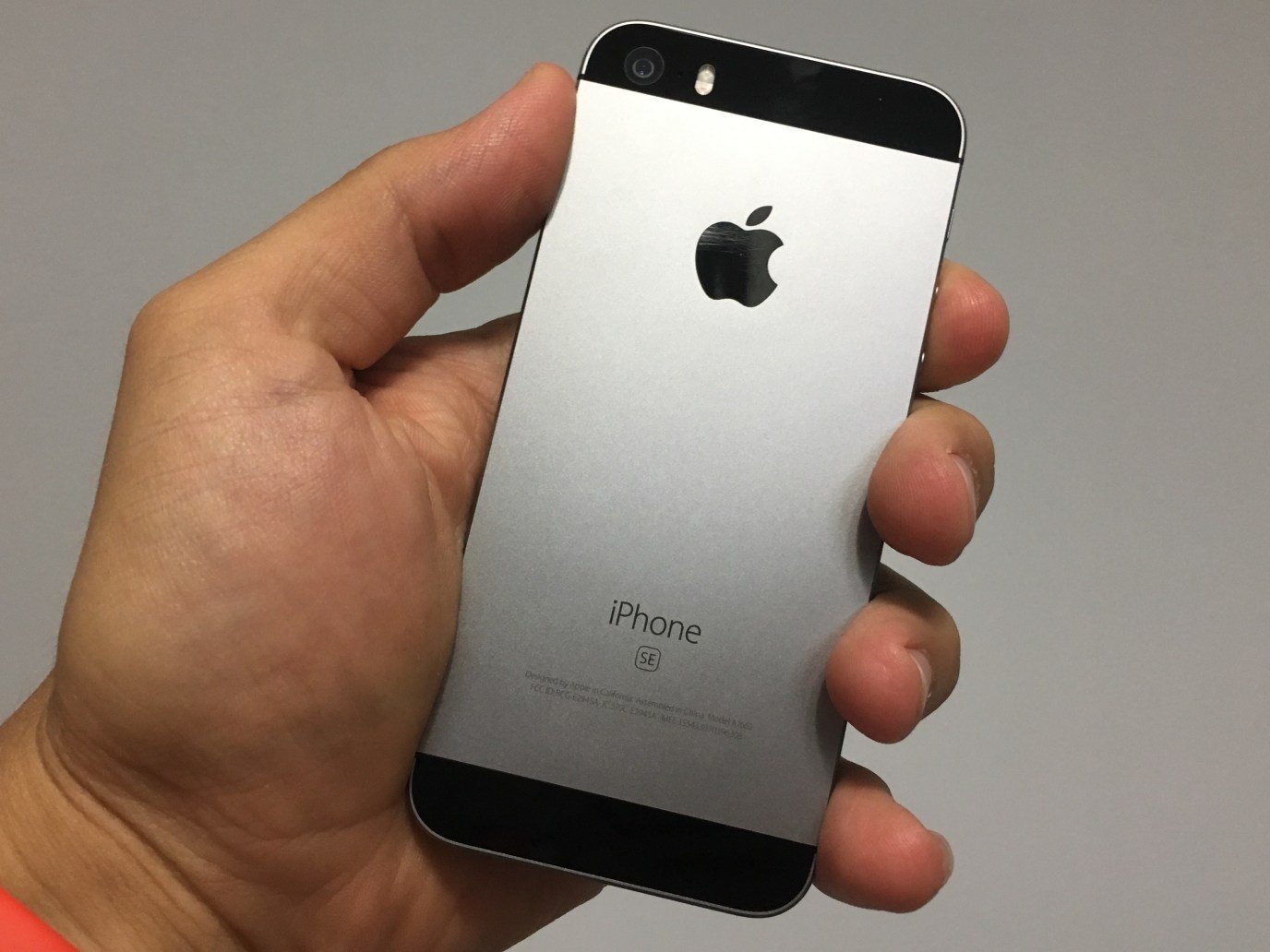
Apple’s released a new version of iOS 13 for the iPhone SE and the iOS 13.7 update could have a tremendous impact on your phone’s performance.
iOS 13.7 follows iOS 13.6.1. Unlike iOS 13.6.1, iOS 13.7 is a small milestone release and it brings new features and bug fixes to the original iPhone SE.
While some iPhone SE users are seeing performance gains after installing the new firmware, some users are running into bugs and performance issues after making the move to Apple’s new firmware.
Some of these issues are new, some of them have carried over from previous versions of iOS 13.
If you’re moving your iPhone SE from iOS 13.6.1 to iOS 13.7, you get the smallest download and the shortest list of changes.
If you’re running an older version of iOS on your phone, your iOS 13.7 update is more substantial because you’ll get the features and fixes from the updates you skipped. They’re baked in.
With that in mind we want to take you through the most important things to know, right now, about the iPhone SE’s iOS 13.7 update.
We’ll take you through the problems plaguing the phone, show you how to fix them, tell you about the downgrade, and walk you through Apple’s plans for iOS.
First, we’ll start with some quick impressions of iOS 13.7’s performance on the iPhone SE. We’ve been using the software for several days and here’s what we’ve learned thus far.
[slides]
