
Apple
Here’s How Long the iOS 13 Beta Takes
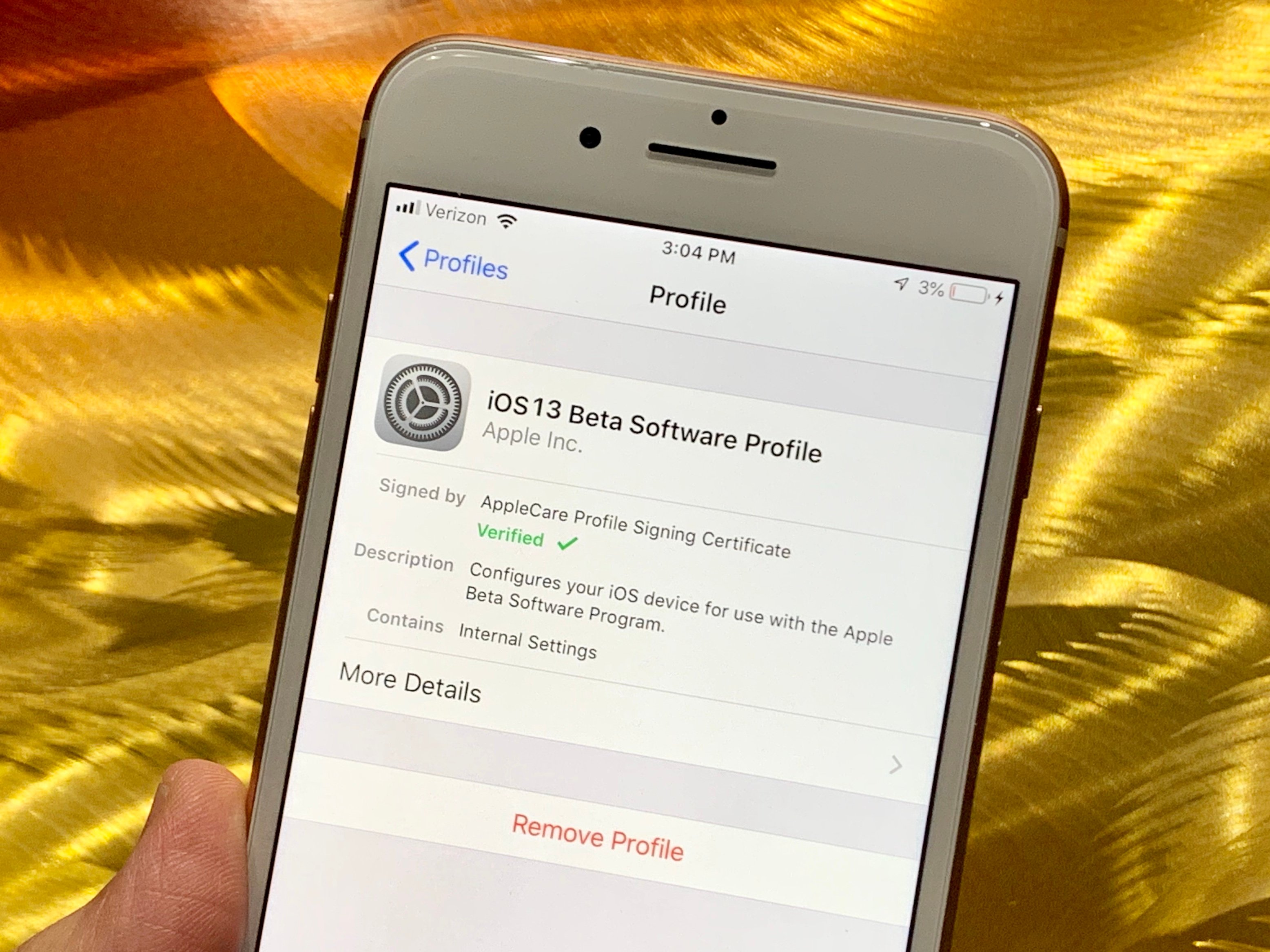
The iOS 13 beta is a huge download and it could take you awhile to install it on your iPhone.
Apple’s iOS 13 beta is available right now to those enrolled in its developer program. The company will release a public iOS 13 beta this summer, but we don’t have a specific release date right now. Those enrolled in the Beta Software Program can expect a release in July.
The first iOS 13 beta is packed with changes. It’s a tempting download with the official release as far away as it is, but beta software isn’t for everyone.
If you decide to install the iOS 13 beta on your device, be prepared to spend a bit of time downloading, installing, and testing the software for issues.
If you haven’t signed up for the developer program or the Beta Software Program yet, you’ll need to spend some time doing that as well.
The iOS 13 beta a large download for all compatible iPhone models. It’s a 4GB+ file and it could take awhile to download onto your device.
We can’t tell you exactly how long the iOS 13 beta will take. Mileage will vary from person-to-person and device-to-device. A lot depends on your familiarity with the beta process and your current version of iOS.
That said, we can help you approximate how much time you’ll need to spend downloading and installing the iOS 13 beta on your phone.
If you’ve prepared for the installation, it shouldn’t take more than 30 minutes to complete. If you’re starting from scratch, it could take an hour or more.
| Task | Time |
|---|---|
| Sync (Optional) | 5-45 Minutes |
| Backup and Transfer (Optional) | 1-30 Minutes |
| iOS 13 Beta Download | 5 Minutes to 15 Minutes |
| iOS 13 Beta Installation | 7 Minutes to 20 Minutes |
| Total iOS 13 Beta Update Time | 12 Minutes to 1 Hour+ |
Pre-Installation
Once you’ve made your decision to try the beta, you’ll want to spend some time preparing yourself, and your device, for the installation.
If this isn’t your first rodeo, this probably won’t take a ton of time. If this is your first stab at a beta, you’ll want to take things slowly.

We’ve put together a pre-installation guide that takes you through the steps we normally take before we install iOS beta software on our devices.
You’ll want to backup all of your data before you move to the beta. Data loss issues are rare, but it’s better to be safe than sorry.
You’ll also want to dig into feedback from iOS 13 beta testers, find fixes for potential problems, and get familiar with the downgrade process.
Some of you will get this done in 30 minutes or so. Others will need an hour or more. Bottom line, don’t tap install until you’re ready.
iOS 13 Beta Download
If you’re moving your device from iOS 12.3.1 or the iOS 12.4 beta to iOS 13 beta, your download will be 4+GB. In some cases, it might be closer to 5GB.
If you’re running the latest version of iOS 12 and you’ve got a high-speed Wi-Fi connection at work or home, your download could take around three minutes to complete.
It took us a little over four minutes to download the developer beta onto an iPhone 8.
iOS 13 Beta Installation
If everything goes according to plan, you should be able to get iOS 13 up and running on your device in about 10-15 minutes. It took 10 minutes to install the developer beta on our iPhone 8. We moved up from iOS 12.3.1.
If this is your first time installing iOS beta software, it could take longer. Please note that the public beta is a little easier to install than the developer beta.
Once you become an Apple developer, you can find the iOS 13 beta firmware waiting for you in the Software Update section of your Settings.
After you download it, you’ll want to tap install and the beta will automatically start installing on your device provided you’ve cleared out enough space for the installation.
Your device might reboot once or twice during the installation process. This is perfectly normal and shouldn’t have any impact on your installation or the beta’s performance.
For more on the iOS 13 beta installation, take a look at our walkthrough. It’ll take you step-by-step through the process.
Post-Installation
After you get iOS 13 beta up and running, you might need to spend some time logging back into iCloud and/or your apps and services.
You’ll also want to check on all of your important files and make sure everything is still there. We also recommend using your core applications to ensure that they’re working properly.
Apps, particularly third-party applications, sometimes run poorly on beta software so you’ll want to ensure that your most important services are useable. If they aren’t, you might need to downgrade.
You’ll also want keep an eye on your device’s performance. Battery life and connectivity (Wi-Fi, Bluetooth, etc) sometimes act up on beta software.
If you spend 10 to 20 minutes doing this, you should be in great shape moving forward.
[slides postid=467245]
