
Apple
5 Things to Know About the iOS 12.4.2 Update
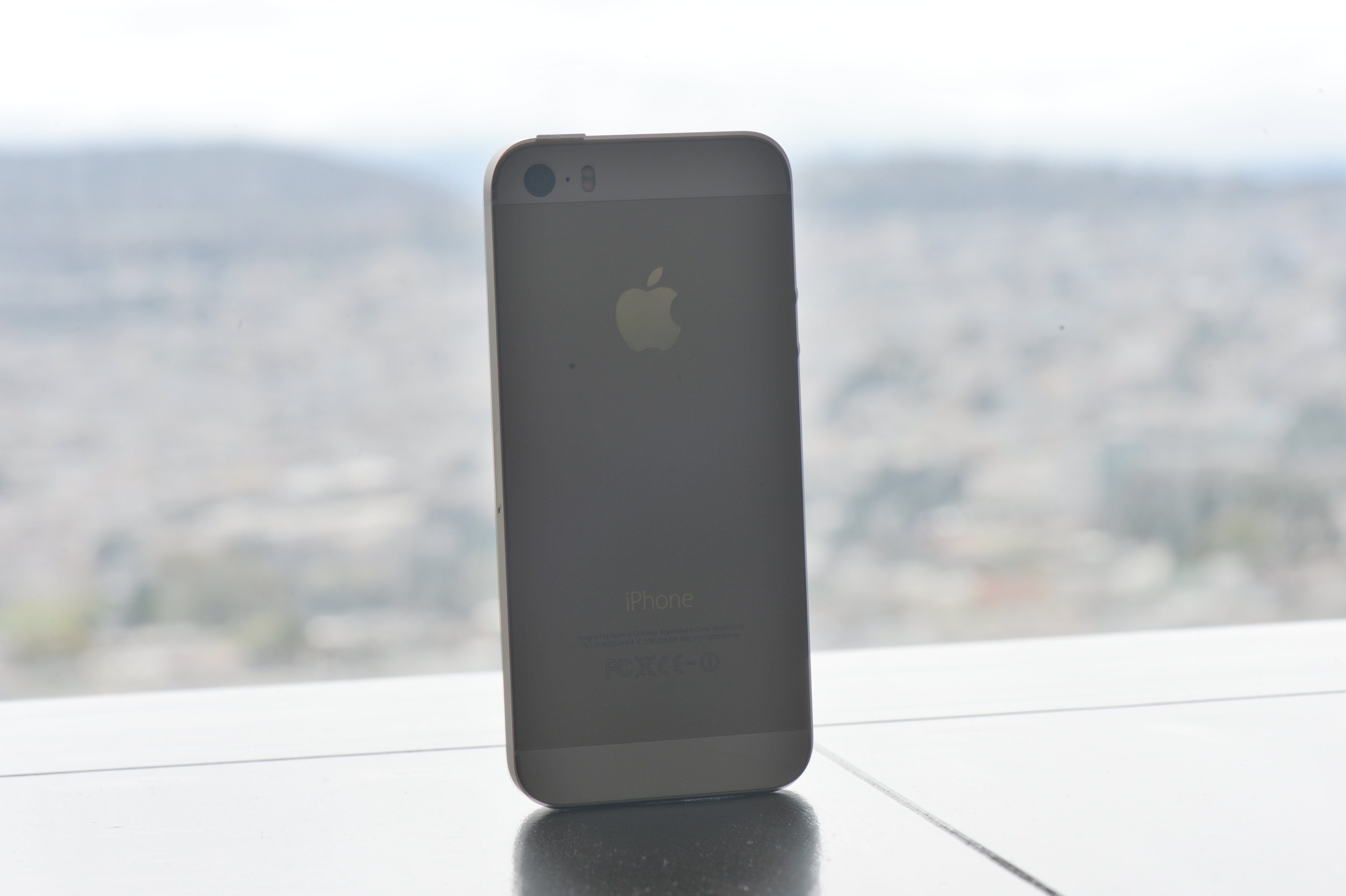
Apple’s released a surprise iOS 12.4.2 update for iPhone and iPad models that weren’t updated to the company’s new iOS 13 operating system.
iOS 12.4.2 is a maintenance update which means it’s a tiny release for phones like the iPhone 5s, iPhone 6, and iPhone 6 Plus and tablets like the original iPad Air and iPad mini 2.
If your phone or tablet is currently running iOS 12.4.1, you get the smallest version of iOS 12.4.2. If you’re moving your device up from an older version of iOS 12, your iOS 12.4.2 update will be bigger because you get the features and fixes from any updates you skipped along the way.
With that in mind, we want to walk you through the most important things to know, right now, about Apple’s iOS 12.4.2 release for iPhone and iPad.
Our guide goes over the iOS 12.4.2 update’s performance, iOS 12.4.2 problems, the places to look for feedback about iOS 12.4.2’s performance on your iPhone or iPad, the iOS 12.4.2 jailbreak, and more.
We’ll start with our quick impressions of iOS 12.4.2’s performance on the iPhone and iPad.
iOS 12.4.2 Reviews
If you’re moving your phone or tablet from iOS 12.4.1, your iOS 12.4.2 update requires a tiny download. It’s only a few megabytes.
If you’re running an older version of iOS 12, your download will be larger because, again, the features and fixes from the updates you missed are included in your iOS 12.4.2 update.
If you’re currently running iOS 12.4.1, the iOS 12.4.2 installation should take less than 10 minutes. It took about six minutes to install on an iPhone 5s.
For more on the iOS 12.4.2 download and installation, take a look at our guide.

We’ve been using the iOS 12.4.2 update on our iPhones and iPads for an extended period of time and here’s we’ve found thus far:
Connectivity
- Battery life is stable.
- Wi-Fi connectivity is fast and reliable.
- Bluetooth is working normally.
- GPS and cellular data are both stable.
Apps
- Third-party apps including Netflix, Dark Sky, Twitter, Slack, Asana, Gmail, Chrome, and Spotify are stable right now.
- First party apps like Safari, Podcasts, and Calendar are also working fine.
Speed
- iOS 12.4.2 feels as fast as iOS 12.4.1 and iOS 12.4.
If you’re dealing with bugs or performance issues on iOS 12.4.1 or another version of iOS 12, you might want to install iOS 12.4.2 right now.
If you need help making a decision, check out our reasons to, and not to, install the iOS 12.4.2 update on your iPhone or iPad right now.
We’ve published our mini iOS 12.4.2 reviews for iPhone 6 and iPhone 5s so check those for additional feedback if you need it.
iOS 12.4.2 Problems
iOS 12.4.2 is causing problems for some iPhone and iPad users.
We’re hearing about installation problems, issues with first and third-party apps, battery drain, connectivity issues, UI lag, and random reboots.
We expect the list of iOS 12.4.2 problems to grow as more users transition from their current version of iOS 12 to the latest firmware.
If you run into an issue on iOS 12.4.2 check out our list of fixes for the most common iOS 12 problems. We’ve also released tips to help improve iOS 12’s performance and tips to help improve iOS 12 battery life.
If you can’t handle iOS 12.4.2’s performance on your phone or tablet, you’re on your own. There’s no way off the update once you move to it.
Apple is no longer signing on the iOS 12.4.1 update which means you can no longer use a loophole to move your device back down in an effort to improve performance.
Unfortunately, you can’t downgrade to anything older than iOS 12.4.1 either. Apple’s closed up the downgrade path to iOS 12.4 and below.
iOS 12.4.2 Update: What’s New
The iOS 12.4.2 update doesn’t bring any new features to these devices (that we know of). As of right now, it looks like the update contains a single security patch which you can read about on Apple’s security page.
iOS 12.4.2 Jailbreak
You can jailbreak iOS 12.4, but you can’t jailbreak iOS 12.4.2 or iOS 12.4.1.
Jailbreak developers have released a public iOS 12.4 jailbreak tool that’s compatible with Apple A7 through A11 devices. That means you can jailbreak an iPhone 5s, iPhone SE, iPhone 6, iPhone 6 Plus, iPhone 6s, iPhone 6s Plus, iPhone 7, iPhone 7 Plus, iPhone 8, iPhone 8 Plus, or iPhone X running iOS 12.4, but you can’t jailbreak a newer model.
If you own an iPhone XR, iPhone XS, or iPhone XS Max, you can jailbreak iOS 12 using the Chimera jailbreak tool. However, your device needs to be running iOS 12.0-iOS 12.1.2.
For more on the iOS 12 jailbreak, take a look at our guide.
What’s Next
The iOS 12.4.2 release was a surprise because Apple typically stops releasing updates for older operating systems after a new version rolls out.
The company could decide to release an iOS 12.4.3 update or iOS 12.5 update down the road, but we wouldn’t count on it at this point.
If you’re dealing with issues, you’ll probably be on your own for awhile. And if you want the latest iOS features, you’ll need to upgrade to an iPhone model that’s compatible with iOS 13.
For more on iOS 13 and its benefits, have a look at our walkthrough.
[slides postid=448891]
