
Android
10 Things to Do Before Installing Nexus Android Marshmallow
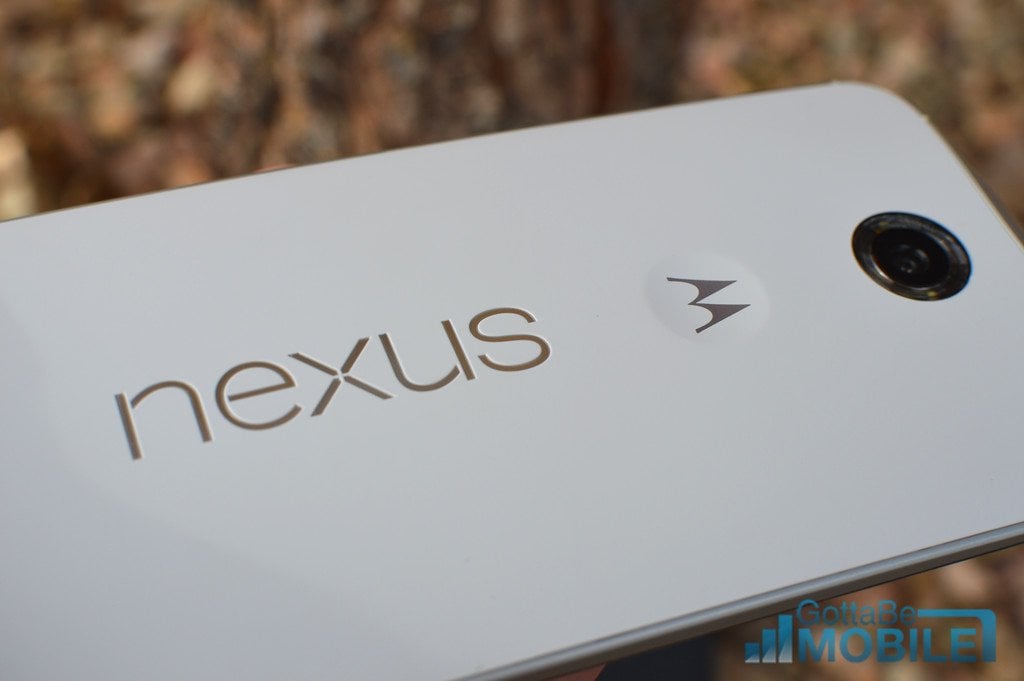
As promised, Google has started rolling out its Nexus Android 6.0 Marshmallow update. The update is a tempting install thanks to the new features and enhancements it has on board though you shouldn’t rush into things. Here are a few things you should do before installing the Nexus Marshmallow update.
Earlier this year, Google took the stage at its annual Google I/O developer conference and announced a successor to its Lollipop update from last year. At the time, the company called the new operating system Android M.
In the months after the initial announcement, we saw several Android M developer previews and we also got a name: Android 6.0 Marshmallow.
Last month, Google took the stage again to show off Android 6.0 Marshmallow features and to confirm an Nexus Android 6.0 Marshmallow release date for October 5th. And today, Google finally delivered the Android Marshmallow update for Nexus 9, Nexus 6, Nexus 5, Nexus 7, and more.

Earlier today, Google started the Android Marshmallow release with a dump into AOSP. The Nexus Player, Nexus 7, Nexus 9, Nexus 6, and Nexus 5 Android Marshmallow updates are all available right now and they will be rolling out to the devices in the days ahead.
Google’s Android Marshmallow release is not going to mirror an Apple iOS release. While iOS updates all come for everyone at the same time, Android Marshmallow is going to roll out in stages. Some users will opt to install it today, others will opt to wait for the OTA to arrive.
We expect the Android Marshmallow update and its features to improve the Android experience for many Android users. However, there’s also a potential for its to cause problems. And that’s why you’ll want to do some prep work ahead of your manual install or your OTA release.
A little prep work ahead of the Nexus Android Marshmallow update could go a long way for some of you and today we want to outline some steps we take ahead of every Android release.
If you’re new to Android or you just want to be safe about the Nexus Marshmallow release, follow these tips. They’ll help you get your brain, and your device, ready for Google’s brand new update in no time at all.
[slides]
