
Android
4 Reasons Not to Install Galaxy S9 Android 10 & 11 Reasons You Should
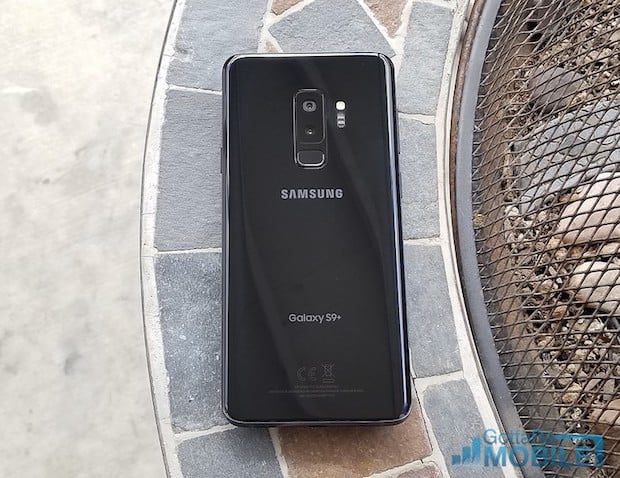
Samsung’s Android 10/One UI 2.0 update delivers new features and it could have an enormous impact on your Galaxy S9 or Galaxy S9+’s performance. And while most people should probably install the software soon after it arrives, others might be better off waiting.
The Galaxy S9 Android 10 beta is over and the stable version of the software is rolling out to Galaxy S9 and Galaxy S9+ users around the world.
The Galaxy S9 Android 10 update is currently rolling out in a number of regions including the United States where it’s available for devices on AT&T, Sprint, T-Mobile, Verizon, and smaller carriers.
Samsung’s Android 10 update brings some massive changes to the former flagships including One UI 2.0, an upgraded version of its user interface for Galaxy phones and tablets.
Enhancements include an improved Dark Mode, improvements to the camera, new features for Device Care, smoother animations, new gestures, a better one-handed mode, and a whole lot more. Needless to say, it’s a substantial upgrade.
Android 10 could also improve, or hurt, your Galaxy S9’s performance. A lot of people are already seeing improvements, but others are running into problems.
The current list of Galaxy S9 Android 10 issues includes some common ones like UI lag, abnormal battery drain, connectivity issues, and app problems. The list will grow as more people transition from Android Pie to Android 10.
There are some great reasons to install Android 10 (or if you’re already running Android 10, the latest version of it) on your Galaxy S9 or Galaxy S9+ right when it arrives. That said, there are some reasons why you might want to temporarily hold off. The potential for problems is just one of the reasons.
If you’re currently straddling the fence, this guide will take you through the best reasons to, and not to, install Android 10 on your Galaxy S9 or Galaxy S9+ right right now.
[slides]
