
Apple
4 Reasons Not to Install iOS 11.4.1 & 8 Reasons You Should
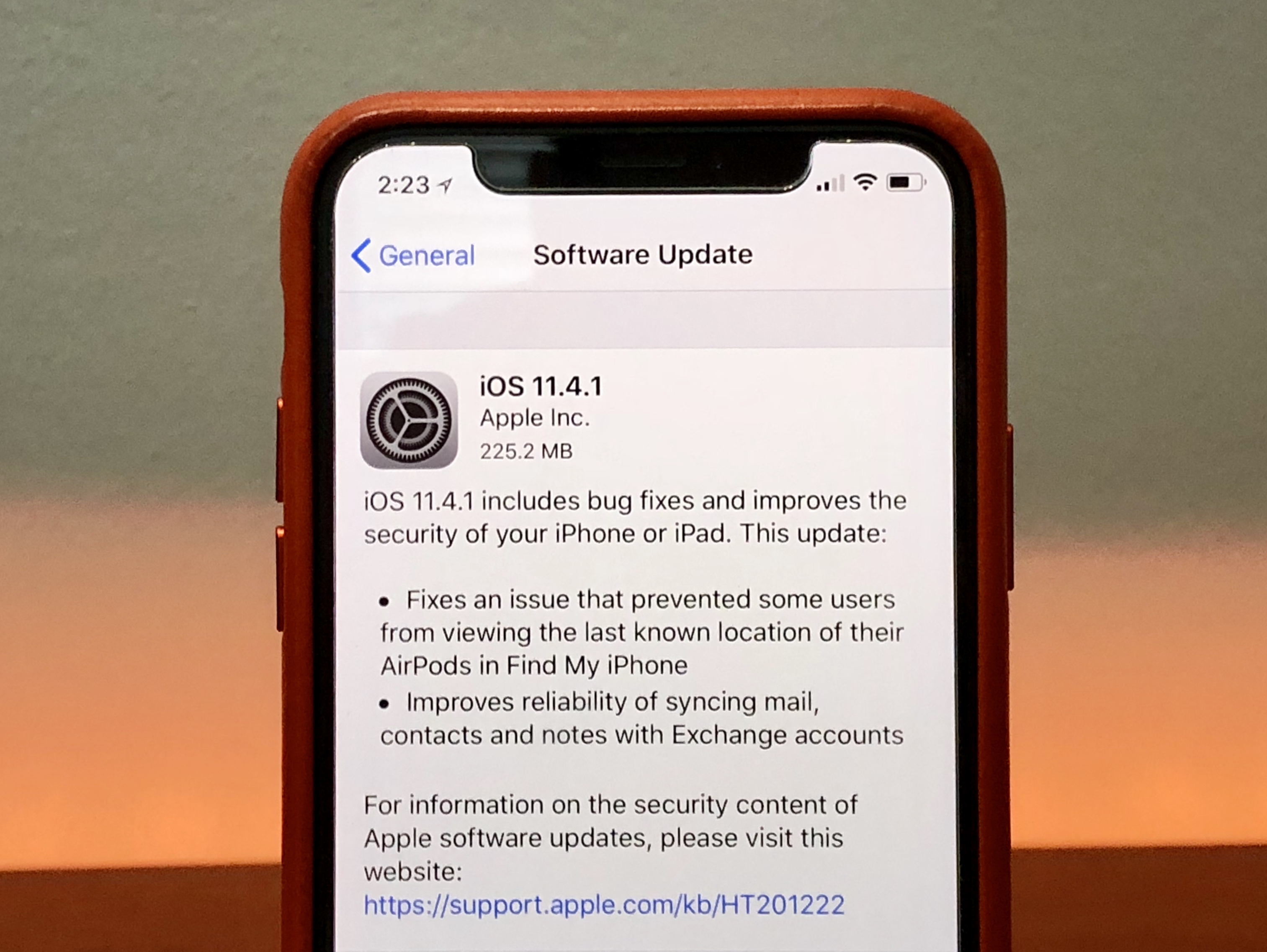
Apple’s iOS 11.4.1 update is a point upgrade, but it could have a significant impact on your device’s performance. While most people should install the iOS 11.4.1 update today, others might benefit from waiting a few more hours, a few more days, or even a couple more weeks.
iOS 11.4.1 is the company’s latest release for iOS 11 users. And like all point upgrades, iOS 11.4.1 is focused on fixing bugs and improving security.
The iOS 11.4.1 update isn’t a milestone upgrade, but it’s still a sizable download for iPhone, iPad, and iPod touch models. If you’re coming from iOS 11.4, the update is several hundred megabytes. It’s a 225.6MB download for the iPhone X.
If you skipped iOS 11.0, iOS 11.0.1, iOS 11.0.2, iOS 11.0.3, iOS 11.1, iOS 11.1.1, iOS 11.1.2, iOS 11.2, iOS 11.2.1, iOS 11.2.2, iOS 11.2.5, iOS 11.2.6, iOS 11.3, iOS 11.3.1, or iOS 11.4, you iOS 11.4.1 update will be much bigger. The fixes and features from those updates are baked into your version of the update
Apple’s bug fixers can have tremendous impact on your device’s performance. Some of you will see a boost, but many others will encounter performance issues.
If the iOS 11.4.1 update starts causing problems on your device, you’re on your own for a few more weeks at least. The company hasn’t confirmed iOS 11.4.2 and the iOS 12 update is still in beta ahead of a release this fall. We expect the iOS 12 release date to land in September, probably the week of September 17th.
It’s also important to remember that you’re stuck on iOS 11.4.1 once you make the move. Apple’s no longer signing off on iOS 11.4, which means you can’t drop down if iOS 11.4.1 starts causing trouble. You can’t downgrade to anything older than iOS 11.4 either. This obviously puts a greater importance on your potential move to iOS 11.4.1.
That said, there are plenty of reasons to consider installing iOS 11.4.1 right now. That said, there are also some reasons why you might want to temporarily hold off on the installation.
If you’re on the fence about upgrading your iPhone, iPad or iPod touch to the latest version of iOS, allow us to walk you through the best reasons to, and not to, install iOS 11.4.1 right now.
[slides]
