Apple
5 Things to Know About the iOS 11.0.1 Update
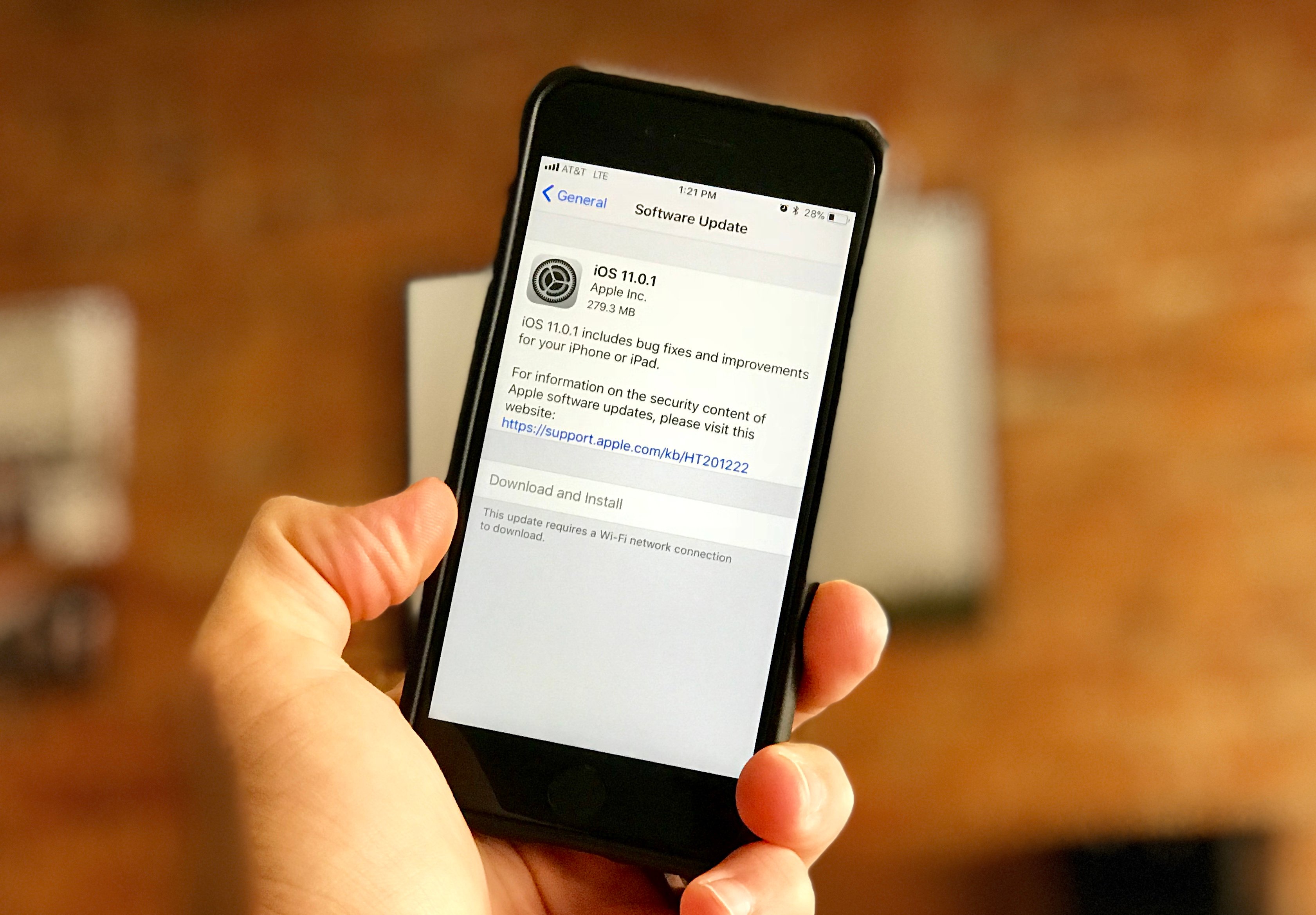
Apple’s released its first iOS 11 maintenance update and iOS 11.0.1 delivers bug fixes and improvements to the iPhone, iPad, and iPod touch.
While the company typically puts new iOS releases through beta, the company skipped an iOS 11.0.1 beta in favor of a fast release for iOS 11 users.
iOS 11.0.1 is the first bug fix update for the company’s new operating system though it’s actually a fairly sizable download. The iOS 11.0.1 update is a whopping 280MB for the iPhone 7.
While Apple’s latest iOS 11 update is here to fix issues with iOS 11.0, there’s also a chance it’ll bring new problems to the company’s mobile devices. In fact, we’re already hearing about a few early iOS 11.0.1 problems.
This guide goes over the most important things to know, right now, about the new iOS 11.0.1 update for iPhone, iPad, and iPod touch. It includes some quick impressions, a brief look at iOS 11.0.1 problems, the iOS 10 downgrade, and what to expect next from Apple.
iOS 11.0.1 Impressions
Most maintenance iOS releases are a few MB but the iOS 11.0.1 isn’t your typical bug fix update. Apple’s new iOS 11 update is nearly 300MB for the iPhone 7 and it’s also a substantial download for other iOS 11-powered devices.
If you’re on a fast Wi-Fi network it should only a take a minute or two to download. It took us about a minute and a half to get it on board during peak hours.
The installation took about five minutes on the iPhone 7 though we were coming directly from iOS 11. If you’re coming from an older version of iOS, your download size and installation time could be a lot longer.
We’ve only been using the iOS 11.0.1 update for a few moments but we haven’t noticed any catastrophic issues with the new firmware.
Battery life is holding up, we’ve successfully connected to Wi-Fi and Bluetooth, cellular data is normal, and we haven’t experienced a decline in app performance, at least not yet. The iPhone 7 and iPhone 6s are both fast with iOS 11.0.1 on board. Same as iOS 11.
That said, you’ll want to be careful with iOS 11.0.1. New software, even small ones like iOS 11.0.1, can cause problems, particularly on older devices.
If you need additional feedback about iOS 11, take a look at our reasons to, and not to, install the iOS 11 update on your device right now.
iOS 11.0.1: What’s New
Apple’s iOS 11.0.1 change log is vague though it says the update includes bug fixes and improvements for the iPhone and iPad. Specifically, the iOS 11.0,1 update fixes issues with Exchange mail. If you were dealing with Exchange issues on iOS 11.0, you’ll want to download iOS 11.0.1.
The update doesn’t come with any new security patches either. Apple notes that iOS 11.0.1 includes the security content of iOS 11.0.
iOS 11.0.1 Problems
It’s early but we’re already hearing about some initial problems with iOS 11.0.1.
iPhone and iPad users are noticing connectivity issues, installation problems (the update’s getting stuck during the download/installation process), weird battery drain, and issues with first and third-party applications including the company’s Mail app.
If you’re seeing iOS 11.0.1 bugs or problems, take a look at our list of fixes for the most common iOS 11 problems. Our list should have you covered. You might also want to take a look at our tips to improve iOS 11 performance and iOS 11 battery life.
iOS 10 Downgrade Open
The iOS 10 downgrade is still open.
Those looking to move off iOS 11.0 or iOS 11.0.1 can still drop back down to iOS 10.3.3 in an effort to improve performance.
Apple will, at some point, close up the iOS 10 downgrade path so those interested in dropping down will need to move quickly. Our guide will take you step-by-step through the downgrade process.
There’s no way to drop back down to anything older than iOS 10.3.3 without a jailbreak.
What’s Next
iOS 11.0.1 is the first update for iOS 11 but it won’t be the last.
Apple’s promised several new iOS 11 features including Apple Pay Cash and person-to-person Apple Pay payments in Messages. These features will likely arrive in a milestone upgrade.
It’s also planning to bring Unicode 10.0 and its new emoji characters to the iOS 11 keyboard. The list of new emojis includes a zombie, a genie, an elf, an exploding head, a mage, a coconut, a sandwich, and a vampire.
On top of those, Apple says it’s also planning to bring back the 3D Touch App Switcher Gesture in a future iOS 11 update.
The first iOS 11.1 beta for iPhone, iPad, and iPod touch doesn’t include any of these features so a release could still be several weeks away.
[slides postid=411013]