
Apple
iOS 15 Problems: 5 Things You Need to Know
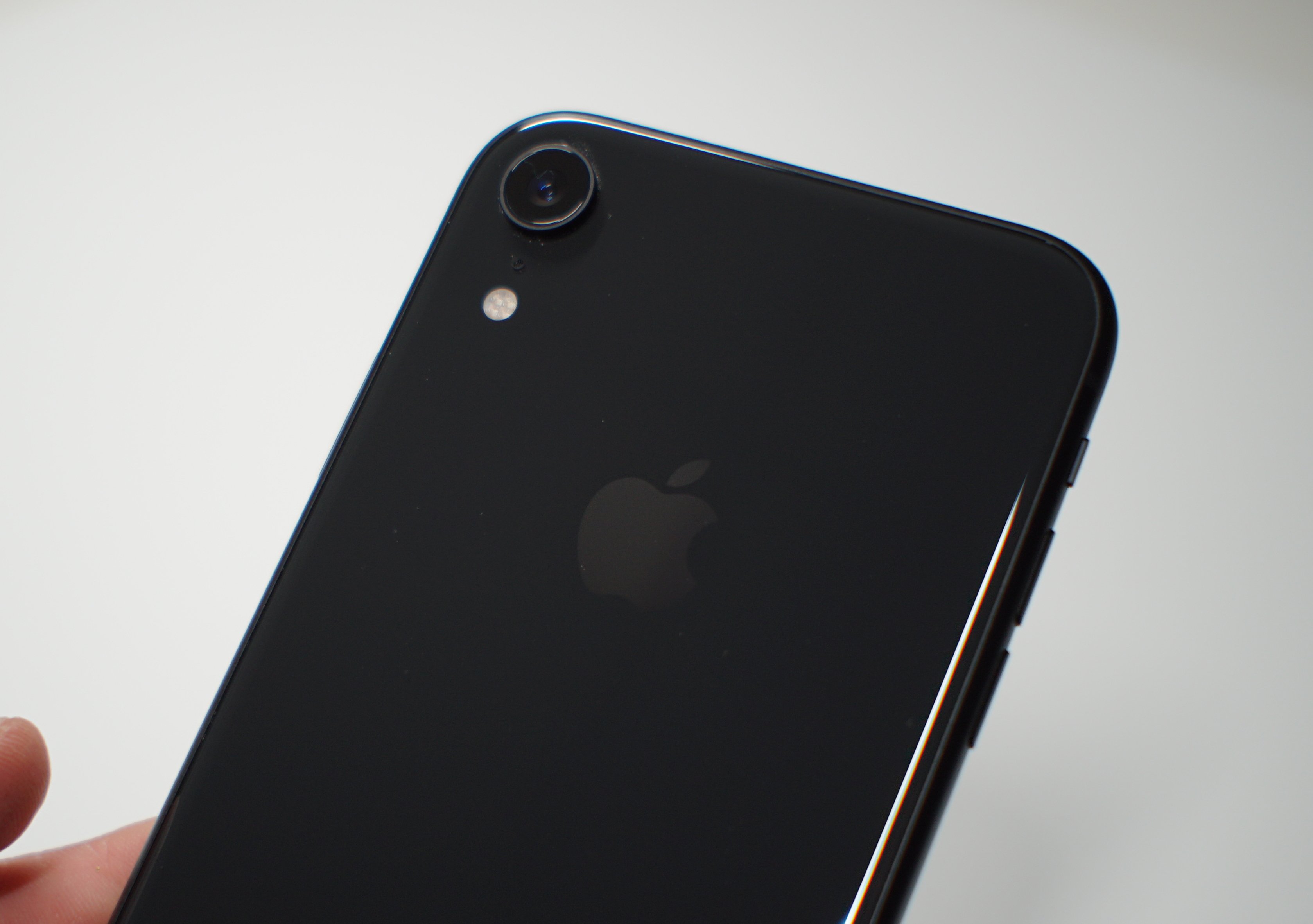
Problems have slipped into the latest iOS 15 update for iPhone.
Apple continues to refine iOS 15 with software updates and the company’s latest release, iOS 15.8.2, brings under-the-hood improvements to iPhone users.
Some iPhone owners are noticing a huge difference after moving their device up from older versions of iOS 15. We’ve seen positive feedback about Apple’s latest firmware.
On the flip side, some iPhone users have run into bugs and performance issues. Some of these issues have carried over from iOS 15.8.1 and older versions of iOS 15 while some are brand new.

In this guide to iOS 15 problems we’ll take you through the current state of these issues. We’ll show you where to find potential fixes for the most common iOS 15 problems and provide you with some resources that should help if you run into trouble.
We’ll also touch on the state of the iOS downgrade and outline what you can expect from Apple and iOS down the road.
Table of Contents
iOS 15 Problems
We’re currently seeing complaints about the following iOS 15 problems:
- Abnormal battery drain
- UI lag
- AirPlay issues
- Touch ID issues
- Issues with first and third-party apps
- iMessage issues
- Wi-Fi problems
- Various issues with Siri
- Issues with Location Services
- Bluetooth problems
- Lockups, freezes, and crashes
We expect the list of iOS 15.8.2 problems to grow as more people transition away from older iOS firmware to Apple’s latest version of iOS 15.
If you haven’t downloaded the latest version of iOS 15 yet, we recommend preparing your iPhone for the download. Some prep work ahead of time can help you avoid major headaches.
We’ve put together a step-by-step pre-installation process and it will take you through the best way to prepare for the move.
Where to Find iOS 15 Reviews
If you’re currently running iOS 15.8.2 on your iPhone, or if you’re planning to upgrade, you’ll want to sift through feedback from those who have made the move.
This feedback will alert you to potential problems and performance issues others are having on the same iPhone model.
We’ve released our list of reasons to, and not to, install the iOS 15.8.2 update and it’s a good starting point for those of you weighing a move from older software to the latest version.
We’ve also released a guide that goes over iOS 15.8.2’s overall performance. It’s also worth a look if you’re feeling leery about the upgrade.
We also recommend keeping an eye on YouTube, Apple’s discussion forums, social media sites like Twitter and Facebook, and the MacRumors forums for additional feedback about the latest version of iOS 15.
How to Fix iOS 15 Problems
Before you get in contact with Apple support, have a look at our list of fixes for the most common iOS problems. It might have a fix that works for you.
We’ve also released some tips that could help you improve your device’s performance and a guide that shows you how to fix iOS battery life problems. If you’re running into severe battery drain issues on iOS 15, have a look at those.
If you can’t find what you’re looking for in our guides, you should head on over to Apple’s discussion forums. If they can’t help you, you might want to get in contact with Apple via its website.
If you still can’t fix your issue(s), you might want to schedule an appointment to see a Genius at your local Apple Store. They should be able to diagnose your problem.
iOS 15 Downgrade Status
If you run into bugs or performance issues on iOS 15, you can try downgrading your iPhone’s software in an effort to improve its performance. That is, if the option is available. Right now, it’s not.
Apple has stopped signing on iOS 15.8.1 which means you can’t move your iPhone’s software back to the previous version of iOS 15 in an effort to improve its performance.
Unfortunately, the company has also stopped signing on older versions of iOS 15 which means there’s no way to get back to those updates either.
For more about how the downgrade process works, take a look at our walkthrough.
What’s Next
Apple might push additional versions of iOS 15 in 2024, but that isn’t confirmed.
iOS 15 updates have become infrequent and there’s no guarantee Apple rolls out a new version beyond iOS 15.8.2. If it does, the software won’t offer anything other than fixes.
[slides postid=490676]
