
Android
Android M vs Android 5.1 Lollipop Walkthrough: What’s New So Far
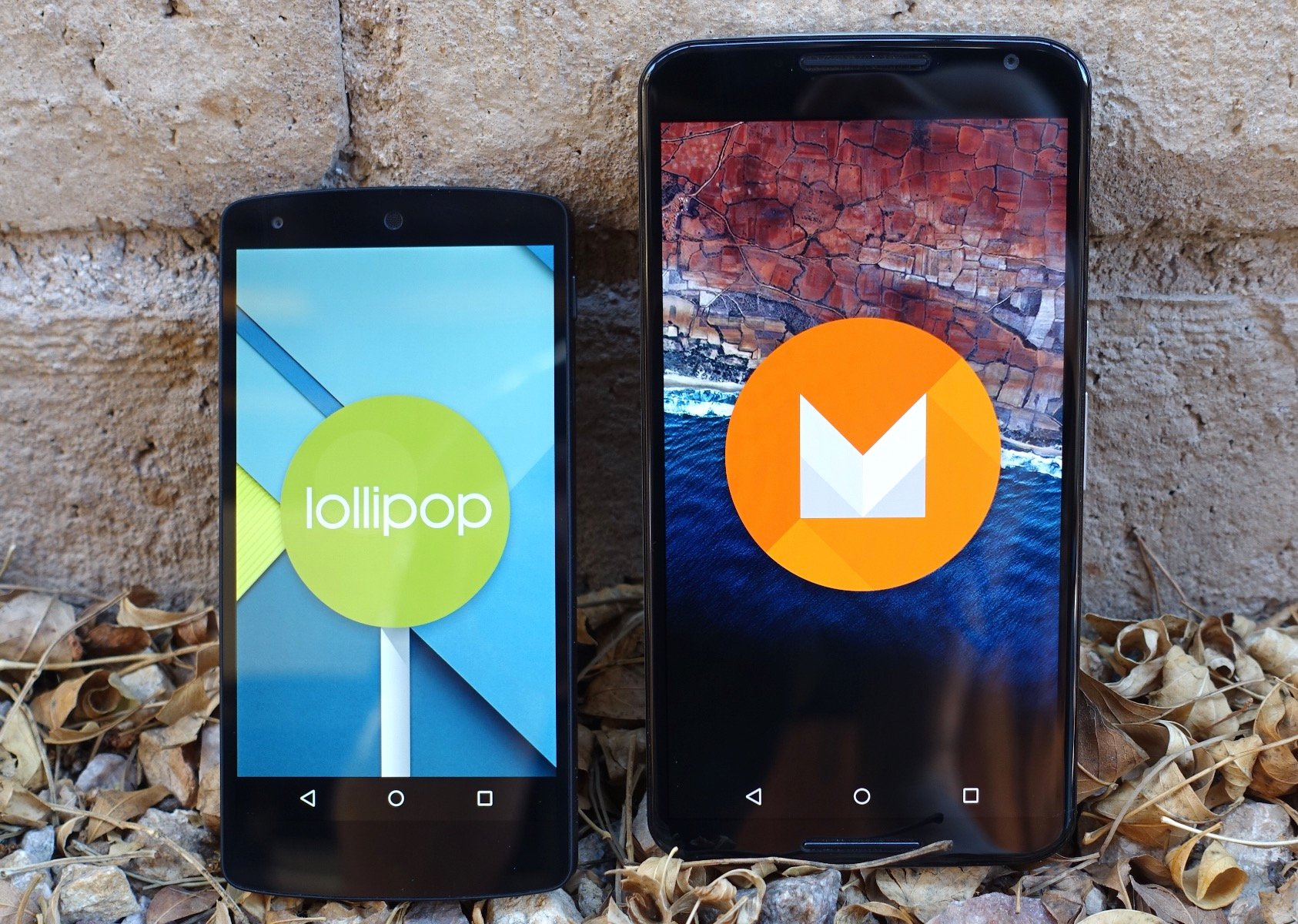
For those that want to see some of what’s new in Google’s recently announced Android M software you can see the changes in our M vs Android 5.1 Lollipop walkthrough below. This is a comparison of Android 5.1 Lollipop vs the Android M beta preview on the Nexus 6 and Nexus 5.
This Android M walkthrough will show off some of the new features and changes Google has made in M that are different from the latest Android 5.1 Lollipop. And while most of the changes aren’t visual and instead are behind the scenes, there are still plenty of new features in the early developer preview, and Google will likely add more before the Android M release later this year.
Read: Android M Beta Hands-On: What’s New
Google’s Android 5.1 Lollipop update was released in May, and fixed many of the initial problems and bugs in Android 5.0 Lollipop from back in November. So far only Nexus devices and a select few manufacturers have pushed out Android 5.1 Lollipop, and now we’re already shifting focus to Android M, which is coming later this year around October or November.

Last month Google announced the successor to Android 5.0 Lollipop, dubbed Android M for now, and it will get an official name when it’s released. They did the same thing with Android L last year, and announced Android “Lollipop” in October and released it in November after a long developer preview period. We’re expecting Android M to follow a similar release cycle and time-frame.
For now Android M is only an early developer preview, or beta if you will, and this isn’t the final version of Google’s next software update. However, it has lots of changes already, tons of improvements, better battery life, and much much more. Google’s working to improve the core experience and build on Lollipop, rather than change everything. With Android M we get a very familiar experience, only it’s better in almost every way.
Read: Android 5.0 vs Android 4.4 KitKat: What’s New in Lollipop
With Android 5.0 Lollipop last year Google made huge changes to Android as a whole compared to KitKat. It was the first major overhaul and complete visual redesign in years, and is arguably the best version of Android yet. Yes, it had its share of bugs, but most of them have been fixed and with Android M the experience is even better. We’re loving what Android M has to offer already, even if it’s only a developer preview and unfinished software.
Read: How to Install the Android M Beta Right Now
Currently the Android M beta is only available for the Nexus 5, Nexus 6, Nexus 9 tablet, and the Nexus Player, but will arrive for millions of owners later this year or in early 2016. Again, this is an early developer preview and not a final version of Android M, but here’s some of what’s new so far.
Above is our quick Android M hands-on video, but read on and check out the slideshow below with side-by-side screenshot comparisons showing users what’s new and different in Android M.
It’s worth noting that many of the changes and new features of Android M are not included in this developer preview. Things like Android Pay, Google Now on Tap, Fingerprint scanner support, improved copy and paste, multi-window mode and many other awesome features are missing. And some of the things we are seeing in the preview may not be in the final release later this year, as everything is subject to change. That said, there’s still plenty to see, so lets get started.
You can click on any of the images below to instantly jump to that image in the slideshow and see how that part of the OS compares to previous versions. The older Android 5.1 Lollipop will always be on the left (if applicable), while Android M is on the right.
[slides]
