
Editorials
Common FIFA 16 Problems and Fixes
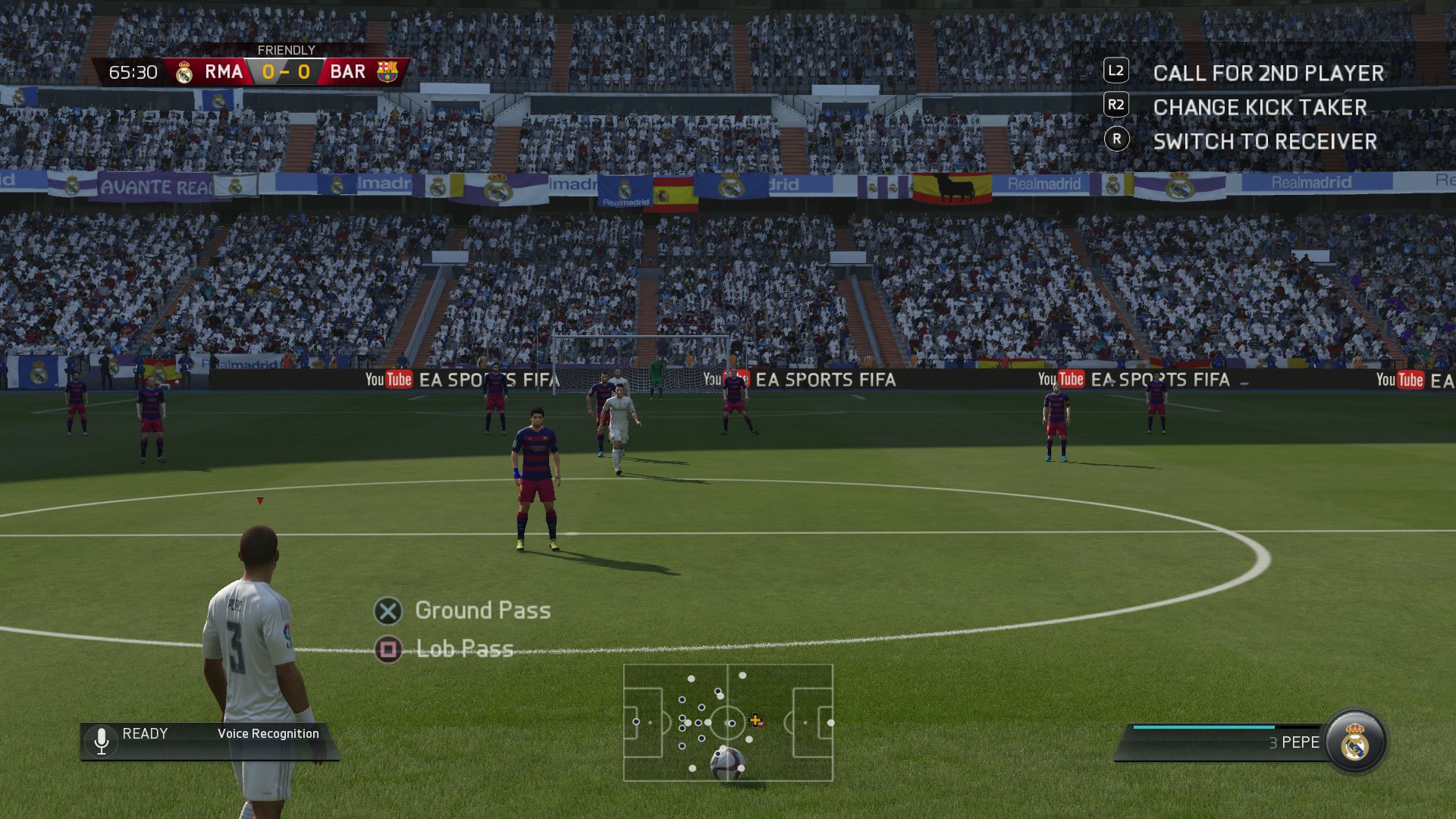
The FIFA 16 release date delivered access to the much improved FIFA game on consoles and PC, with a lot of exciting new features and upgrades, but there are a collection of FIFA 16 problems frustrating gamers who simply want to play the new FIFA game.
Join us for a fast look at common FIFA 16 problems and when possible the fixes for these problems that you can do right now to get back to playing.
Many of the most annoying FIFA 16 problems will go away as demand for downloads slows and servers stabilize for online play. Here’s what you need to know about FIFA 16 problems and how to fix them on your own.
When you run into FIFA 16 gameplay bugs or issues you will need to wait for a FIFA 16 update to arrive. The odds are good that we will see a FIFA 16 patch or update in October to fix some problems.
FIFA 16 delivers a number of new features and a new pace for gameplay thanks to smarter AI and new options to break out of a slide tackle or perform no touch dribbling.
Here are the common FIFA 16 problems and fixes you need to know about.
Slow FIFA 16 Downloads
Over the last two days we’ve seen horribly slow FIFA 16 downloads for users who purchased the game digitally on Xbox One and PS4. Some users reported FIFA 16 downloads of over eight hours.

Here are the FIFA 16 problems and fixes you need to know.
If you have problems with a slow download you can try to restart your modem, router and PS4 to see if this speeds it up. Another solution is to connect to your router with an Ethernet cable, which can dramatically speed up game downloads.
Unfortunately we’ve noticed very long download times for PS4 and Xbox One games over the last several weeks, so these steps may not get you much faster downloads.
FIFA 16 Installation Errors
We are seeing scattered reports of FIFA 16 installation errors. If you run into a FIFA 16 install error when you attempt to download and install the game or the required updates there are some things you can try.
When FIFA 16 won't install on your Xbox :-)
— Matthew Martin (@mattmartin21) September 23, 2015
I bought Fifa 16 yesterday and I can't install it it always says error once it goes to 5% installation what should I do?
— Alex (@alexzrx) September 23, 2015
The first step is to restart the console and try to install FIFA 16 again. For many users this will fix the problem.
On PS4, go to Settings -> PSN -> Restore Licenses. This should fix the problem for most users.
On Xbox One you might need to delete the installation and start over. Here is a walkthrough on how to fix this Xbox One game install problem.
If you are installing FIFA 16 from a disk and the installation is stuck at 0% or near it, you will need to put your console offline, cancel the download, restart your Xbox One and then try again. Here is a guide for this process.
FIFA 16 Startup Error on Xbox One
There is a FIFA 16 problem on Xbox One that prevents users from playing. The Xbox One FIFA 16 startup error happens to players who are using energy-saving power mode. If you see this problem on your Xbox here is what you need to do.
- Uninstall FIFA 16 from the Xbox One.
- Re-Download from the Xbox Store.
That should fix your FIFA 16 problem, but it may take a while to download.
Invalid FIFA 16 Codes
If you are having trouble redeeming your FIFA 16 codes there are some steps you can take to try to solve this problem on your own.
EA recommends trying the code a second time to make sure you typed it correctly. If that doesn’t work. turn your console off completely, not just in rest mode, and then try it again after a full reboot.
If you still have problems redeeming your FIFA 16 pre-order codes, you can post in the EA forums or contact EA support, where someone will help you get a code that works.
FIFA 16 Club Name Errors
When you try to make a club name in FIFA 16 you may see this error;
“Your club name or abbreviation contains a censored word, please rename your club.”
EA shares, “New FUT users are receiving a censored word error message when they try to create a FUT Club name. FUT Club names that should not be blocked are still receiving this error message. We are working to resolve this issue.”
You can try to make the name in the Web App on a computer to make a name. This worked for many users, but not all.
[slides postid=313398]
