
Apple
What’s New in iOS 8.4
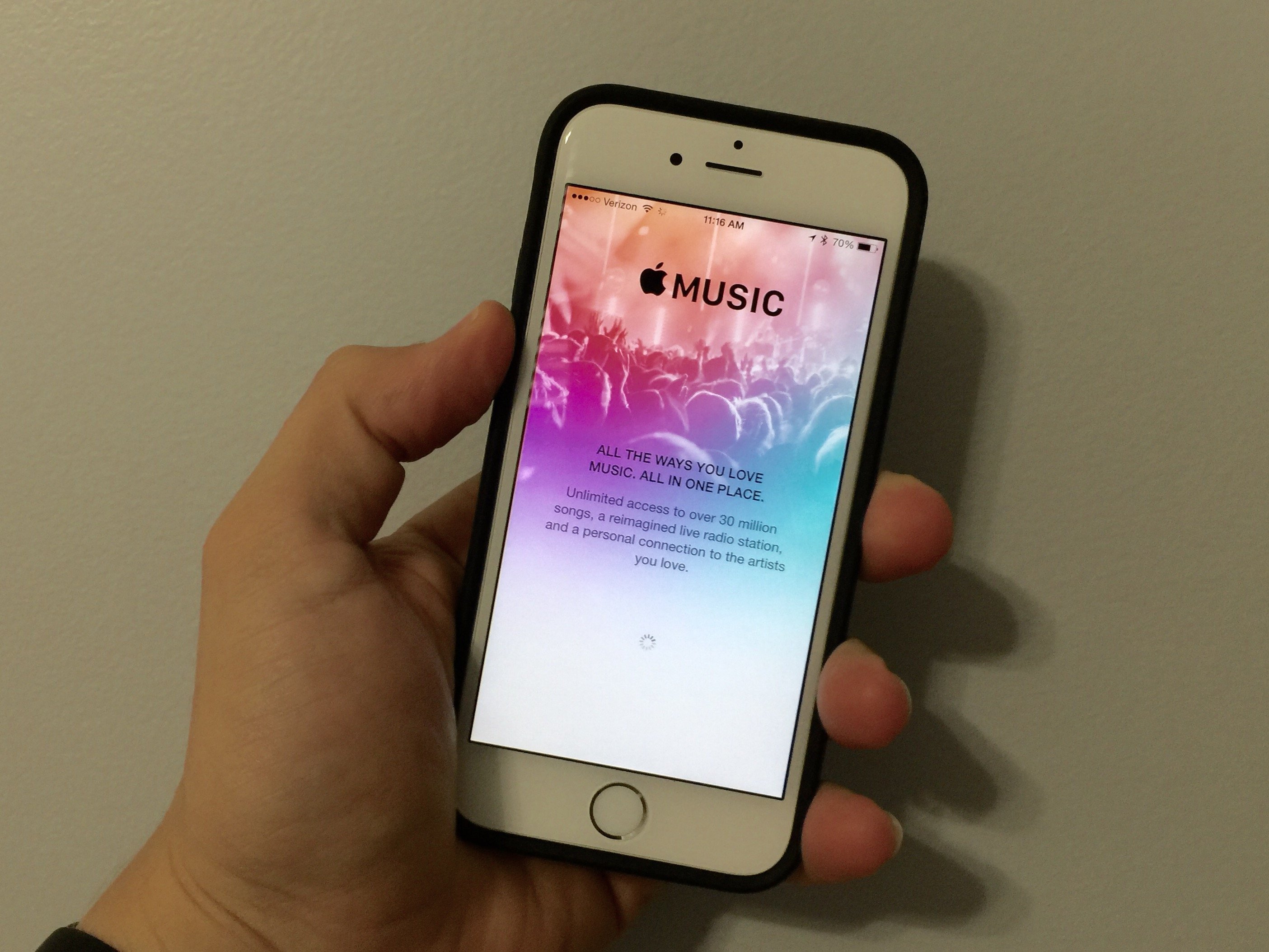
What’s new in iOS 8.4? There is more to the iOS 8.4 update than Apple Music, but that does play a major role in the update. The new iOS 8.4 features including important changes to the music player, where you’ll find audiobooks and other upgrades.
The iOS 8.4 update includes three important bug fixes for the iPhone and iPad, nine fixes and new features for iBooks and plenty of big Apple Music features.
The iOS 8.4 update is available on all devices already running iOS 8. This includes the iPhone 4s, iPhone 5, iPhone 5c, iPhone 5s, iPhone 6, iPhone 6 Plus, iPad 2 and newer iPads and the iPod touch 5th generation. If you are suffering from iOS 8.3 problems, you should count on this update to deliver fixes for common problems.

What’s new in iOS 8.4 and a closer look at the new Apple Music service.
There is a major overhaul to the look of the Apple Music app that spans even farther than just adding the Apple Music streaming service. many of the new iOS 8.4 features come inside the Music app on your iPhone, and are worth checking out even if you plan to use all of your own music.
Read: iPhone 7 Roundup
Read our iOS 8.4 installation guide for details on how to upgrade and keep in mind that you can still downgrade to iOS 8.3 for a limited time if you don’t like the new features and options.
Here’s a look at the most important iOS 8.4 features, and when applicable a look at how they compare to iOS 8.3.
[slides postid=302058]
