
Apps
Live.ly App: 7 Things to Know About Going Live on Musical.ly
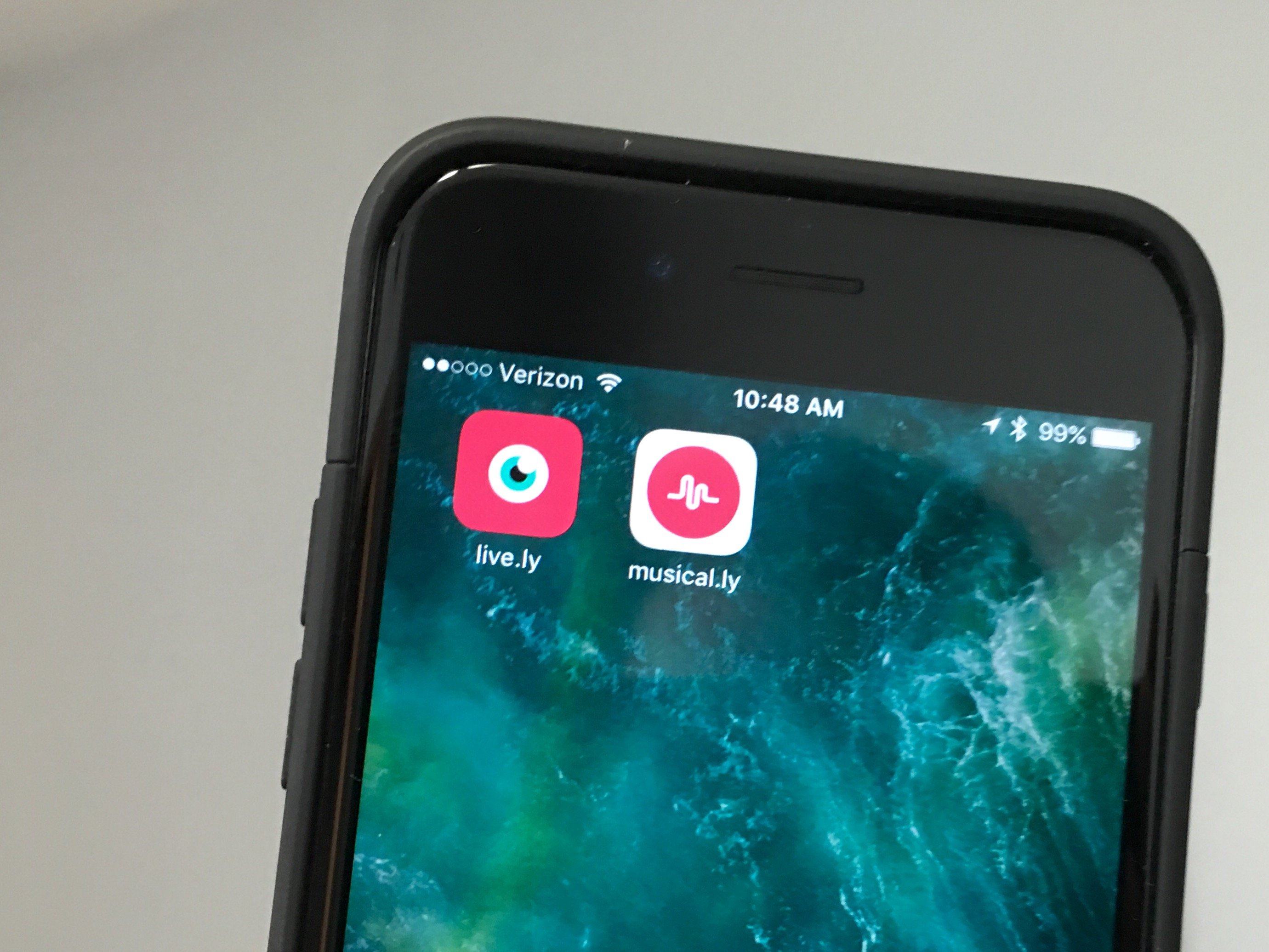
The Live.ly app is a live stream video app that connects Musical.ly creators with fans while streaming video similar to Periscope or Facebook Live. This is what you need to know about Live.ly for Musical.ly.
You’ve probably heard of Musical.ly, the lip syncing music video making app that still rules the world of music video voice overs.
With the Live.ly app, Musical.ly stars can start live streaming video to fans for new ways to interact. This came out of the Musical.ly app from seeing users sharing videos of animals, comedy and more. Originally only available to the biggest stars on Musical.ly, the Live.ly for Musical.ly app is now open to all users.
Check out the most important Live.ly for Musical.ly details that you need to know about.
What is Live.ly?
Live.ly is a live stream video platform that works inside of Musical.ly. It’s a lot like Facebook Live, but instead of relying on your Musical.ly friends and fans to follow you on other networks you can reach them right inside of the Musical.ly app.

The Live.ly app lets you go live on Musical.ly.
After a period where only the biggest Musical.ly stars could live stream, the Live.ly app is available for all users.
Instead of using a new feature inside the Musical.ly app, you need to download the Live.ly app and log in. With the ap you can share moments and connect with fans. This is not a live lip sync app.
Live.ly Confirmation & Permissions
Before you can go Live on Musical.ly with the Live.ly app you need to verify that you are over 13. To do this you must get a text message with a six digit code or have the service call and tell you a code.
There is no actual verification of your age, but you are stating that you are over 13, which is required to use Live.ly or Musical.ly.
How Go Live On Musical.ly
The first thing you need to do is download the Live.ly app for Live Video Streaming from the iTunes app store. This is not available on Android yet.
Once you open the Live.ly app, you need to login with your Musical.ly username and password. You can also log in with Facebook and Twitter. Make sure that you connect to the same account you use on Musical.ly so that you can reach the same fans.
When you are in the app you can tap Start a New Broadcast and then Go Live to start live streaming your videos to your Musical.ly fans. People can leave comments and more to interact with the streamer.
Live.ly Gifts
When you watch a Live.ly stream in Musical.ly you send a virtual gift to the person who is live.
There are no in-app purchases in Live.ly or Musical.ly, so you don’t need to pay for these.
It’s very possible that we will see some type of real gifting added in a future update, but for now there is no cost to give a Musical.ly gift when someone is streaming on Live.ly.
How to Watch Live.ly Videos
You can watch Live.ly video live streams in the Musical.ly app. The easiest way to do this is to follow someone so that you know when they are live.
Find the person you want to watch Live on Musical.ly. When you are looking at their profile tap on the bell in the upper right corner.
If the iPhone prompts you to allow Notifications for Musical.ly do that. When this person goes Live on Musical.ly you will get an alert so you can tune in.

Everything users need to know about the Live.ly app to go live on Musical.ly.
Live.ly Android Release
The Live.ly Android app is MIA on the Google Play Store. When Musical.ly first arrived on the scene it was on the iPhone only and then it hit Android and Amazon later.
We expect that there will be a Live.ly Android release date in the works so that users who are on Android can go Live on Musical.ly but the company has not shared any details yet.
Live Moments vs Live On Musical.ly
Musical.ly announced a new Live Moments feature on iPhone and Android recently, which is different than going live on Musical.ly with the Live.ly app.
Live Moments create a gif-like short that you can share with others. There is a special tab on the home page that highlights these.
Going Live on Musical.ly requires the Live.ly app and it is a live video stream of what your camera sees.
[slides postid=439950]
