
Apple
7 Things to Know About the iPhone 8 iOS 11.3.1 Update
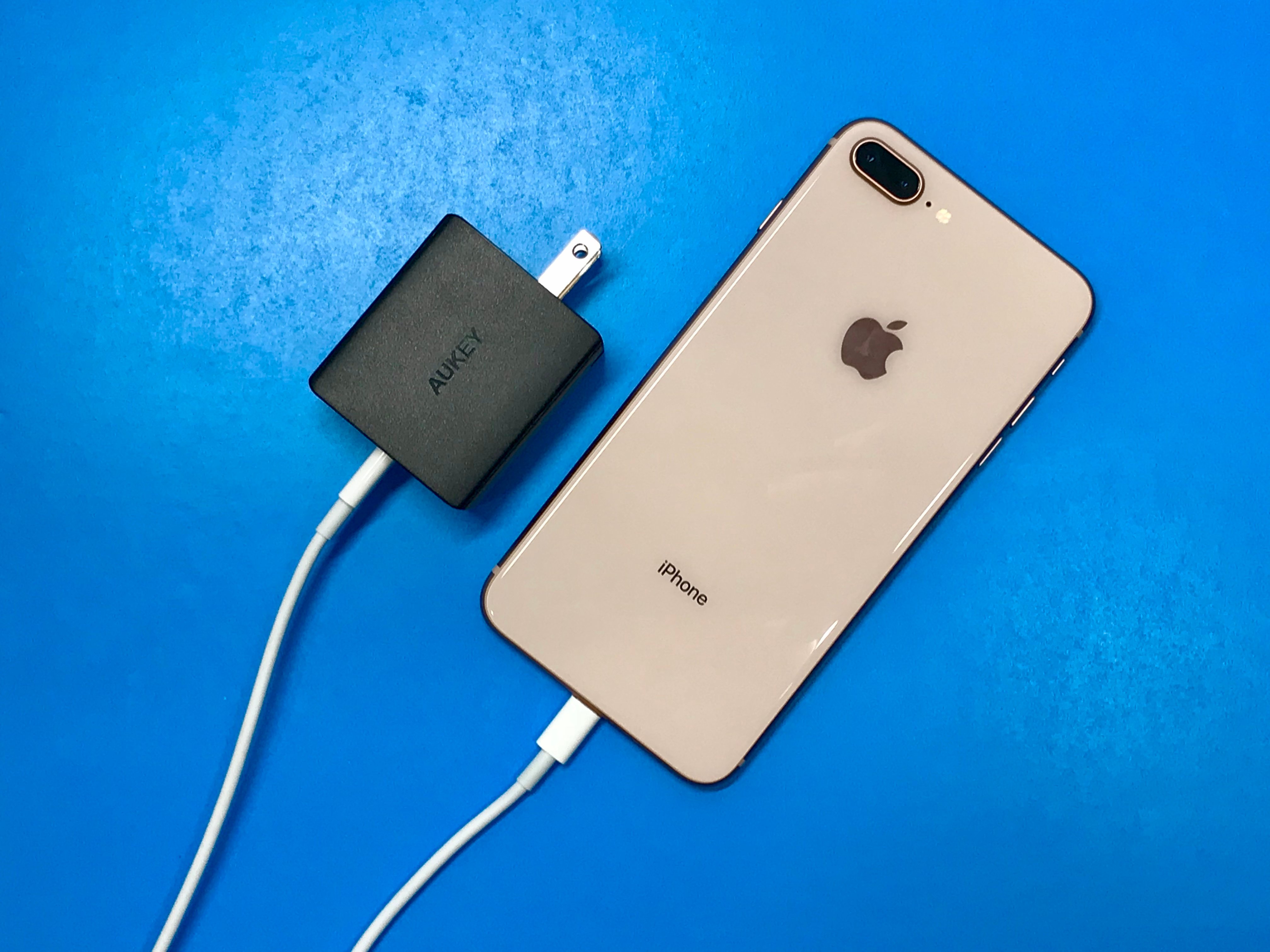
The iOS 11.3.1 update brings some important changes to the iPhone 8 and iPhone 8 Plus, but it could cause problems if you aren’t careful.
Apple’s released a new version of iOS 11 for the iPhone 8 and iPhone 8 Plus. iOS 11.3.1 is a maintenance release with a short list of patches including one for a nagging iPhone 8 problem.
iOS 11.3.1 is a key upgrade for the iPhone 8 and iPhone 8 Plus and it could have a significant impact on the performance of your device.
Some iPhone 8 users are noticing performance improvements, but others are running into bugs and frustrating problems including Bluetooth issues, problems with Wi-Fi, and various problems with first and third-party apps.
If you’re having a great experience on iOS 11.3 or below you need to be extremely careful if and when you decide to install the software on your iPhone 8 or 8 Plus.
If you’re upgrading from iOS 11.3, your iOS 11.3.1 update will be a fairly small download. If you decided to skip iOS 11.3, iOS 11.2.6, or any other iOS 11 update, your iOS 11.3.1 download will be much bigger and your installation will take longer because the changes from those updates are baked into your upgrade.
In this guide we’ll take you through some things you need to do before installing iOS 11.3.1 on your iPhone 8 or 8 Plus. We’ll also go over what you need to know about the iOS 11.3.1 jailbreak and what you need to know about the iOS 11.3.1 downgrade.
Before we get into all of that, here are our impressions of the iPhone 8 and iPhone 8 iOS 11.3.1 update. If you’re currently on the fence about downloading iOS 11.3.1, these could help you make a decision ahead of the next iOS 11 release.
[slides]
