
Android
Android 8.0 Oreo vs Android 7.0 Nougat Walkthrough: What to Know
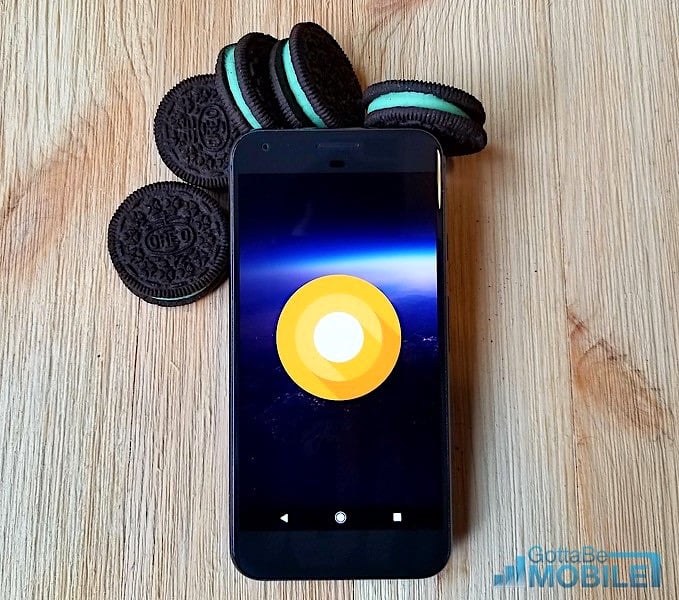
In this guide we’ll go over everything you need to know about the Android 8 Oreo software update for your phone or tablet. Then, we’ll compare the changes to Android 7.0 Nougat so you know what changed and what to expect on your device. Including any new features in 8.1 Oreo and more.
While Google recently released Android 9 Pie, most users just got the Android 8 update. Meaning Oreo is the software you’ll enjoy for the foreseeable future. You’ll find well over 50 changes in Oreo, but only a few are noticeable at first glance. That’s because most are behind the scenes tweaks but will still make a big difference for daily use.
Read: How to Use Android Oreo Picture-in-Picture Mode
Google promised a smarter, faster and more powerful experience on Android Oreo when they released it on August 21st, 2017. Then, manufacturers like Samsung or LG made a few additional changes. Some noteworthy features include bundled notifications, smart text selection, notification dots, picture-in-picture mode, AR, new Android emoji and more.

Oreo is a free software update for smartphones, tablets and media devices that support it. It first arrived back in August of 2017, and then Android 8.1 Oreo in December. Currently, most Google Pixel or Nexus phones already have Android 9 Pie. That said, everyone else is on Oreo or waiting for its arrival. If your phone didn’t get it yet, select products from Samsung, Motorola, OnePlus, HTC, Huawei, and others are on Oreo, it will get it soon. If you don’t have Android 8.1 you’ll skip right to Android 9 Pie in 2019.
And while we’ve seen a lot of updates arrive, millions of users still don’t have the latest software. That said, the biggest update came over the last 2-3 months to most Samsung Galaxy devices. If you just got Oreo, check out the slideshow below so you know what’s new and what changed.
Read: 100 Best Android Apps & Games
Most flagship high-end phones already have Oreo. However, we’re still expecting updates to older phones like the Galaxy S6, Note 5, Moto Z2, and the LG G5 at some point.

During Google’s initial announcement in 2017, they confirmed multiple key manufacturers have worked closely with them to offer updates to Android 8.0 Oreo faster than ever before. This isn’t the first time we’ve heard such a promise, but these are the company’s that tried to deliver software updates faster than ever before: Essential, General Mobile, HMD Global Home of Nokia Phones, Huawei, HTC, Kyocera, LG, Motorola, Samsung, Sharp, and Sony.
What’s New in Android 8.0 Oreo
These new Android 8.0 Oreo features allow you to do more with your phone and tablet. Users will enjoy bundled notifications that are easier to manage and read or the new picture-in-picture mode. Essentially allowing you to watch a video (or video chat) while doing other things on the phone at the same time. You’ll find adaptive and dynamic app icons, an easy text selection tool, and auto-fill in apps like Google Chrome.
Then, one of the most useful features is Android will now remember your passwords and logins inside apps. You probably noticed this as soon as you got Oreo, and it’s amazing. Don’t forget to expect faster performance, improved battery life, and better photography.

Here is a detailed list explaining many of the new features. Basically, expect a faster, smarter, and safer experience throughout. Keyword being smarter, as Google added tons of changes that happen automatically to make our devices better than ever.
Keep in mind that some of the changes detailed in our slideshow below are from Android 8.0 Oreo on a Pixel 2 device, or show Android 7.1.2 Nougat on a Pixel or Nexus 6P. Depending on what Android device you own, things may look slightly different. Not to mention some manufacturers like Samsung and HTC hand-pick which features to add to their phones, and leave others out.
Android 8.0 Oreo vs Android 7.0 Nougat Comparison Walkthrough
In closing, here is a slideshow explaining the many new features, and how they compare to Android Nougat. You can click any image below to instantly jump to that part of the slideshow to see what’s new for your phone. Additionally, the older Android 7.0 Nougat software will always be on the left (if available) while Android 8.0 Oreo features are on the right or by themselves.
Expect big companies like Samsung or HTC to include most of these changes, although they may look different. This is because manufacturers add their own skin to stock Android. Just keep that in mind as you explore everything that’s new. Enjoy Android 8.0 Oreo on your phone or tablet, and drop us a comment below with any questions or concerns. Then, check out what’s coming next in our Android 9 vs Android Oreo slideshow. Google released Android Pie in August, and we’re expecting updates later this year or in 2019. For now, it’s all about Oreo.
[slides]
