
Apple
3 Reasons Not to Install watchOS 5.3.2 & 9 Reasons You Should
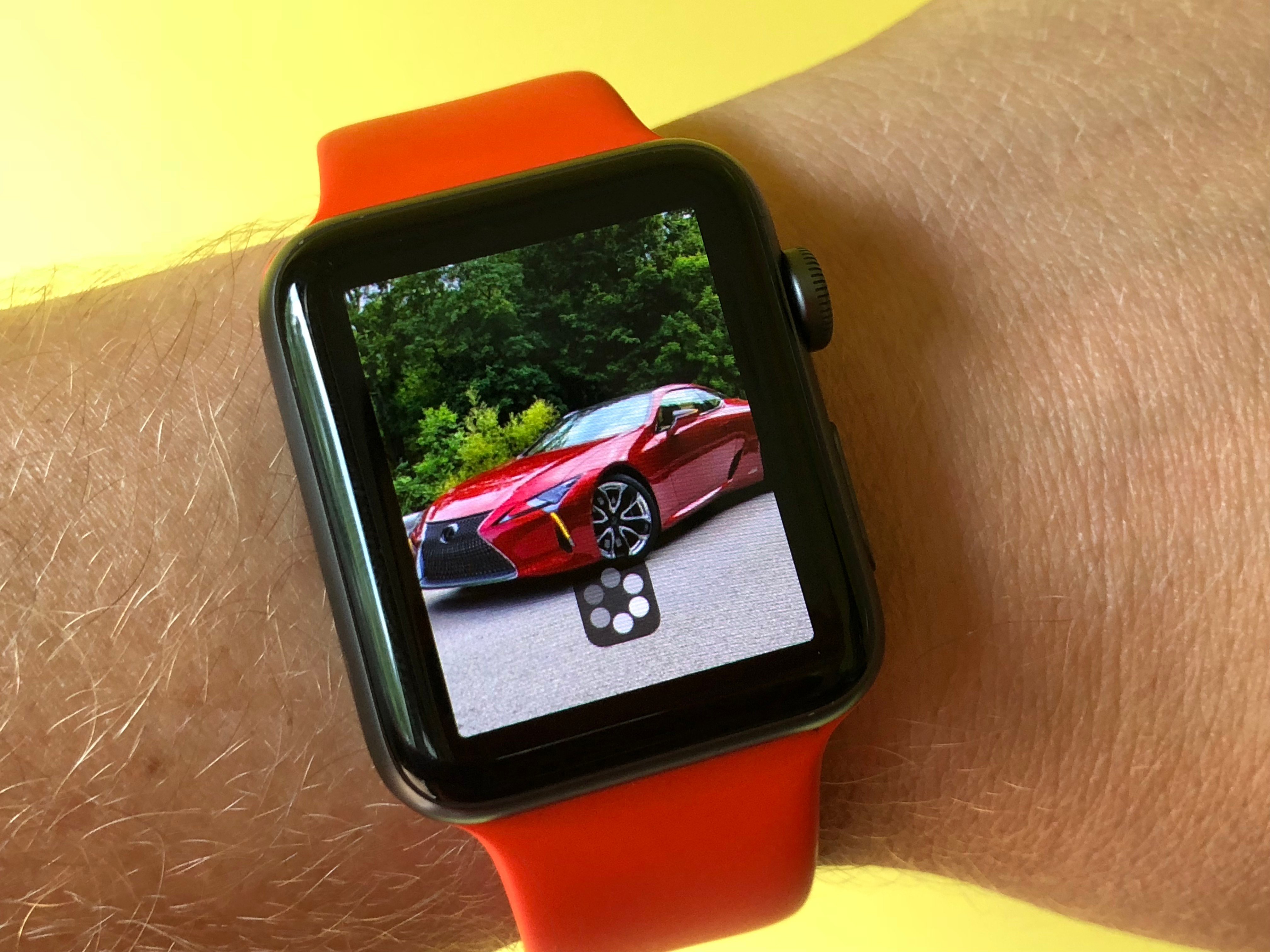
The watchOS 5.3.2 update brings bug fixes and security fixes to the Apple Watch. With any watchOS update, there are good reasons to upgrade right away, but there are also some reasons not to upgrade on day one — even if you are waiting for watchOS 6.
The watchOS 5.3.2 update is specifically for the Apple Watch Series 1 and Series 2. Both of these will get watchOS 6, but they aren’t getting the update yet and users may need to wait for watchOS 6.1.
Unlike the iOS 12 updates, you cannot go back to watchOS 4 or watchOS 5 if you don’t like this update. Apple’s watchOS 5.3.2 is available for all users to download on these two models.
It will take a while for you to install the watchOS 5.3.2 update to your Apple Watch, but not as long as the main watchOS 6 update. While you typically need to install a new iOS update, this watchOS 5.3.2 update should be available on iOS 12.4.1 update, iOS 12.4.2 or iOS 13.
Most of the reasons to install watchOS 5 and watchOS 5.3.2 are about the exciting new Apple Watch features that add to the long list of things the Apple Watch can do. There are also performance improvements and other upgrades. Keep in mind that you may run into watchOS 5 problems and you will need to wait for another update since there is no downgrade option.
There are loads of reasons to install watchOS 5 or watchOS 5.3.2 on your watch today, but there are also several very important reasons not to install this update yet.
[slides]
