
Gaming
Red Dead Online Problems & Fixes
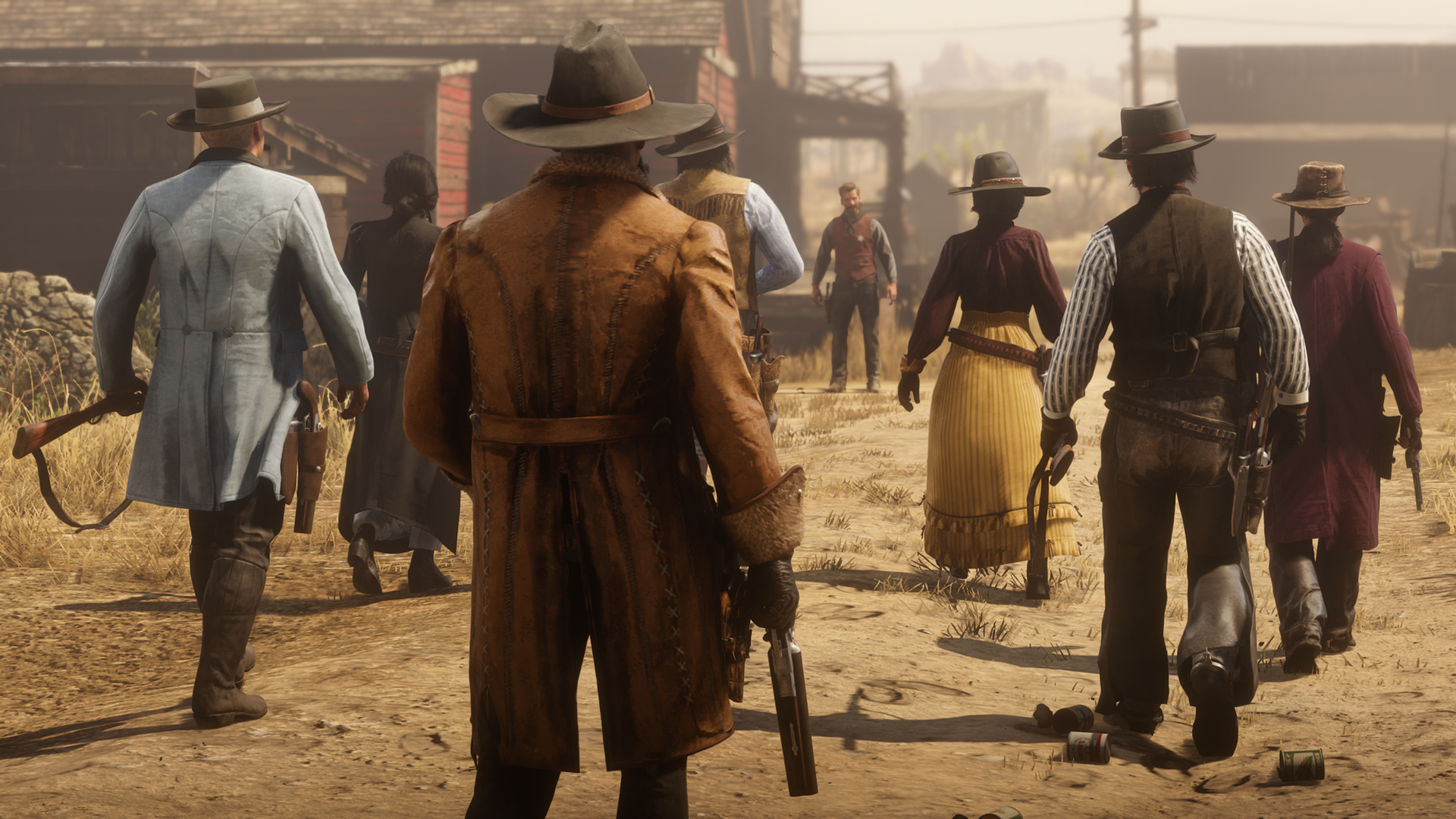
Red Dead Online, Red Dead Redemption 2’s multiplayer component, is live for some Xbox One and PlayStation 4 owners and many players are already running into issues.
Red Dead Redemption 2 launched in October though it did so without the game’s multiplayer mode. It took a month, but Rockstar’s finally launched Red Dead Online which allows you to explore the game’s massive open world with other players.
Red Dead Online is currently in beta which means it’s unfinished and buggy. Rockstar itself says it “may take several weeks or months” to fine tune the game as it “works to fix bugs, improve systems and implement player feedback into current or future plans.” Player feedback is going to be extremely important.
While some issues will require fixes from the developer, you should be able to fix other issues on your own. In this guide we want to take you through early Red Dead Online problems and provide you with some potential fixes.

Is Red Dead Online Down?
If you’re having trouble accessing Red Dead Online there’s a chance the issue is related to Rockstar’s servers. If you’re positive it’s not an issue on your end, you’ll want to investigate.
One place to do that is DownDetector. If you head over to DownDetector’s Red Dead Redemption page you can track server outages and read comments from other players having issues.
At some point, we expect Rockstar to add Red Dead Online to its own Service Status page, probably when the game is out of beta, so that’s a page you’ll want to bookmark for future use.
Can’t Access Red Dead Online
If you were trying to access Red Dead Online this morning and were unable to, know that Rockstar was having issues. Fortunately, the company has resolved the issue for Ultimate Edition users.
We have resolved an issue where eligible players were unable to access Red Dead Online Beta on Xbox One. Please restart your console and try again. Thank you for your patience.
— Rockstar Support (@RockstarSupport) November 27, 2018
If you ran into this issue, you’ll want to restart your game and try accessing the game again. If you still can’t access the game you’ll want to open a support ticket with Rockstar Support.
Red Dead Online Connection & Network Issues
There’s also a chance the connection issues you’re seeing are related to your setup. Here are a few things to try if you suddenly can’t connect to Red Dead Online.
First, make sure you have an active Xbox Live Gold or PlayStation Plus account. You need one of these memberships to play Red Dead Redemption 2 online.
If you know you’ve got an active membership, try restarting your router. Unplug your router, leave it off for a minute, and plug it back in. Open the game back up and try connecting to Red Dead Online again.
If you’re unable to connect to Red Dead Online when your console is coming out of a resting state, reset your console and try connecting again.
If you’re having issues hearing or joining with friends, you’ll want to check your system’s NAT settings. If you’re using a strict NAT type, you might encounter networking issues. Using an Open NAT type should remedy these issues.
Missing Red Dead Online Bonus Items
If you ordered the Red Dead Redemption 2 Ultimate Edition you’re entitled to several bonus items. If those bonus items aren’t showing up, you’ll want to submit a ticket with Rockstar Support.
How to Report Red Dead Online Problems
Rockstar isn’t shying away from these issues and it wants your help improving Red Dead Online. If you encounter a bug, an issue with your Achievements, a gameplay issue, a connection issue, or another problem, you’ll want to report it to the developer so it can get to work.

If you stumble upon a technical issue, you’ll want to head on over to the dedicated Rockstar Support site to find help or report the problem. Rockstar will update its support page with fixes as they’re found.
You can also head here to share your feedback about the Red Dead Online beta with Rockstar.
[slides postid=369707]
